TLDR
- Pick Gong if you run a large sales team and want AI answers from calls written into the CRM fields you choose.
- Pick Salesforce Sales Cloud with Momentum if Salesforce is your CRM and you would rather buy the note taker from the CRM vendor.
- Pick Sybill if you want deal fields filled after every call and can pay $90 per user a month.
- Pick Fathom, Fireflies.ai or Grain for the lowest published price on a plan that writes to CRM fields, from $19 to $29 per seat a month.
- Avoma and Otter.ai save notes to the CRM on cheaper plans, with field updates behind an add-on or user limits.
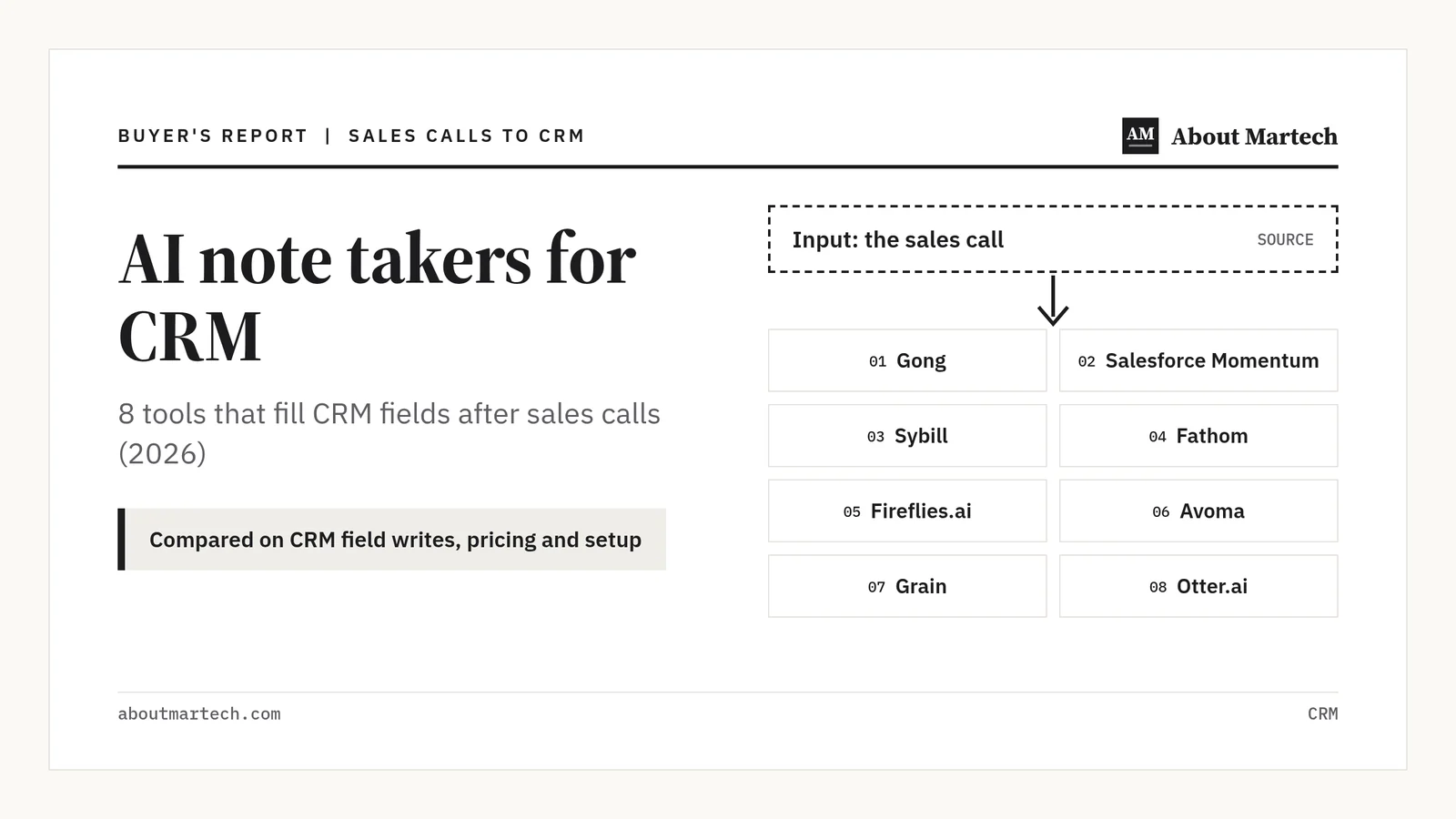
Yes, you can buy an AI note taker that joins your calls, writes the notes and fills CRM fields for you. The best AI note takers for CRM in 2026 are Gong, Salesforce Sales Cloud with Momentum, Sybill, Fathom, Fireflies.ai, Avoma, Grain and Otter.ai. They differ most on which plan writes to fields and how much control you get before data lands.
This guide is for RevOps, sales ops and marketing ops leads who own CRM data quality. Every price and feature below comes from a vendor pricing page or help doc read on October 29, 2026, linked next to the claim. Prices are in USD per user or seat a month, billed annually, unless we say otherwise.
In this guide
What does an AI note taker for CRM actually do?
An AI note taker for CRM joins or records a sales call, turns it into a transcript and summary, and then writes parts of that summary into CRM records. The useful part for RevOps is the last step: next steps, pain points or qualification answers landing in named deal fields without a rep typing them.
Most tools on this list do three levels of CRM work, and the plan you buy decides which one you get:
- Activity logging. The call, a summary and a recording link are saved to the contact, account or deal timeline.
- Notes sync. The summary is pushed into a notes field or note object on the record.
- Field updates. The tool extracts specific answers, such as budget or next step, and writes them into the CRM fields you map.
Field updates are what most buyers mean by “fills CRM fields”, and they are also where the price jumps. If your bigger problem is missing firmographic data, a CRM data enrichment tool is the better fix.
AI note takers for CRM compared: price, CRM writes and best fit
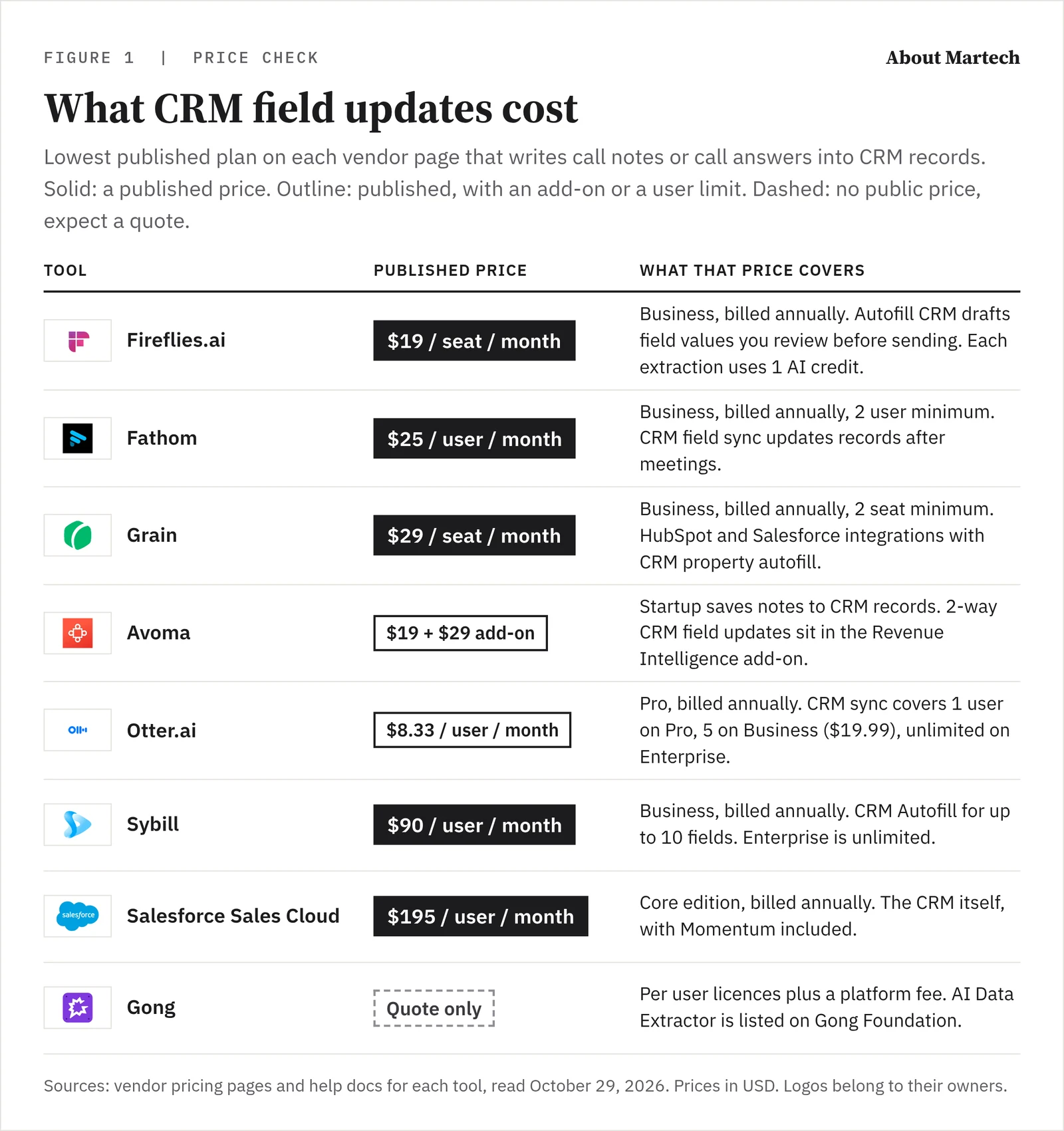
The table gives one line per tool: the lowest published price for the plan that updates CRM fields, what it writes, and who it suits. Prices are per user or seat a month, billed annually, from each vendor pricing page. Quote-only plans are marked. Swipe sideways on a phone to see every column.
| Tool | Price for CRM field updates | What it writes to the CRM | Best for |
|---|---|---|---|
| Gong | Quote only, per user plus a platform fee | AI Data Extractor answers into existing CRM fields | Large sales teams with a RevOps owner |
| Salesforce Sales Cloud with Momentum | Core $195, CRM included | Conversation capture and CRM Autopilot inside Salesforce | Teams standardised on Salesforce |
| Sybill | Business $90 | CRM Autofill for up to 10 fields; unlimited on Enterprise | Deal-focused teams that want MEDDPICC style fields filled |
| Fathom | Business $25, 2 user minimum | CRM field sync and Deal View | Small and mid-size teams on HubSpot or Salesforce |
| Fireflies.ai | Business $19 | Autofill CRM with review before sending | Teams on many CRMs, including Attio and Dynamics 365 |
| Avoma | Startup $19 plus $29 add-on | Notes on Startup; 2-way field updates with Revenue Intelligence | Teams on Zoho, Pipedrive or Copper |
| Grain | Business $29, 2 seat minimum | HubSpot property autofill; Salesforce activity logging | HubSpot teams that want a review step |
| Otter.ai | Pro $8.33, CRM sync for 1 user | Insights into custom text fields | Solo sellers and small teams on a tight budget |
Which AI note taker should update your CRM?
Each pick below has a short profile, a screenshot of its homepage, and a plain best for and not for line. The order runs from enterprise revenue platforms to lighter note takers: the first three suit larger sales teams, the last five leaner budgets.
1. Gong
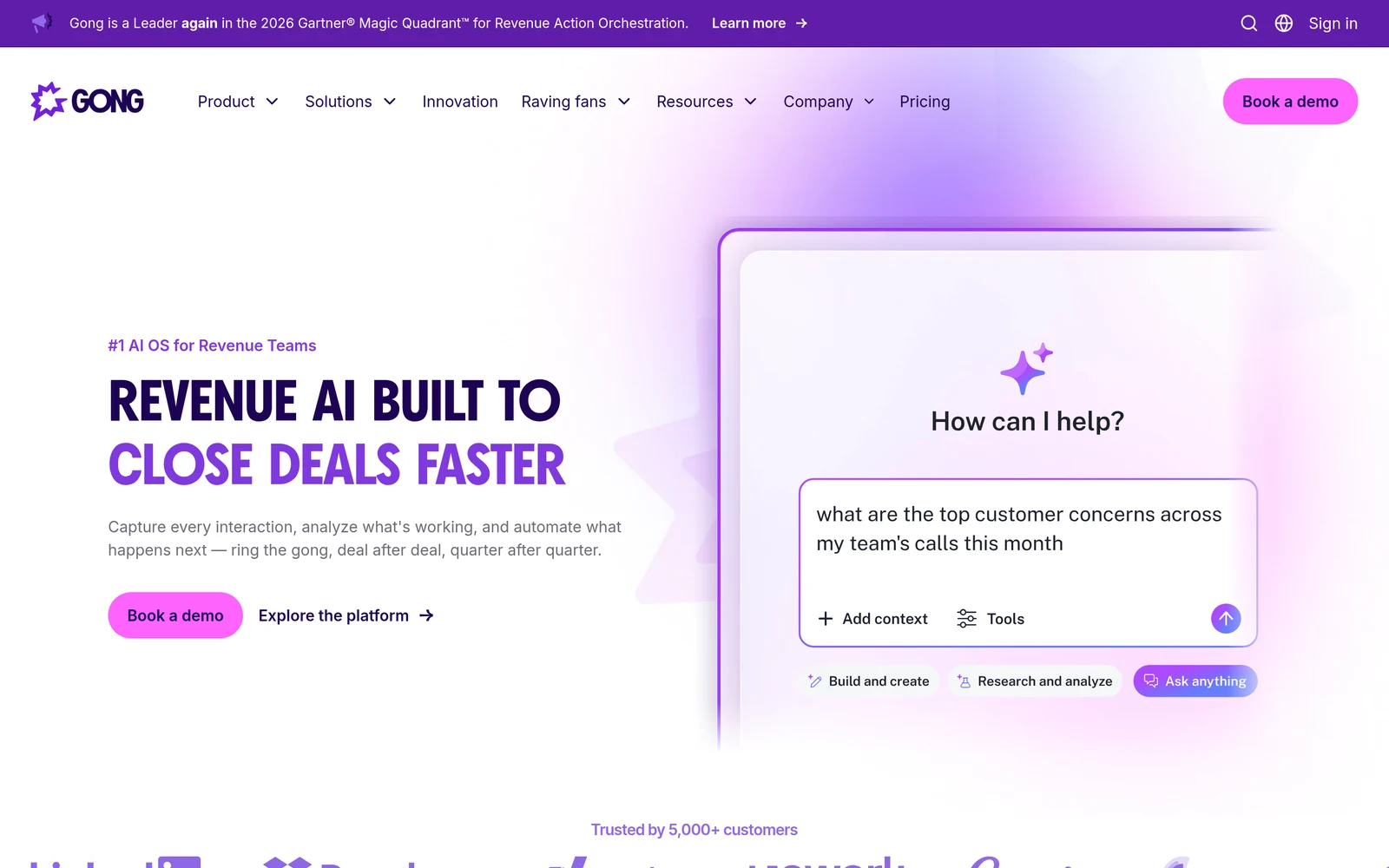
Gong AI Data Extractor is an AI agent that pulls details from calls and emails, saves them in Gong, and can write them to the CRM fields you choose. The help center lists it as available on Gong Foundation. Gong does not publish prices: its pricing page says licences are priced per user, plus a platform fee.
Plan the setup. Deal extractors write to existing CRM fields, so Gong does not create new fields for you. A workspace can publish up to 20 extractors, and Gong reads call data from the last six months for deals or accounts with a call in the last month.
Best for: large sales teams that already use Gong or want forecasting and coaching in the same tool. Our RevOps software guide covers that side of Gong. Not for: small teams that need a published price and a quick self-serve start.
2. Salesforce Sales Cloud with Momentum
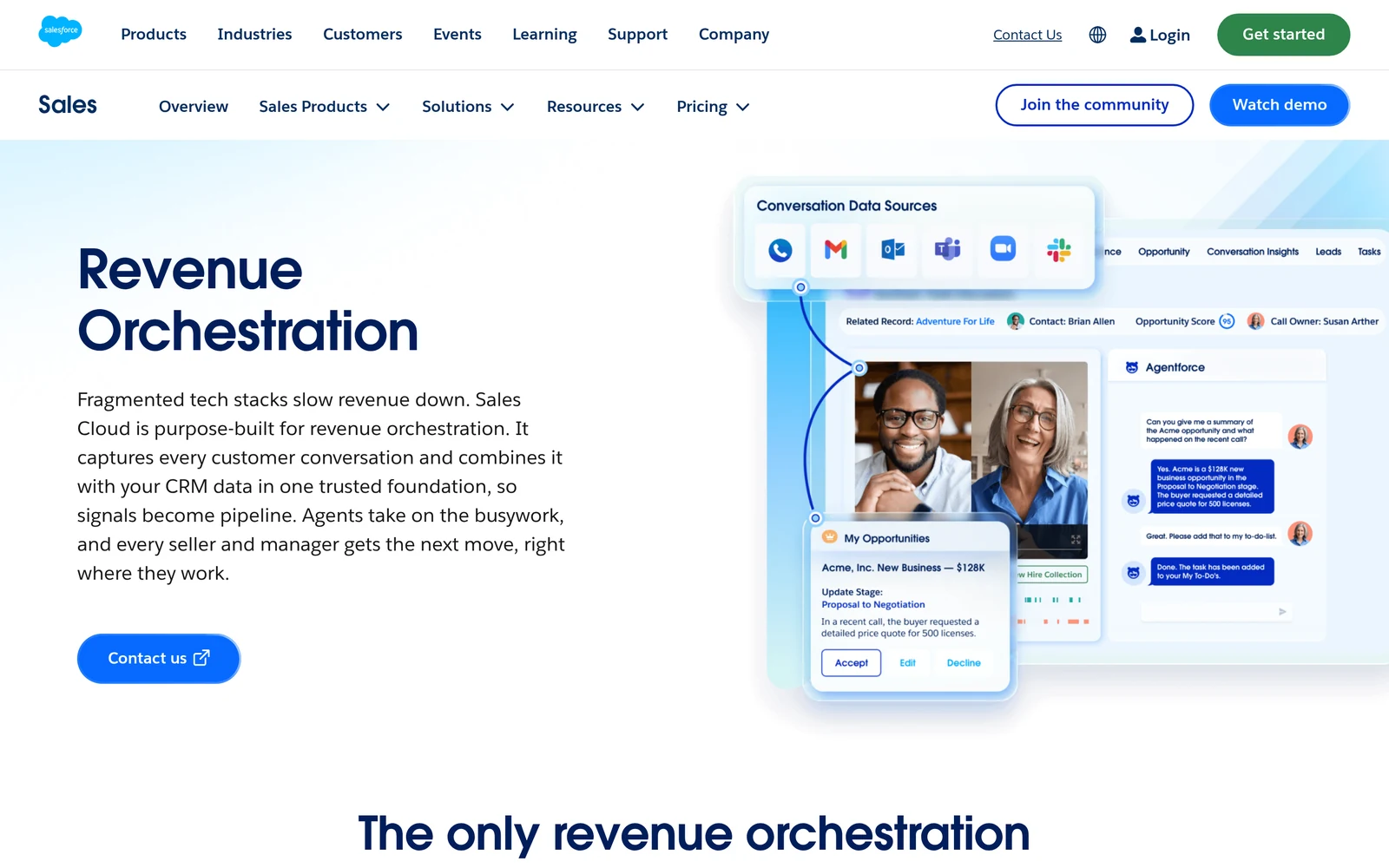
Salesforce agreed to acquire Momentum in February 2026, and its revenue orchestration page now lists Momentum Notetaker and CRM Autopilot under conversation capture. Salesforce says calls, emails, texts and calendar events are captured natively in Salesforce, which removes the sync between a separate note taker and the CRM.
Sales Cloud Core costs $195 per user a month, billed annually, and the page describes it as everything in Professional Edition plus Momentum and Premier Success. Advanced is $395 and Max is $550. The full revenue orchestration bundle, Agentforce for Sales, is an add-on for Core and Advanced and included with Max.
Best for: teams standardised on Salesforce that want one vendor for CRM and call capture. Check your lead-to-account matching first so captured calls land on the right account. Not for: HubSpot or other CRM shops.
3. Sybill
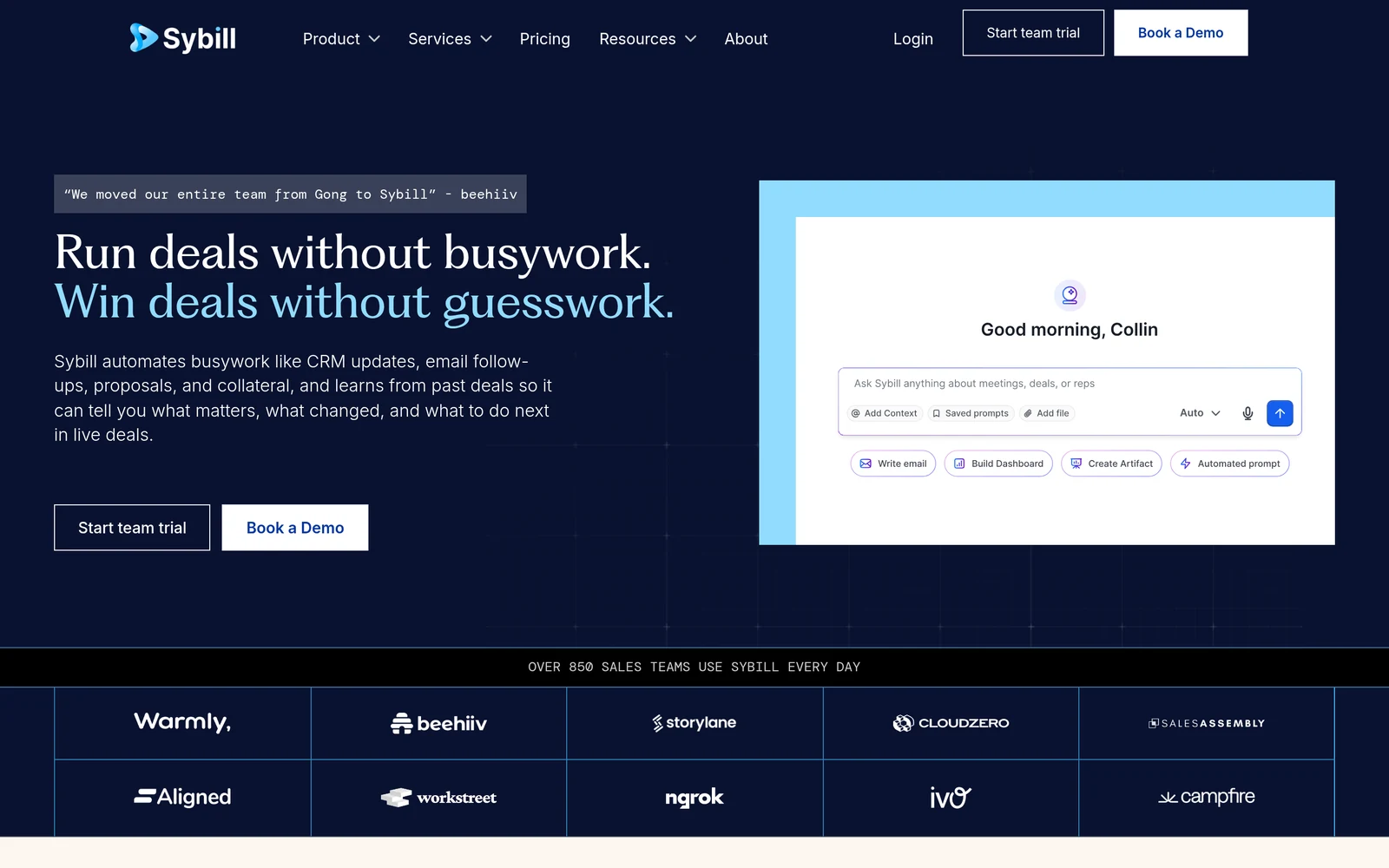
Sybill sells itself as a deal context layer for revenue teams, and CRM Autofill is the headline feature on its Business plan. Business costs $90 per user a month billed annually and includes CRM Autofill for 10 fields, plus API and MCP access. Enterprise is a custom price with unlimited CRM Autofill.
The Pro plan, at $30 per user a month, pushes meeting summaries to your CRM but does not autofill fields. Sybill runs on weekly AI credits, and its pricing page lists CRM Autofill among the actions that use them. A 14 day trial gives access to the Business plan without a credit card.
Best for: deal-focused sales teams that want qualification fields filled after each call. Not for: teams that need more than 10 autofilled fields without an Enterprise contract.
4. Fathom
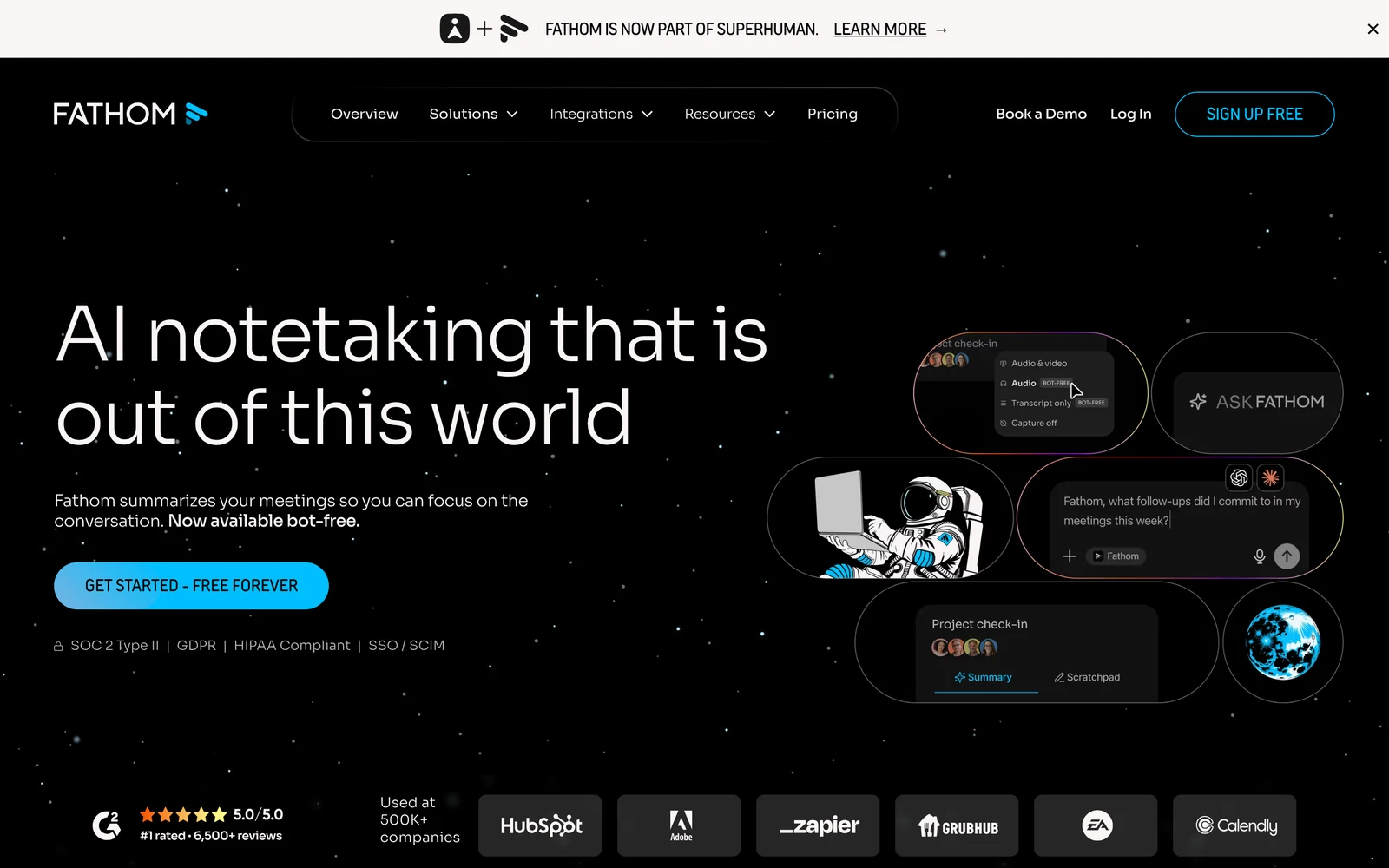
Fathom has a free plan, but CRM field sync sits on Business. Business costs $25 per user a month billed annually, with a 2 user minimum, and the pricing page describes the feature as updating records after meetings automatically. Business also adds Deal View, which summarises insights for each deal.
On Salesforce, field mapping and Deal View need a team-level connection and write to Text and Long Text Area fields, overwriting what was there. On HubSpot, summary sync to deal fields is on Business and Enterprise and writes to text properties. Fathom offers a 90 day guarantee on paid plans.
Best for: small and mid-size teams on HubSpot or Salesforce that want field updates at a low published price. Not for: teams that need picklist or number fields filled, since the help docs list text fields only.
5. Fireflies.ai
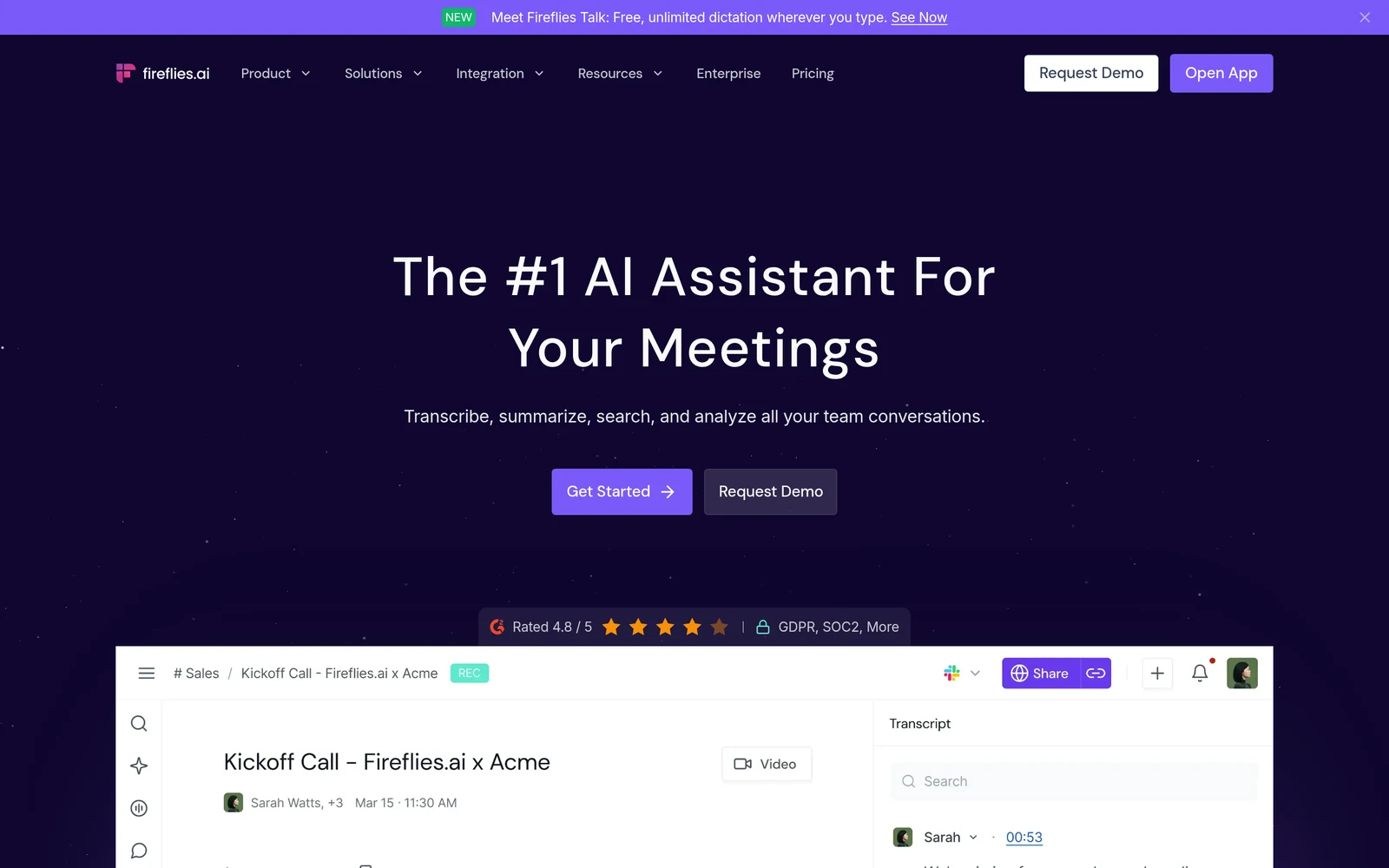
Fireflies.ai has the lowest published price on this list for a plan that fills CRM fields. Business costs $19 per seat a month billed annually, or $29 billed monthly, and includes Autofill CRM. Enterprise is $39 per seat a month, annual only. Pro, at $10 billed annually, does not include Autofill CRM.
The Autofill CRM for Salesforce guide says Fireflies prepares updates for contact, account and opportunity fields, and you review them before they are sent. Each extraction uses 1 AI credit. Salesforce needs an edition with REST API access, such as Enterprise or Unlimited. Fireflies also syncs notes to HubSpot, Attio, Dynamics 365 and other CRMs.
Best for: cost-conscious teams that want a human check before AI writes to the CRM. Not for: teams on Salesforce Professional without API access.
6. Avoma
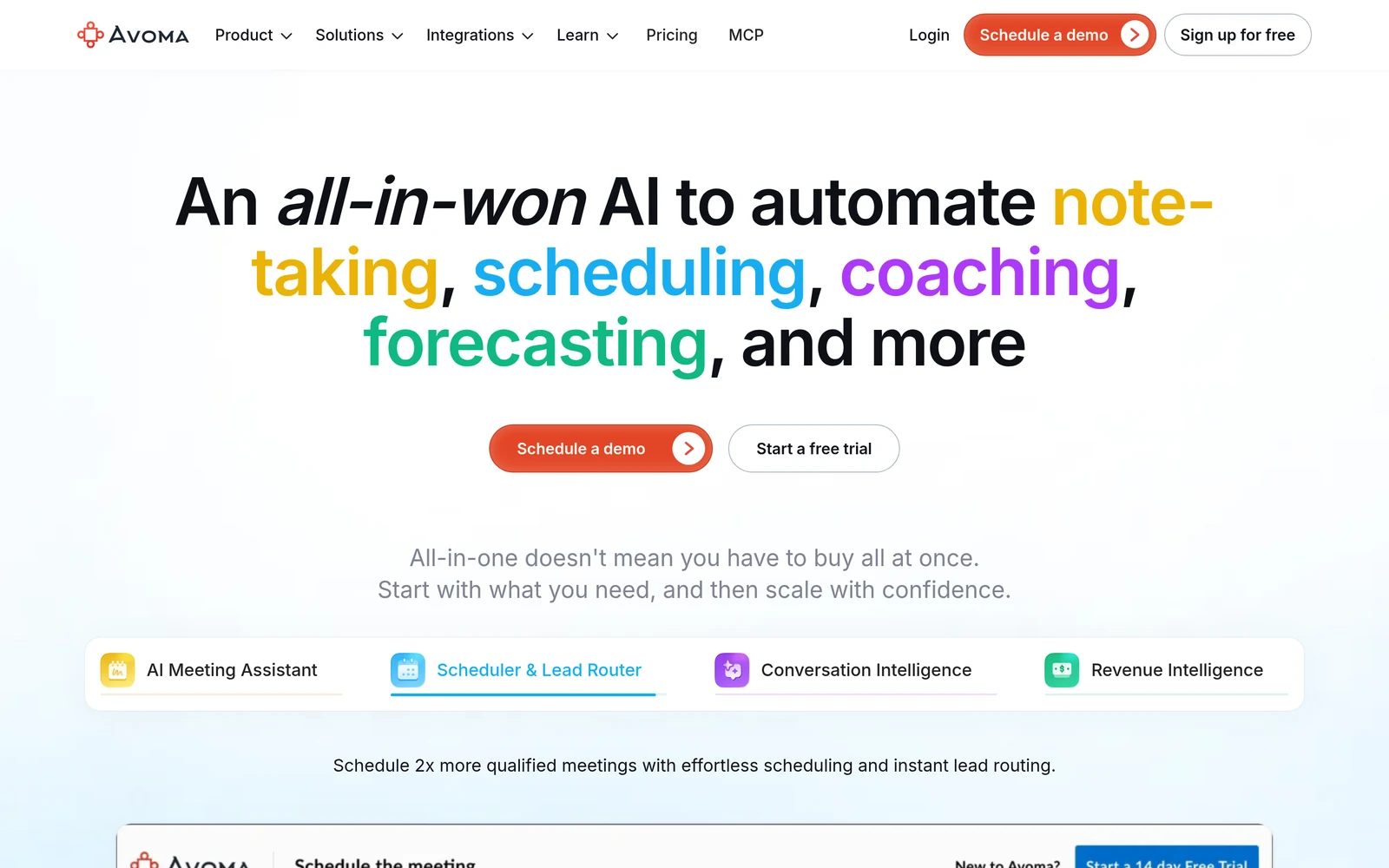
Avoma prices by recorder seat. Startup costs $19 per seat a month billed annually and includes auto save notes to CRM records for Salesforce, HubSpot, Zoho, Pipedrive and Copper. Organization costs $29, and Enterprise is $39 with a 10 seat minimum. Viewers are free, and there is a 14 day trial.
Field updates cost extra. The pricing table lists 2-way CRM field updates under the Revenue Intelligence add-on, at $29 per seat a month billed annually. A team that wants notes and field updates should budget for the base plan and the add-on together.
Best for: teams on Zoho, Pipedrive or Copper, which few other tools here name. Not for: teams that want field updates on the base price.
7. Grain
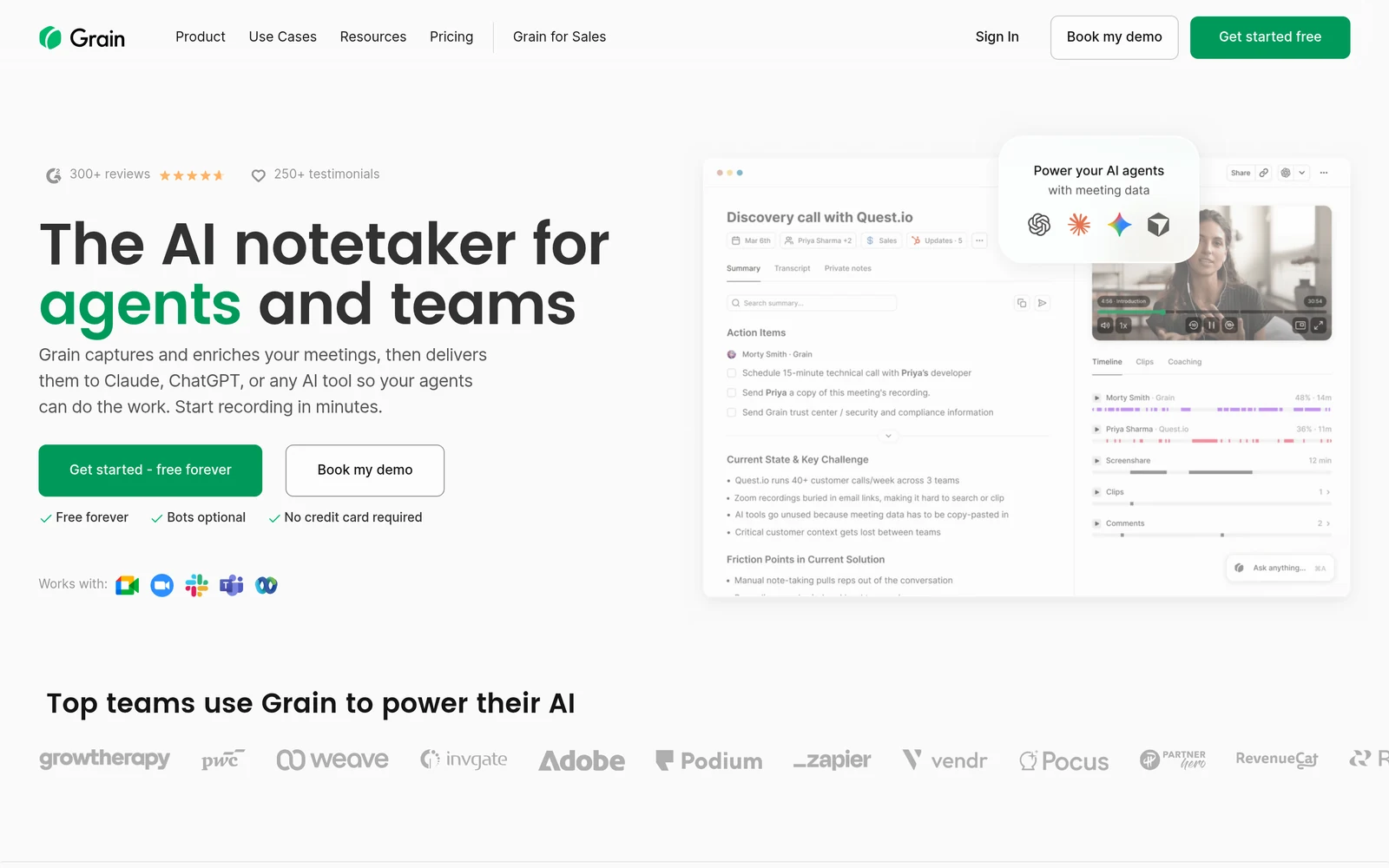
Grain puts its CRM integrations on Business, which costs $29 per seat a month billed annually, or $39 billed monthly, with a 2 seat minimum. The pricing page lists HubSpot and Salesforce integrations and CRM property autofill on that plan, and the HubSpot guide says the integration needs Business or above.
The Grain HubSpot guide says you can map meeting data to any deal, contact or company property, and switch on a require review step before anything is written. Grain appends to notes instead of overwriting them. On Salesforce, Grain logs meetings as activity with notes and a recording link.
Best for: HubSpot teams that want property autofill with a review step. Not for: Salesforce teams that need field-level writes.
8. Otter.ai
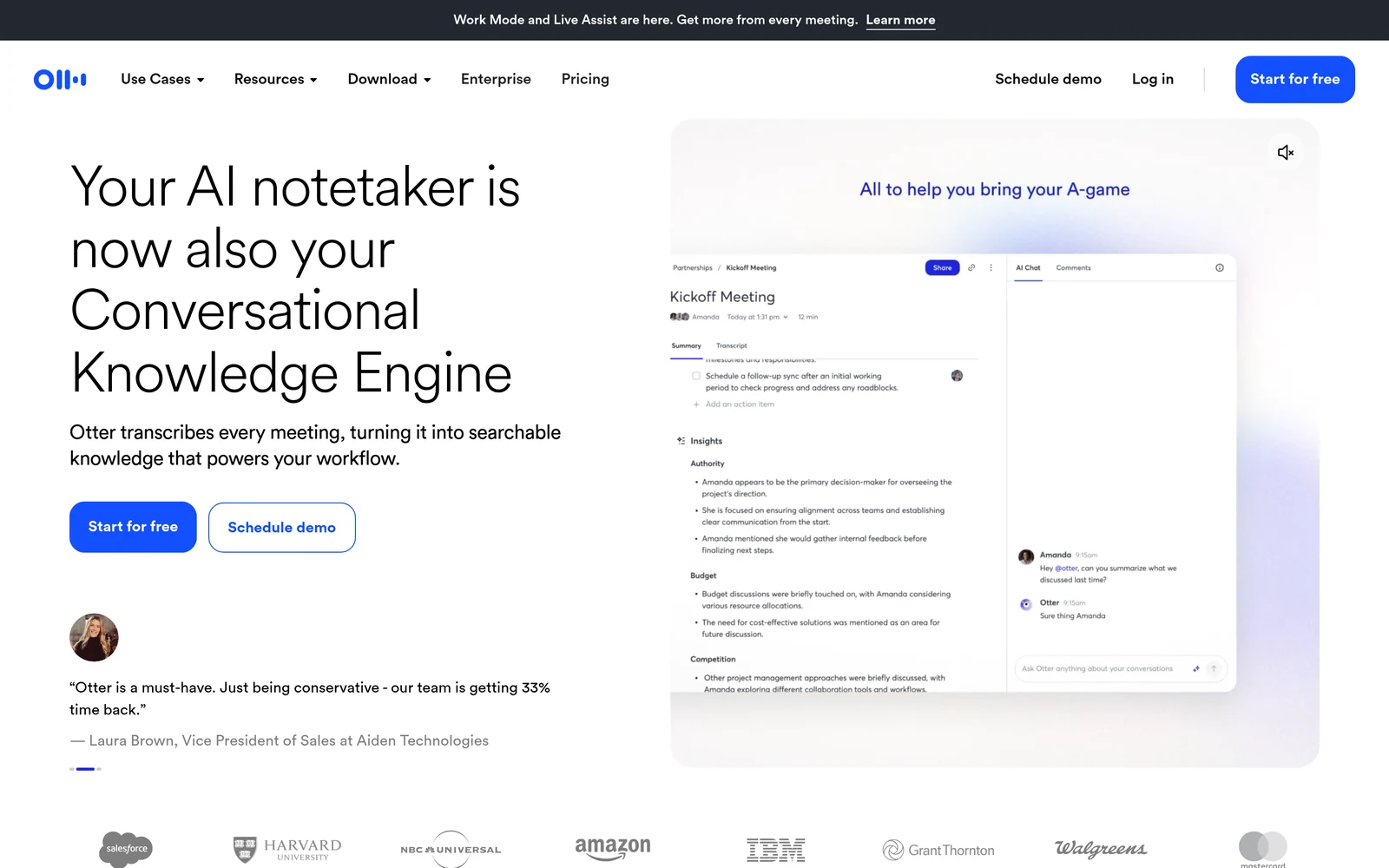
Otter.ai has the lowest entry price with a CRM integration. Pro costs $8.33 per user a month billed annually and includes Salesforce and HubSpot, but the pricing page says the CRM integrations have user limits. Synced notes cover 1 user on Pro, 5 on Business at $19.99, and unlimited users on Enterprise.
Otter can sync insights to custom text fields on Salesforce opportunities or HubSpot deals, with a choice to write if empty, overwrite or append. Setting this up for a whole team needs an Otter workspace admin who is also a Salesforce admin. Enterprise adds the Otter Sales Notetaker.
Best for: solo sellers and small teams that want notes in the CRM for the least money. Not for: sales teams of more than 5 people who are not ready for an Enterprise contract.
How much does an AI note taker for CRM cost?
A plan that writes call data into CRM fields starts at $19 per seat a month billed annually on Fireflies.ai Business. Avoma needs $19 plus a $29 add-on. Fathom and Grain start at $25 and $29 with a 2 seat minimum. Sybill is $90, Sales Cloud Core $195, and Gong is quote only.
Three costs hide behind the headline price:
- Seat minimums. Fathom Business and Grain Business need at least 2 seats, and Avoma Enterprise needs 10.
- Credits. Fireflies.ai and Sybill count CRM extractions against AI credits, so heavy call volume can need more credits.
- Add-ons and user caps. Avoma field updates need the Revenue Intelligence add-on, and Otter.ai limits CRM sync by plan.
How do you keep AI-written CRM data clean?
Keep AI-written CRM data clean by choosing a short list of fields, testing on one team, and turning on review where the tool offers it. Fireflies.ai and Grain let reps review values before they are written. Otter.ai can write only when a field is empty, while Fathom overwrites the mapped field.
- Start with 5 to 10 fields. Next step, pain, budget and timeline cover most deal reviews. Sybill Business caps autofill at 10 fields anyway.
- Use text fields first. Fathom and Otter.ai document text fields only, so keep picklists and stages under rep or rule control.
- Create fields before you map. Gong writes to existing CRM fields and does not create them.
- Decide overwrite or append. Pick one rule per field so a short follow-up call does not wipe a detailed first call.
- Check the record match. AI notes only help if the call lands on the right deal, so review routing rules and your lead scoring inputs after go-live.
If you need help running the rollout, a RevOps consulting firm can own the field plan and the pilot.
Frequently asked questions about AI note takers for CRM
Is there an AI tool that takes notes and fills CRM fields?
Yes. Gong, Sybill, Fathom, Fireflies.ai, Avoma, Grain and Otter.ai can all write call details into CRM fields on some plans, and Salesforce builds this into Sales Cloud with Momentum. The feature usually sits on a business tier, so check the exact plan name on the pricing page before you buy.
What is the cheapest AI note taker that updates CRM fields?
Fireflies.ai Business is the cheapest published plan on this list with CRM autofill, at $19 per seat a month billed annually. Avoma Startup is also $19 but needs a $29 add-on for field updates. Otter.ai Pro is $8.33 and syncs notes for one user, with field writes limited to custom text fields.
Which AI note taker works best with Salesforce?
Salesforce Sales Cloud with Momentum works most natively, since the note taker is part of the CRM. Among separate tools, Gong, Fathom, Fireflies.ai and Otter.ai write to Salesforce fields on the right plan. Fireflies.ai needs a Salesforce edition with API access, and Otter.ai needs a workspace admin who is also a Salesforce admin.
Which AI note taker works best with HubSpot?
Fathom, Grain and Fireflies.ai are strong HubSpot picks. Fathom syncs summaries to HubSpot deal properties on Business, and Grain maps meeting data to deal, contact or company properties with an optional review step. Fireflies.ai autofills HubSpot fields on Business. Otter.ai connects to HubSpot from Pro, with user limits by plan.
Does Gong publish its pricing?
No. Gong prices are quote only. Its pricing page says licences are priced per user, with a platform fee based on the number of users, and that integrating your existing tech stack is free. AI Data Extractor, the feature that writes call answers into CRM fields, is listed as available on Gong Foundation.
Can AI note takers overwrite good CRM data?
They can, so set the write rule per field: Fathom overwrites the mapped Salesforce field, while Otter.ai lets you write only if empty, overwrite or append. Grain appends to HubSpot notes, and Fireflies.ai and Grain both offer a review step. Test on one team for a few weeks before you roll out.
Do AI note takers work for marketing ops teams?
Yes, when the goal is better CRM data for routing, scoring and attribution. Marketing ops teams use the extracted fields, such as pain point, competitor or timeline, to build segments and score leads. The tools sit with sales, so agree on field names and owners with RevOps before you map anything.
The verdict: which AI note taker should fill your CRM?
Let your CRM and team size choose. Large Salesforce or HubSpot sales teams with a RevOps owner should get a Gong quote. Salesforce-only teams should price Sales Cloud with Momentum. Teams that want deal fields filled after every call, at a published price, should compare Sybill Business with Fathom Business.
For leaner budgets, Fireflies.ai Business has the lowest published price for CRM autofill, Grain fits HubSpot teams that want a review step, and Avoma or Otter.ai cover notes sync on a small budget. Start with a short field list and a one-team pilot. For the wider stack, see our AI marketing tools guide.