TLDR
- Web analytics tools like Google Analytics 4 miss entire categories of mobile app events: background sessions, push notification opens, in-app purchase receipts, and deep link attribution all require a mobile SDK to capture correctly.
- Firebase is the free baseline almost every mobile team starts with, but it lacks funnel depth and cohort flexibility that growth teams need past the first few months.
- Amplitude and Mixpanel overlap heavily for web product analytics, but their mobile SDKs, crash reporting depth, and session definitions diverge in ways that matter for iOS and Android teams.
- Mobile app analytics platforms are not the same as mobile measurement partners (MMPs). MMPs like AppsFlyer and Adjust handle paid-channel attribution; analytics platforms handle post-install behavioral depth.
- For most teams under 500K monthly active users, a free Firebase plus one behavioral analytics layer covers the gap without enterprise pricing.
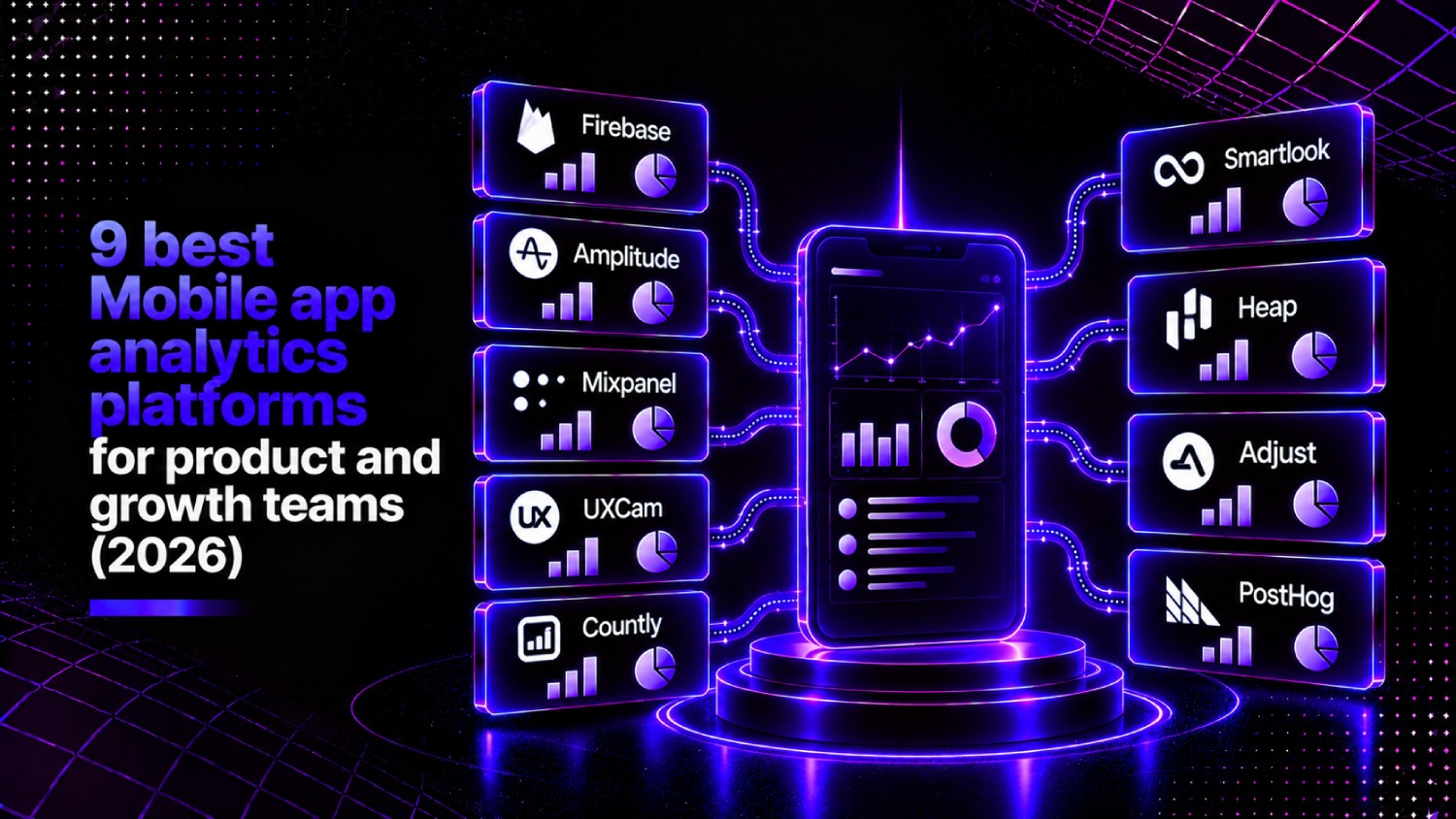
The best mobile app analytics platforms in 2026 are Firebase (free, best starting point), Amplitude (best for behavioral depth and cohort analysis), Mixpanel (best for product and growth teams who query their own data), UXCam (best for session replay and UX diagnostics), Countly (best self-hosted option), Smartlook (best for privacy-conscious mobile teams), Heap (best for retroactive event capture), Adjust (best when attribution and analytics must live in one place), and Posthog (best open-source option for engineering-led teams).
Why web analytics tools fail mobile apps
Drop a GA4 tag on a mobile app and you will capture almost nothing useful. Sessions reset incorrectly, background events vanish, and the entire push notification funnel is invisible. Web tools are built around page views and cookies; mobile apps generate events in fundamentally different contexts: foreground, background, offline, re-engaged via deep link.
A dedicated mobile app analytics platform captures what happens between installs and revenue. That means in-app events tied to a persistent device or user ID, session definitions that respect iOS and Android lifecycle rules, and SDK-level access to purchase receipts, notification opens, and crash context. None of that is available by default in web analytics.
There is also a common category confusion worth clearing up before comparing tools. Mobile measurement partners (MMPs) like AppsFlyer, Adjust, and Branch focus on paid-channel attribution: which ad network drove which install. Mobile app analytics platforms focus on what users do after they install. Some tools do both; most specialize in one. If you are evaluating attribution, the best mobile app attribution tools list covers that ground separately.
The AboutMartech SDK-First Filter: how to evaluate a mobile analytics platform before pricing matters
Most buying guides lead with pricing or feature checklists. This one starts with a four-part SDK-First Filter, because a tool with a broken or outdated SDK will corrupt your data regardless of how good its dashboards look. Run these checks before you open a pricing page.
- Native SDK freshness: Check the platform’s GitHub repo. When was the iOS and Android SDK last committed? If the Android SDK has not been touched in six months, consider that a warning sign, not a dealbreaker, but a signal worth investigating.
- iOS ATT compliance: After Apple’s App Tracking Transparency framework, any SDK that relies on IDFA without a proper ATT permission prompt will generate garbage attribution data. Ask the vendor how they handle SKAdNetwork postbacks and modeled attribution for opted-out users.
- Offline event queuing: Mobile users lose connectivity. A good SDK queues events locally and flushes them when the connection resumes without creating duplicate events. Ask whether the SDK uses idempotency keys.
- Battery and performance overhead: A poorly written SDK that drains battery or adds startup latency will get removed by your engineering team. Request third-party benchmark data or run a profiling session in Xcode Instruments before committing.
What is the difference between a mobile app analytics platform and an MMP?
A mobile measurement partner answers one question: which marketing channel drove this install and subsequent conversion? An app analytics platform answers a different question: what did users do inside the app, and why did some churn while others retained?
The distinction matters for budget allocation. MMPs bill on attributed installs or events; analytics platforms bill on monthly tracked users or event volume. Running both is common for growth teams at scale. Running only an MMP and mistaking it for full analytics is how teams end up with clean install attribution and zero visibility into their onboarding funnel drop-off.
For a deeper look at how attribution logic works across channels, the best marketing attribution tools breakdown covers the MMP-to-CRM connection that most app teams set up alongside their analytics stack.
SDK support: which platforms cover iOS, Android, React Native, and Flutter
| Platform | iOS SDK | Android SDK | React Native | Flutter | Unity | Server-side API |
|---|---|---|---|---|---|---|
| Firebase | Yes | Yes | Community | Yes (FlutterFire) | Yes | Yes |
| Amplitude | Yes | Yes | Yes | Yes | Yes | Yes |
| Mixpanel | Yes | Yes | Yes | Community | No | Yes |
| UXCam | Yes | Yes | Yes | Yes | No | No |
| Countly | Yes | Yes | Yes | Yes | Yes | Yes |
| Smartlook | Yes | Yes | Yes | Yes | No | No |
| Heap | Yes | Yes | Yes | No | No | Yes |
| Adjust | Yes | Yes | Yes | Yes | Yes | Yes |
| PostHog | Yes | Yes | Yes | Yes | No | Yes |
The 9 best mobile app analytics platforms compared
1. Firebase (Google Analytics for Firebase)
Firebase is the default starting point for mobile app analytics, and for teams with under a few hundred thousand monthly active users, it may be the only tool they ever need. According to Google’s public product page, it offers free, unlimited reporting on up to 500 distinct event types, with automatic capture of session starts, first opens, in-app purchases, and notification opens.
The SDK is deeply integrated into the iOS and Android build process, with FlutterFire providing one of the most complete Flutter integrations in the category. BigQuery export is free on the Spark plan for Android, which means engineering teams can run custom SQL on raw event data without paying for a BI tool license.
Where Firebase falls short is funnel analysis and cohort depth. The Firebase console shows basic retention and funnel views, but it does not let you define behavioral cohorts with the flexibility of Amplitude or Mixpanel. Teams that need to ask “show me users who completed onboarding but churned before week three” will hit the console’s limits fast and start exporting to BigQuery for every non-trivial query. Firebase is the right foundation; it is rarely the right final answer for a scaling growth team.
Best for: Early-stage apps, gaming studios, and any team that needs a free, deeply integrated baseline before layering behavioral tools on top.
2. Amplitude
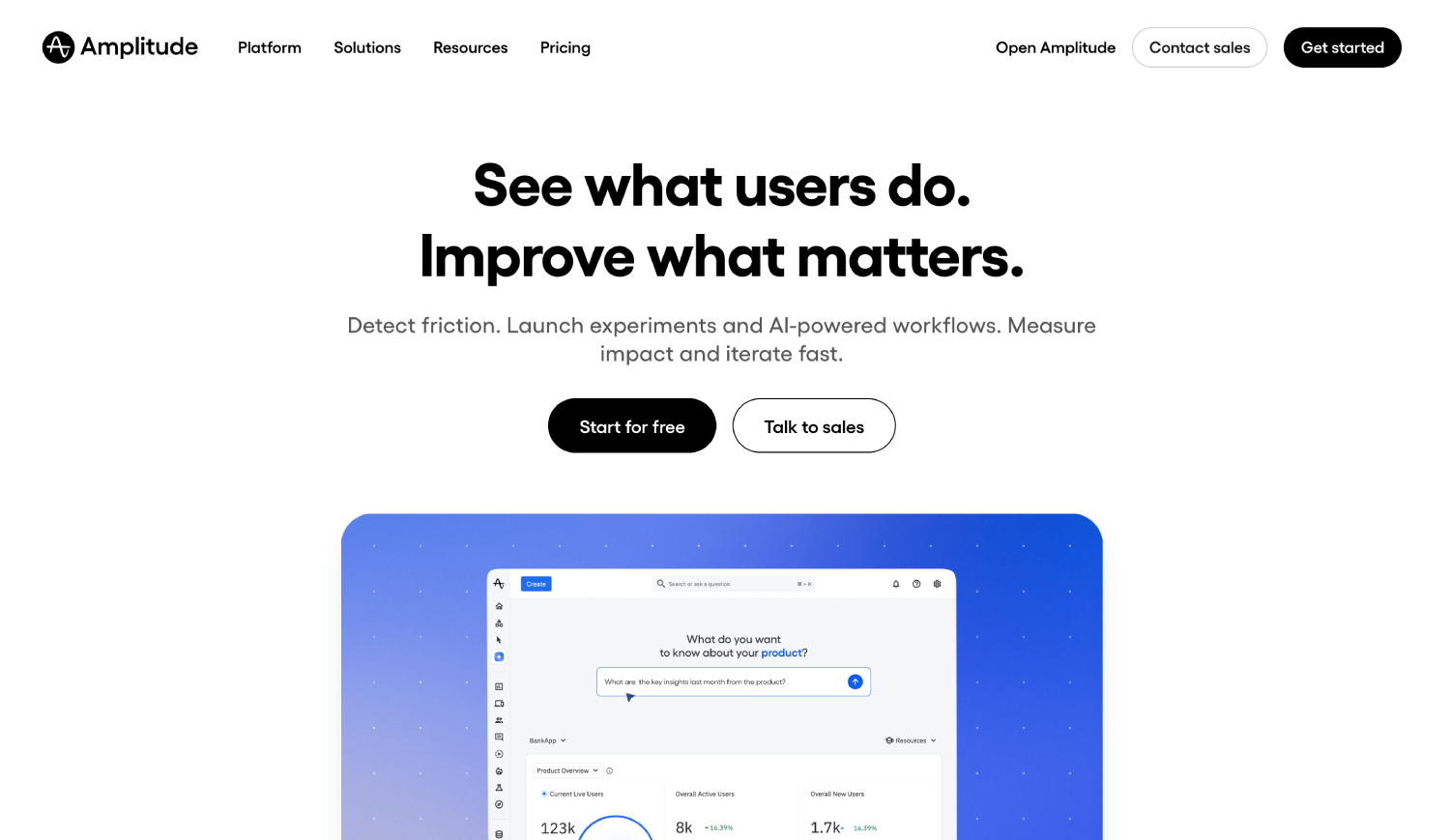
Amplitude is the most complete behavioral analytics platform for mobile apps that need cohort analysis, retention modeling, and experimentation in a single interface. Its Starter plan is free and includes unlimited events up to a cap based on monthly tracked users, making it accessible before growth justifies enterprise pricing.
The Amplitude SDK for iOS and Android uses a batching and retry mechanism that handles offline queuing correctly. Amplitude’s Session Replay feature, which it has expanded to mobile, lets product teams watch actual user sessions filtered by behavioral segment rather than randomly sampled. That is a meaningful difference from tools that only offer random session samples.
Amplitude’s growth and enterprise tiers are quote-based. Teams evaluating Amplitude alongside Mixpanel will find the two products comparable for most funnel and cohort use cases, but Amplitude’s Experiment product gives it an edge when the team wants to run feature flags and A/B tests through the same platform. For a detailed comparison of where the two products diverge, see the Mixpanel vs Amplitude breakdown.
Best for: Product and growth teams at Series A and beyond who need cohort depth, retention modeling, and experimentation without stitching together three separate tools.
3. Mixpanel
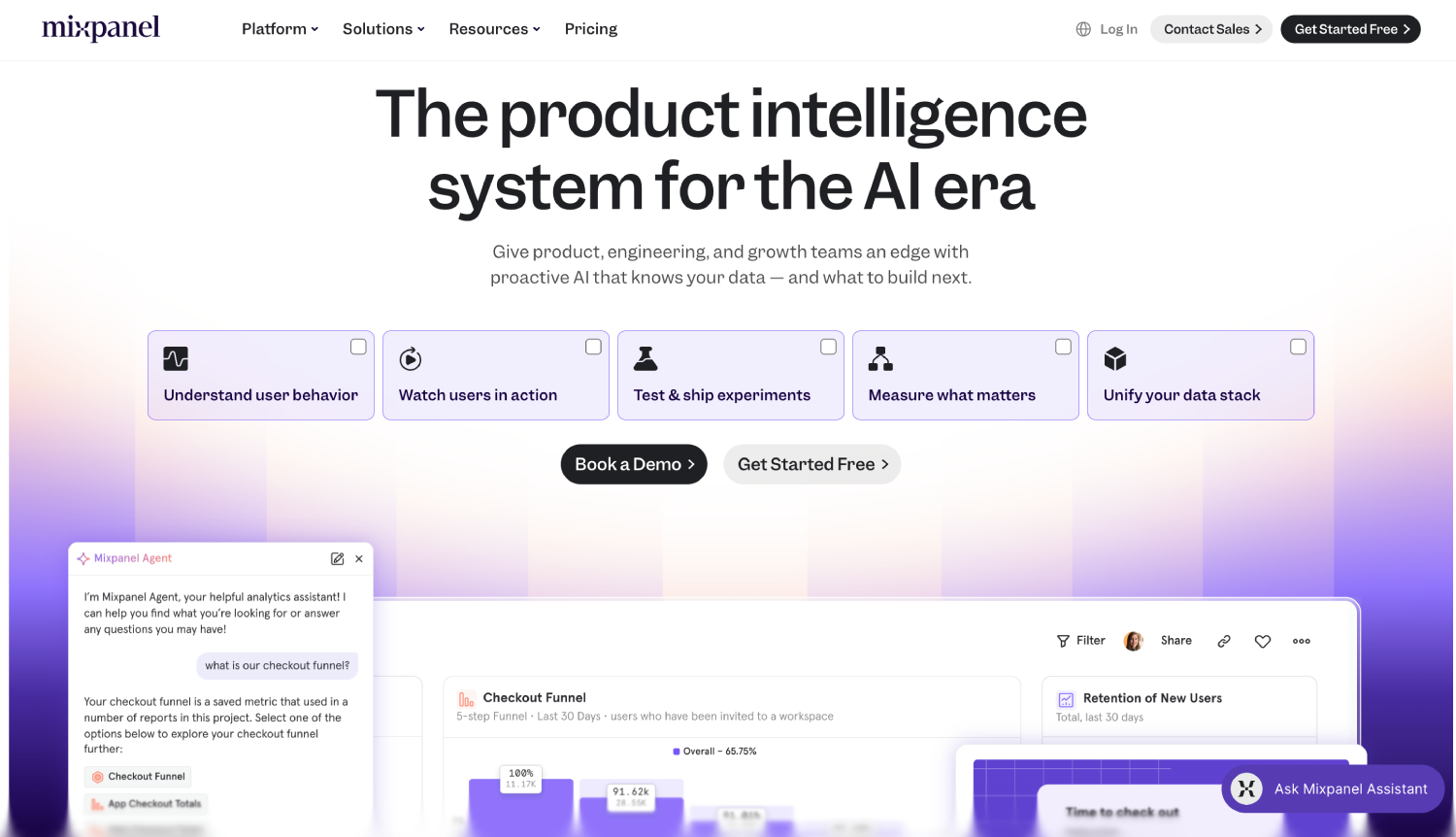
Mixpanel gives analysts more direct SQL-like control over event queries than almost any other tool in the category. Its JQL (JavaScript Query Language) lets advanced users write custom queries against raw event data without needing a separate data warehouse export.
The mobile SDK for iOS and Android is mature and actively maintained. Mixpanel’s free plan allows up to 20 million monthly events, which covers most apps through meaningful scale. Paid plans are based on monthly tracked users and are listed on Mixpanel’s public pricing page; Growth tiers start at a published per-user rate that makes budgeting predictable before enterprise negotiation is necessary.
The knock on Mixpanel for mobile specifically is that it does not offer session replay or heatmaps natively. Teams that want screen recording alongside funnel data need to add UXCam or Smartlook as a second layer. Mixpanel’s strength is event-level querying; its weakness is visual session context.
Best for: Data-fluent teams and analytics engineers who want maximum query flexibility and do not need session replay baked in.
4. UXCam
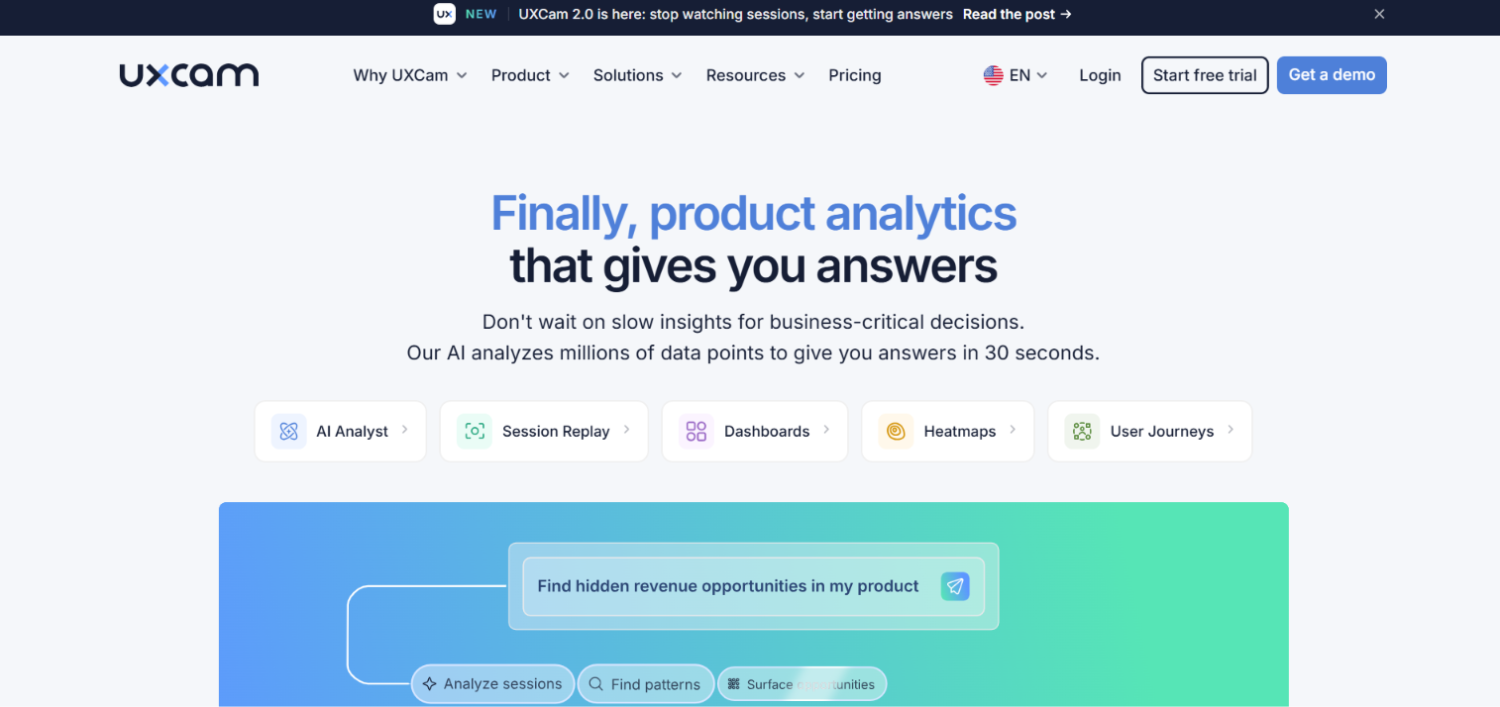
UXCam focuses on the visual layer of mobile analytics that event-based tools miss entirely. It records user sessions, generates touch heatmaps by screen, and flags gesture anomalies like rage taps, which are rapid repeated taps on non-interactive elements that signal user frustration.
The iOS and Android SDKs support React Native and Flutter, and UXCam obfuscates sensitive fields by default to reduce privacy risk. Unlike web session replay tools, UXCam renders actual native UI elements rather than a DOM recreation, which means the replay is a faithful representation of what the user saw rather than an approximation.
UXCam also captures funnel analytics and crash context, but its depth in those areas is thinner than Amplitude or Mixpanel. Teams typically run UXCam alongside an event analytics platform rather than instead of one. Pricing is not publicly listed; enterprise plans are quote-based.
Best for: UX researchers and product designers who need to see exactly where users hesitate, mis-tap, or abandon a screen, paired with a separate event analytics tool.
5. Countly
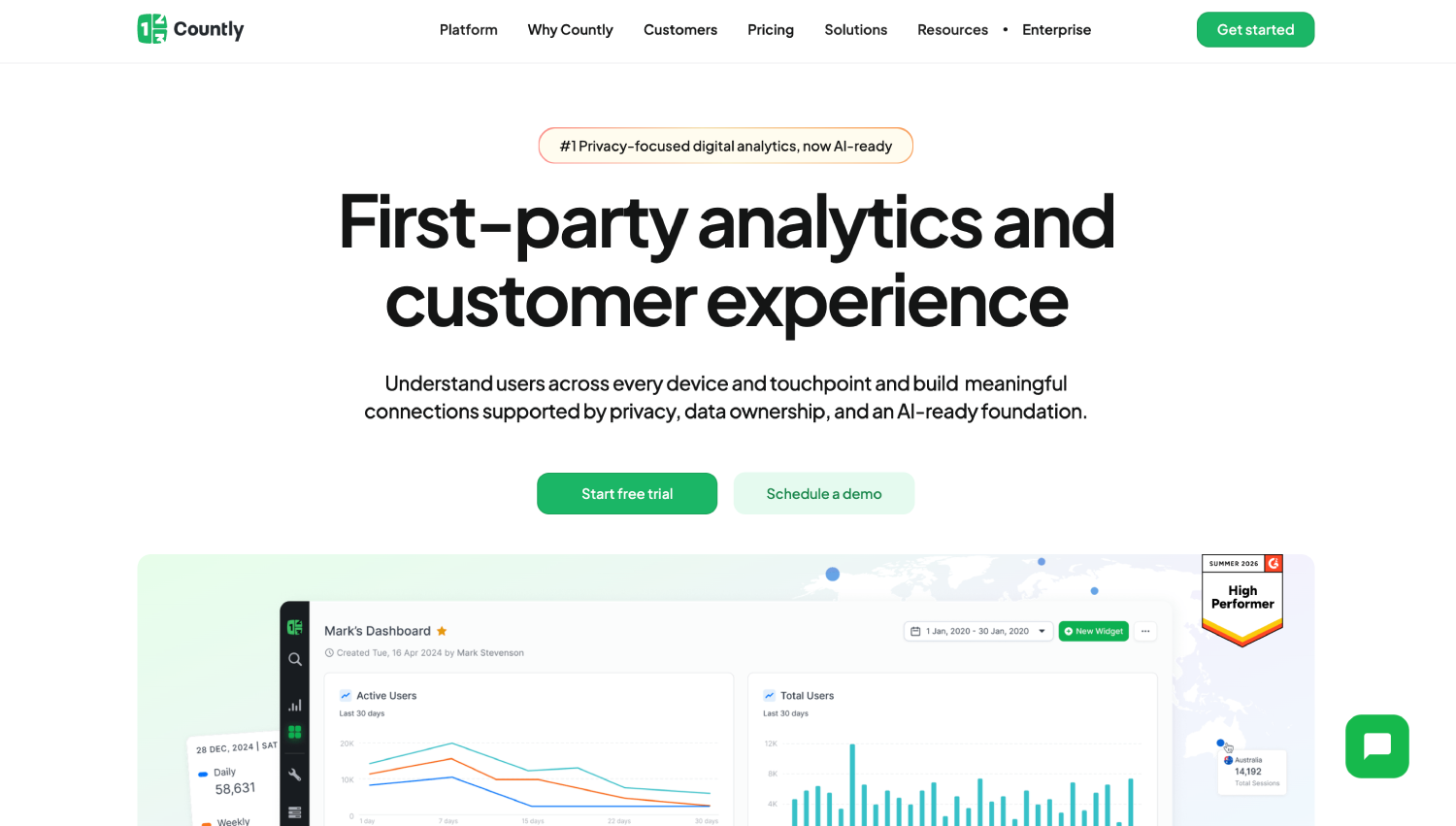
Countly is the strongest self-hosted option in the category. The Community Edition is open source and covers event tracking, retention, funnels, push notifications, and crash analytics. Enterprise Edition adds role-based access, advanced dashboards, and compliance tooling, with pricing available on request.
The SDK library covers iOS, Android, React Native, Flutter, Unity, and Windows, which is broader than most competitors. For mobile gaming studios and regulated industries (healthcare, fintech) that cannot send user data to a third-party cloud, Countly on-premises is the practical answer rather than a workaround.
Self-hosting comes with infrastructure overhead. Teams need engineering resources to manage the MongoDB and Node.js stack underneath Countly, handle upgrades, and monitor data pipeline reliability. For teams without that capacity, Countly’s cloud offering is available, but at that point the cost-data-sovereignty trade-off shifts and Amplitude or Mixpanel become more competitive on total cost.
Best for: Regulated-industry apps (healthcare, fintech, government) and teams with strict data residency requirements that cannot use a SaaS cloud vendor.
6. Smartlook

Smartlook entered mobile analytics from a web session replay background and its mobile product carries that DNA. It captures native iOS and Android sessions, generates heatmaps, and tracks events, with privacy controls that mask sensitive fields at the SDK level rather than post-capture.
The platform supports React Native and Flutter SDKs alongside native builds. Smartlook’s pricing is published on its website with a free tier that includes a limited number of session recordings per month, making it accessible for small teams. Paid plans scale based on session volume rather than monthly active users, which is a different billing model than Amplitude or Mixpanel and can be cheaper or more expensive depending on session length and frequency.
Smartlook does not have the funnel and cohort depth of Amplitude, and its event analytics are more basic than Mixpanel’s. Its value is in session context for teams that primarily want to watch what users do rather than model behavioral segments. For teams that care about GDPR and have European user bases, Smartlook’s EU data center option and privacy-by-default SDK controls are meaningful differentiators.
Best for: Teams that prioritize session replay and UX debugging over behavioral cohort modeling, particularly in European markets with GDPR constraints.
7. Heap
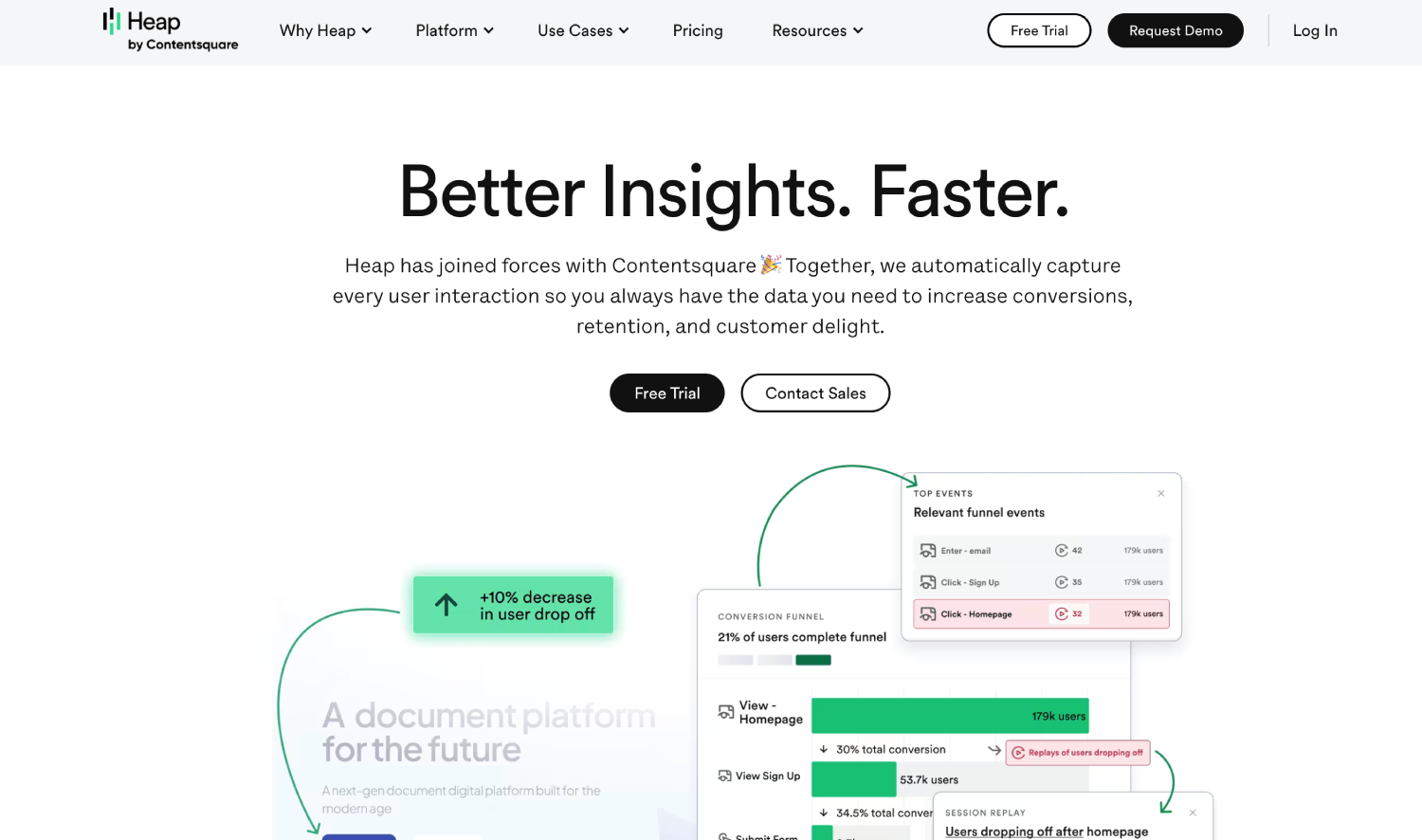
Heap takes a retroactive approach to event capture. Rather than requiring engineers to instrument specific events in advance, Heap captures all user interactions and lets analysts define events after the fact through the interface. On mobile, this means a team can decide three months post-launch to analyze a specific button tap, and Heap can surface historical data for it without a new SDK release.
The iOS and Android SDKs support React Native, and Heap has been expanding its mobile data quality since its acquisition by Contentsquare. The retroactive capture approach reduces the instrumentation burden on engineering teams significantly, which is its strongest argument for fast-moving mobile teams that cannot wait for sprint cycles to add event tracking.
Heap’s pricing is not publicly listed beyond a free tier; enterprise pricing is quote-based. The retroactive model also has a tradeoff: capturing everything increases data volume and can complicate data governance, particularly under GDPR or CCPA where “collect only what you need” is not just good practice but a legal baseline.
Best for: Product teams with limited engineering bandwidth who need retroactive event definition, and cannot instrument every event before launch.
8. Adjust
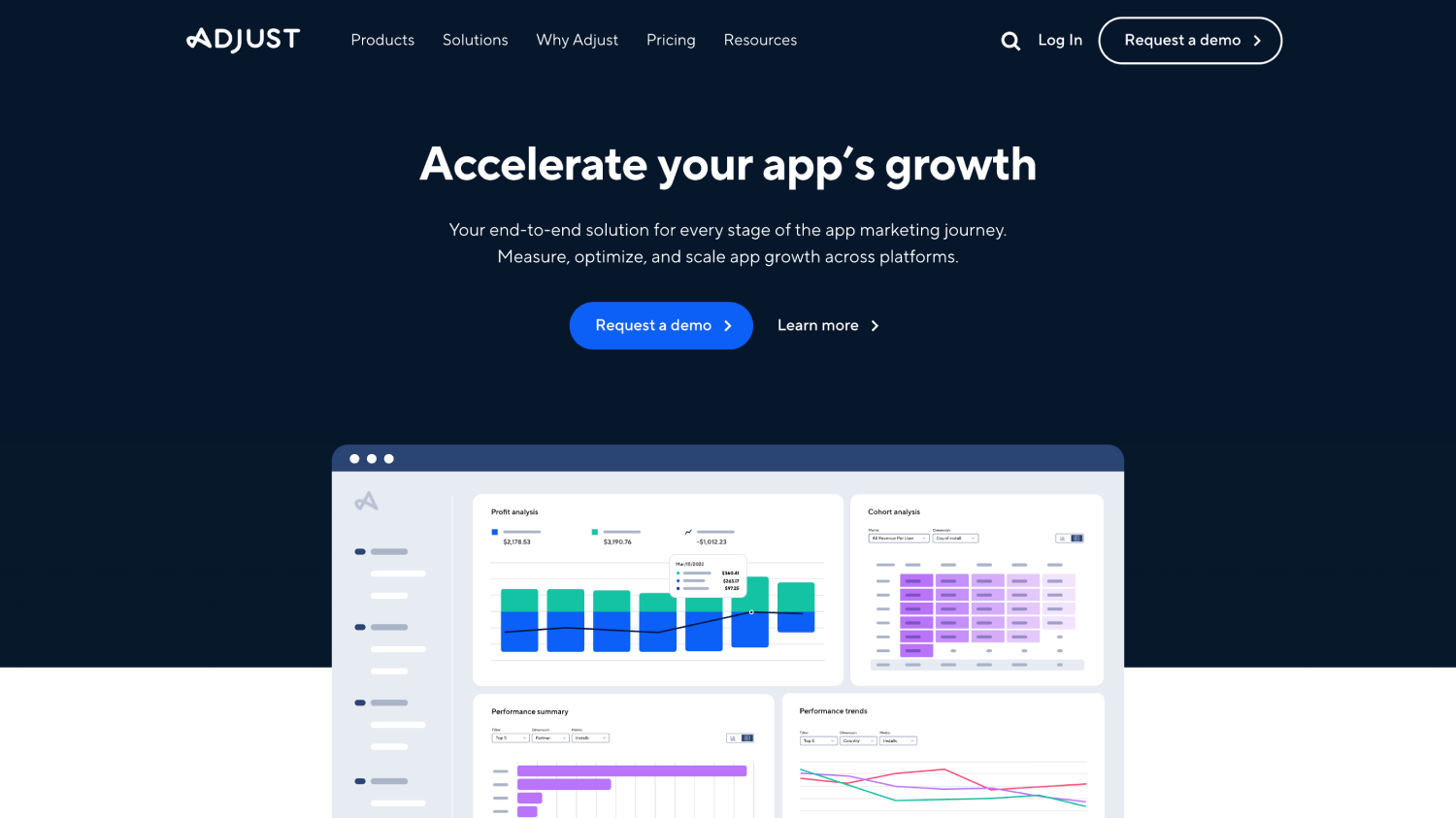
Adjust is primarily an MMP, but its analytics surface has grown to the point where smaller teams can reasonably use it as their primary mobile analytics layer rather than running a separate behavioral platform. It covers event tracking, retention curves, cohort analysis, and revenue reporting alongside its core attribution functionality.
The iOS SDK handles SKAdNetwork postbacks and modeled attribution for ATT opt-outs, which is table stakes for any serious iOS analytics tool in 2026. Flutter and React Native support are both available as officially maintained SDKs. Adjust’s Datascape dashboard consolidates attribution and post-install behavior in one view, which reduces the BI work needed to connect acquisition cost to retention outcomes.
For teams that need deep behavioral cohort analysis or session replay, Adjust alone is not enough. But for mobile marketers who primarily care about the acquisition-to-retention connection and want one platform rather than two, Adjust’s combined offering is efficient. For a detailed look at how Adjust compares to its closest MMP competitors, the AppsFlyer vs Adjust comparison covers the attribution layer in depth.
Best for: Growth and performance marketing teams that want attribution and core behavioral analytics in one platform without running parallel SDKs.
9. PostHog
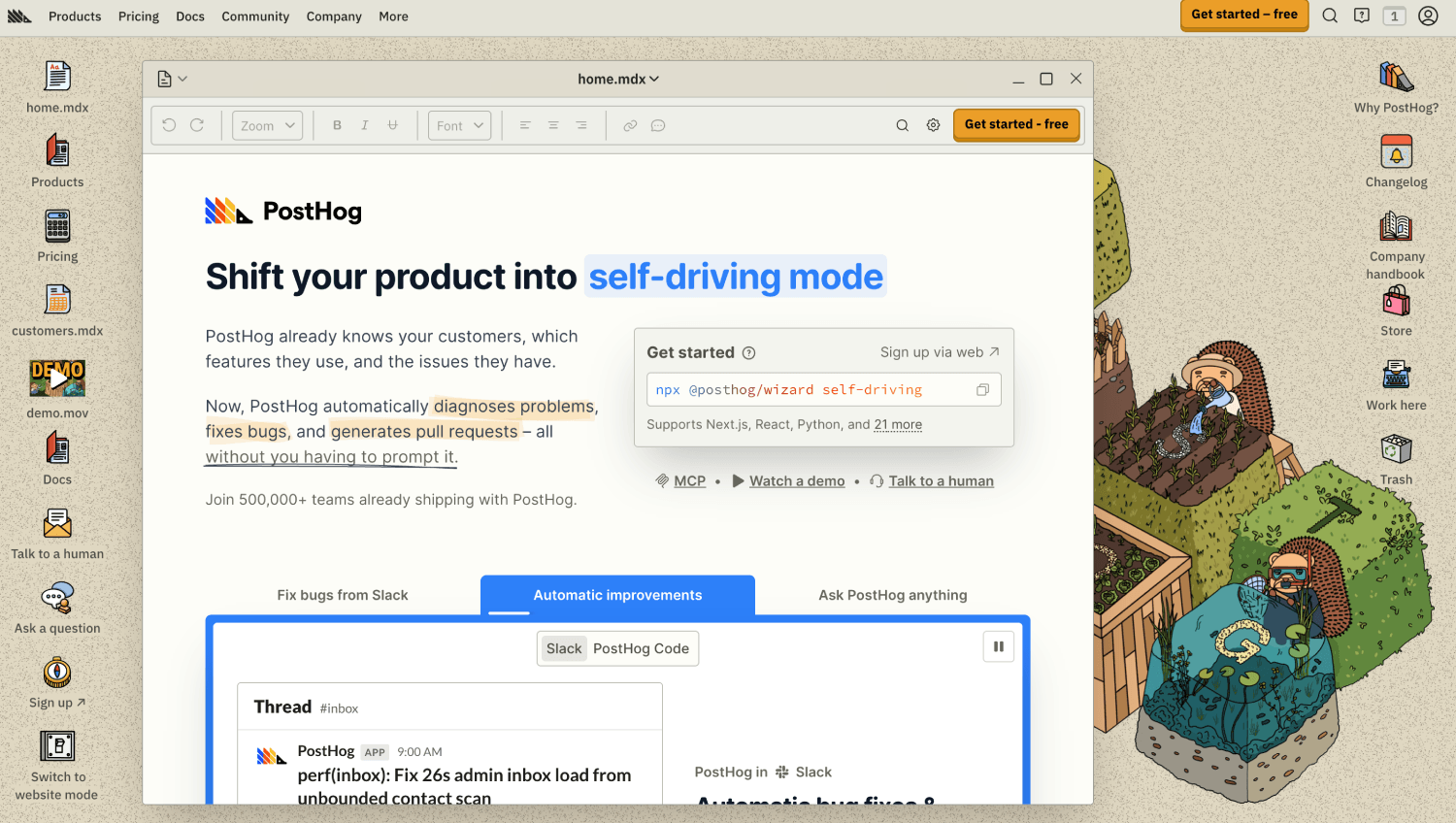
PostHog is open source, self-hostable, and priced on a consumption model that becomes genuinely competitive at scale. It covers event analytics, session replay, feature flags, A/B testing, and surveys in a single platform. The mobile SDKs for iOS and Android are actively maintained, with React Native support and a growing Flutter SDK.
PostHog’s pricing is published on its website and operates on a free tier (up to 1 million events per month) with usage-based pricing above that threshold. For engineering-led teams that want to self-host to keep data off third-party infrastructure, PostHog on Kubernetes or a managed cloud instance is a credible alternative to both Firebase and Amplitude.
The product analytics depth is not quite at Amplitude’s level for complex behavioral modeling, and the session replay on mobile is newer than UXCam or Smartlook. For teams already using PostHog on web who want to extend it to mobile without onboarding another vendor, the extension is natural. For teams starting fresh from mobile, Amplitude or Firebase are safer starting points with more mobile-specific maturity.
Best for: Engineering-led teams already running PostHog on web who want a single platform across surfaces, or teams with open-source and data sovereignty requirements.
How much do mobile app analytics platforms cost?
| Platform | Free Tier | Paid Starting Point | Pricing Model | Enterprise Pricing |
|---|---|---|---|---|
| Firebase | Yes, unlimited events up to 500 event types | Free (BigQuery export is free for Android) | Free / Google Cloud fees for BigQuery | N/A (Google Cloud billing) |
| Amplitude | Yes, based on monthly tracked users | Published Starter plan; Growth is quote-based | Monthly tracked users | Quote-based |
| Mixpanel | Yes, up to 20M events/month | Published per-user Growth pricing | Monthly tracked users | Quote-based |
| UXCam | Limited free plan | Not publicly listed | Sessions / MAUs (quote) | Quote-based |
| Countly | Community Edition (open source) | Not publicly listed | Server or MAU-based (quote) | Quote-based |
| Smartlook | Yes, limited sessions/month | Published session-based plans | Session volume | Quote-based |
| Heap | Free tier available | Not publicly listed beyond free tier | MAUs (quote) | Quote-based |
| Adjust | No | Not publicly listed | Attributed installs / events (quote) | Quote-based |
| PostHog | Yes, up to 1M events/month | Published usage-based pricing | Event volume | Usage-based + enterprise add-ons |
Which free mobile app analytics tools are actually worth using?
Three platforms have genuinely usable free tiers that are not trial-ware. Firebase’s free tier has no time limit and no event-volume cap, which makes it the strongest free offering in the category by a significant margin. Mixpanel’s free plan at 20 million monthly events covers most apps well into a meaningful growth phase. PostHog’s 1 million events per month is smaller but includes feature flags and session replay in the same free tier, which Firebase and Mixpanel do not.
Smartlook’s free tier is capped on sessions per month rather than events and resets monthly, making it useful for initial UX testing but not as a permanent free analytics layer. Heap’s free tier is available but the capability limits are not fully detailed in public documentation, so teams should confirm scope during evaluation.
For teams asking whether they can run a complete mobile analytics stack for free: yes, Firebase plus Mixpanel free tier covers event analytics, funnel tracking, retention, and raw event export for a substantial user base. The gaps are session replay (requires UXCam or Smartlook), attribution (requires an MMP), and advanced cohort modeling at scale (requires Amplitude Growth or Mixpanel paid).
Mobile app analytics vs MMP: which does your team actually need first?
If your app has not launched yet or is pre-monetization, start with a behavioral analytics platform. Firebase is the default; add Mixpanel or Amplitude when your team starts asking cohort-level questions. An MMP is necessary only when you are running paid user acquisition across multiple networks and need channel-level attribution to optimize spend.
To illustrate the trade-off: a team spending $50,000 per month across Meta, Google UAC, and TikTok for Apps operates at a scale where not knowing which channel drives retained users costs more than any MMP subscription. A team spending $5,000 per month on paid acquisition, or running primarily organic growth, gets minimal additional insight from an MMP that it cannot get from Firebase’s campaign tagging combined with BigQuery. These are illustrative spend thresholds, not published industry benchmarks, the right crossover point depends on the app’s revenue model and attribution complexity.
The instinct to add an MMP early is often driven by growth teams who conflate attribution with analytics. Attribution tells you where users came from; analytics tells you what they did. Both matter, but the sequencing and the tools are different. Connecting paid acquisition data back to product behavior is covered in detail in the marketing analytics overview.
App analytics for iOS and Android: what changes between platforms?
iOS and Android require different instrumentation decisions, and the gap widened after Apple introduced App Tracking Transparency in iOS 14.5. On iOS, any user identifier that crosses app boundaries requires explicit ATT permission. Tools that relied on IDFA for cross-app tracking had to rebuild their identity model around first-party user IDs and SKAdNetwork postbacks for attribution. Firebase, Amplitude, and Mixpanel all handle this correctly; teams should verify that any tool they evaluate has published documentation on its ATT handling and SKAdNetwork integration.
Android has its own signal loss from Google’s Privacy Sandbox for Android, which is progressively replacing the Google Advertising ID (GAID) with Topics API signals. The impact on behavioral analytics is smaller than on paid attribution, but teams running cross-network ad measurement should check that their analytics vendor has a stated position on Privacy Sandbox compatibility.
Session definition also differs between platforms. iOS suspends apps to background after a user switches out; Android can keep processes alive longer depending on device manufacturer settings. A mobile analytics SDK that does not handle platform-specific session lifecycle events correctly will generate inflated or deflated session counts depending on the platform, which corrupts retention metrics at the cohort level.
How do mobile analytics platforms connect to the broader data stack?
Most serious mobile analytics setups do not end at the analytics platform. Event data flows into a warehouse (BigQuery, Snowflake, Redshift), gets joined with CRM data, and surfaces in BI tools or feeds marketing automation. Firebase’s native BigQuery export is the most common pipeline for mobile-first teams. Amplitude and Mixpanel both offer data export APIs and warehouse connectors.
For teams building a warehouse-first stack, the question is whether to treat the analytics platform as the source of truth or as a front-end visualization layer on top of the warehouse. Amplitude and Mixpanel both support the latter model through Snowflake and BigQuery integrations, though the depth of warehouse-native query support varies. Teams already building a customer data infrastructure around warehouse-native tooling should read the warehouse-native CDP comparison before deciding how mobile event data fits into their broader identity and activation model.
If a team is using a customer data platform to unify web and mobile event streams before routing to analytics, the instrumentation layer shifts. Instead of installing an analytics SDK directly, the team installs a CDP SDK (Segment, RudderStack) and routes events to the analytics platform through the CDP. This reduces SDK proliferation but adds a dependency in the data pipeline that can delay event delivery and complicate debugging.
Frequently asked questions about mobile app analytics platforms
What is the best mobile app analytics tool for a team just starting out?
Firebase is the right first choice for most teams. It is free with no event cap for up to 500 event types, integrates natively with both iOS and Android build systems, and exports raw data to BigQuery for custom analysis. When funnel and cohort analysis outgrows the Firebase console, adding Amplitude or Mixpanel on their free tiers extends the capability without adding cost until meaningful scale is reached.
Can Google Analytics track mobile apps?
Google Analytics 4 can receive app events via the Firebase SDK, and Firebase is built on the same measurement infrastructure as GA4. However, GA4’s interface is optimized for web behavior, and mobile-specific reports (crash rates, push notification funnels, in-app purchase cohorts) are better accessed through the Firebase console or BigQuery export directly. Running both Firebase and GA4 on the same property consolidates web and app data, which is useful for teams with both surfaces, but the analytics depth for mobile specifically lives in Firebase’s tooling rather than GA4’s.
What is the difference between mobile app analytics and mobile app attribution?
Attribution answers where a user came from: which ad, network, or campaign drove the install and the first purchase. Analytics answers what the user did after they arrived: which features they used, where they dropped off, and how their behavior differs from retained users. Attribution tools are MMPs like AppsFlyer, Adjust, and Branch. Analytics tools are Firebase, Amplitude, Mixpanel, and the others in this list. Most scaling apps run both, with the MMP feeding attributed install data into the analytics platform for full-funnel analysis.
Which mobile analytics tools work for both iOS and Android without separate implementations?
Amplitude, Mixpanel, Firebase, PostHog, and Countly all provide unified SDKs that share a single instrumentation layer across iOS and Android, with React Native and Flutter wrappers that let a single codebase instrument both platforms simultaneously. The caveat is that iOS-specific events (like ATT consent status or StoreKit purchase receipts) still require platform-specific handling even within a unified SDK. React Native and Flutter SDKs reduce instrumentation burden but add a translation layer that occasionally lags behind native SDK feature releases.
Are there free mobile app analytics tools that are actually useful?
Yes. Firebase’s free tier has no expiration and no event-volume cap on standard events, making it the strongest free offering. Mixpanel’s free plan supports up to 20 million events per month, which is enough for most apps through meaningful scale. PostHog offers 1 million events per month free and includes session replay and feature flags in that tier. Smartlook and Heap also have free tiers, though they are more limited in session volume or feature access than the three above.
How does session replay work in mobile apps, and which tools support it?
Mobile session replay works differently from web session replay. Web tools record DOM state changes and replay them as a reconstructed browser view. Mobile tools record native UI element states and touch interactions, then render them against a wireframe or screenshot of the actual screen. UXCam and Smartlook are the two tools in this list most focused on mobile session replay. Amplitude’s Session Replay has expanded to mobile. PostHog’s mobile replay is newer and still maturing. Session replay on mobile requires careful privacy configuration to mask input fields and PII before the event reaches the vendor’s servers.
Should a mobile app team use a CDP to route analytics events instead of direct SDK instrumentation?
It depends on how many downstream destinations the team needs to feed. If events only go to one analytics platform, direct SDK instrumentation is simpler, faster to debug, and removes a failure point. If the same event stream needs to reach an analytics platform, a marketing automation tool, and a data warehouse simultaneously, a CDP SDK reduces the number of direct integrations the team maintains. The trade-off is pipeline latency, debugging complexity, and an additional vendor dependency. The B2B CDP comparison covers the major CDP options and their mobile SDK support in more detail.
The most important choice is the one that matches your instrumentation budget
Almost every mobile analytics failure is an instrumentation failure first and a tool failure second. A team that picks Amplitude but does not have engineering time to instrument events beyond auto-captured sessions will get worse data than a team that picks Firebase and instruments fifty custom events carefully. The best platform is the one your team will actually maintain.
For teams under a few hundred thousand MAUs, the Firebase plus Mixpanel free tier combination covers almost every analytical question a product or growth team will have. The gap is session replay, which UXCam or Smartlook fills for a defined budget. For teams that have outgrown free tiers, Amplitude’s Growth tier or Mixpanel’s paid plans offer cohort depth that justifies the cost when the team is actively running experiments against retention curves.
The one category worth resisting until it is genuinely needed is the full enterprise analytics suite. Platforms that bundle attribution, behavioral analytics, session replay, push notifications, and A/B testing in one contract are appealing during a vendor evaluation, but they tend to be mediocre at several of those things rather than excellent at one. Build the stack in layers, starting with the strongest free tools, and add paid capability only where the analysis genuinely demands it.