TLDR
- HubSpot’s native Breeze Intelligence enrichment covers company size, industry, and a handful of firmographic fields, but it stops short of direct-dial phone numbers, buying intent signals, technographic data, and contact-level email verification.
- Third-party tools sync into HubSpot via native integrations or API, writing to custom properties that Breeze Intelligence never populates, which is where real segmentation and routing logic lives.
- Clay is the most flexible option for teams that want to chain multiple data sources together before a record ever enters HubSpot; Apollo and Cognism are the better picks for teams that want one vendor to cover both enrichment and outreach sequencing.
- Pricing models vary significantly: some tools charge per enriched record, others by seat or monthly credit pool, and those differences compound fast at scale.
- The table below shows exactly which fields each tool writes to HubSpot that Breeze Intelligence does not, which is the fastest way to evaluate fit.
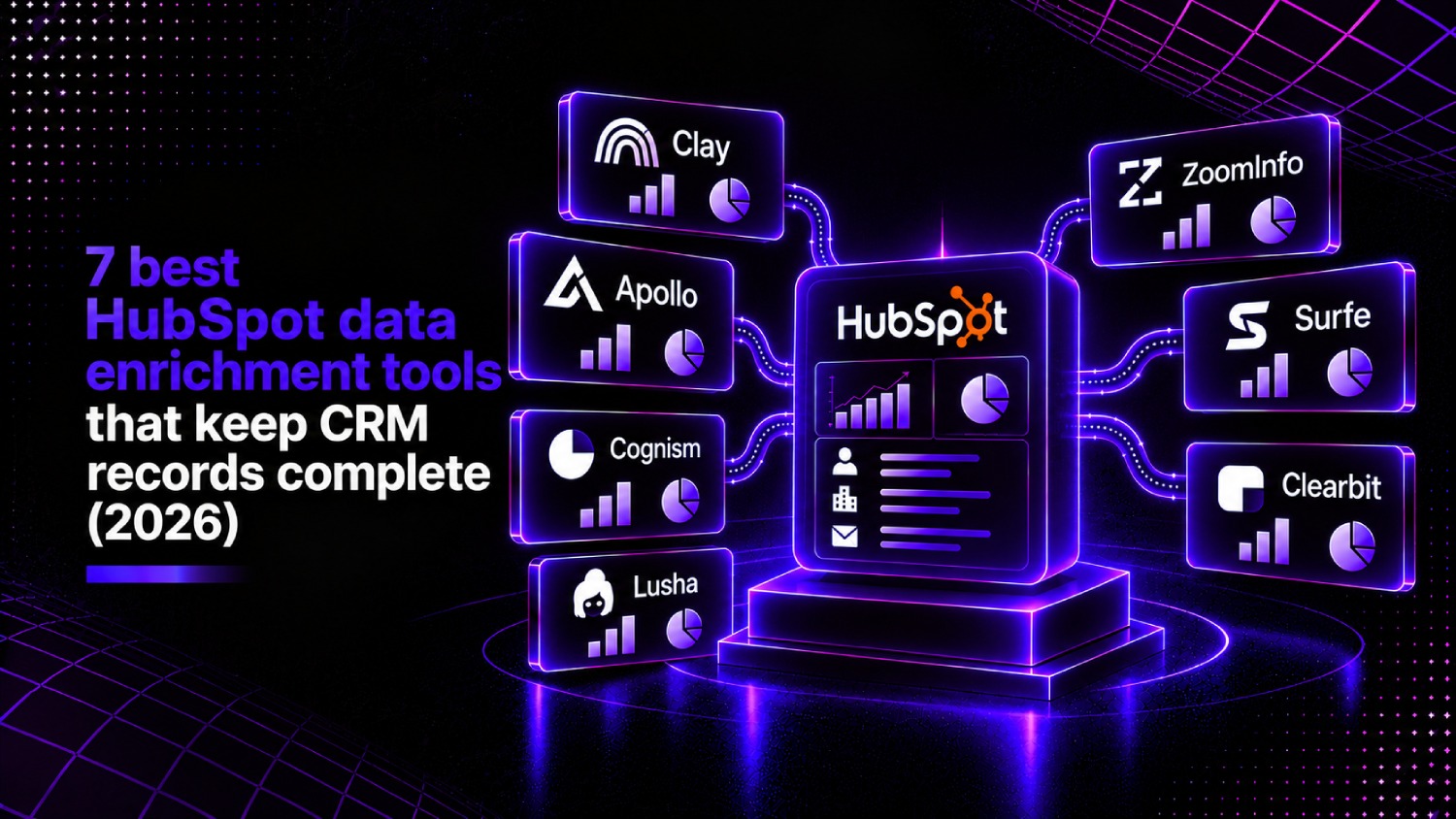
The best HubSpot data enrichment tools are Clay, Apollo.io, Cognism, Lusha, ZoomInfo, Surfe, and Clearbit (now part of HubSpot). Each connects to HubSpot via native integration or API and fills fields that Breeze Intelligence leaves blank, including mobile phone numbers, technographic data, intent signals, and verified work emails. The right choice depends on whether your team needs enrichment alone or enrichment paired with outbound sequencing.
Why HubSpot’s built-in enrichment leaves gaps that cost you pipeline
HubSpot’s Breeze Intelligence, the platform’s native enrichment layer, works by matching contact and company records against HubSpot’s commercial dataset and auto-populating properties like industry, company size, and social media profiles. For a team running basic lead scoring or persona segmentation, that is genuinely useful.
The problem surfaces the moment a revenue team tries to do anything more specific. Breeze Intelligence does not provide direct-dial or mobile phone numbers. It does not surface technographic data showing which CRM or marketing automation platform a prospect already runs. It does not carry buying intent signals from third-party publisher networks. And it does not verify individual email addresses against real-time SMTP checks, which means bounce rates on enriched contacts can still be significant.
Those gaps matter because HubSpot’s own automation, routing, and scoring logic runs on property values. If the direct dial field is empty, the SDR skips to the next record. If the technologies used field is blank, your ICP filter does not catch a prospect who already uses a competing tool. Empty fields are not a cosmetic problem; they are a workflow failure.
Teams building out their broader RevOps infrastructure often encounter a related issue: enrichment data that lives in a warehouse or another platform but never makes it back into HubSpot without a dedicated activation layer. Our breakdown of the best RevOps tools covers where enrichment fits in the larger revenue operations stack.
Native HubSpot enrichment vs. third-party tools: what each one actually fills
Before evaluating vendors, it helps to see the field-level comparison in one place. The table below maps what Breeze Intelligence covers against what third-party tools typically add.
| Data Field | Breeze Intelligence | Clay | Apollo.io | Cognism | Lusha | ZoomInfo | Surfe |
|---|---|---|---|---|---|---|---|
| Company name, size, industry | Yes | Yes | Yes | Yes | Yes | Yes | Yes |
| Work email (verified) | Partial | Yes | Yes | Yes | Yes | Yes | Yes |
| Direct-dial phone number | No | Via waterfall | Yes | Yes (GDPR-verified) | Yes | Yes | Yes (LinkedIn-sourced) |
| Mobile phone number | No | Via waterfall | Limited | Yes (Diamond Data) | Yes | Yes | Limited |
| Technographic data | No | Yes (via APIs) | Yes | No | No | Yes | No |
| Buying intent signals | No | Via integrations | Yes (basic) | Yes (Bombora partnership) | No | Yes (premium) | No |
| LinkedIn URL auto-sync | Partial | Yes | Yes | Yes | Yes | No | Yes (core feature) |
| Job title and seniority | Yes | Yes | Yes | Yes | Yes | Yes | Yes |
| GDPR compliance flag | No | No | No | Yes | Partial | No | No |
The most common misconception is that “enrichment” means one thing. It covers at least four distinct data types: firmographic (company attributes), contact-level (phone, email, LinkedIn), technographic (tech stack), and behavioral intent. No single tool leads on all four. That is why the “best enrichment tool for HubSpot” is always a function of which fields your workflows actually need.
The AboutMartech Field-Gap Audit: how to know which tool you actually need
Before picking a vendor, run what we call the Field-Gap Audit, a four-step check that maps your workflow requirements to the enrichment fields each tool actually writes into HubSpot.
Step 1: List the HubSpot properties your active workflows depend on. Open HubSpot’s workflow editor and pull every contact or company property used in IF/THEN branches, enrollment triggers, or lead scoring rules.
Step 2: Filter for properties with more than 20% null values. A property that is blank on one in five records is a workflow leak. Export a contact sample and calculate fill rates for each property you identified.
Step 3: Map each high-null property to a vendor’s coverage column. Use the table above as a starting point. If direct dial and mobile phone have high null rates and you need phone-first outreach, Cognism or Lusha outperform Clay on that specific dimension.
Step 4: Check sync direction and frequency. Some tools push data to HubSpot on a scheduled batch (daily or weekly). Others push on record creation or on-demand. For SDR workflows, real-time or near-real-time sync matters. For demand-gen segmentation, daily batch is usually fine.
This audit prevents the most common buying mistake: purchasing a tool based on breadth of data coverage when your actual gap is one or two specific fields that a cheaper point solution handles better.
The 7 best HubSpot enrichment tools compared
1. Clay: best for teams that want to build a custom enrichment waterfall
Clay occupies a different category from every other tool on this list. It is a no-code workflow builder that pulls from over 75 data providers simultaneously, running a waterfall enrichment approach: if Provider A cannot find a verified email, Clay automatically tries Provider B, then C, paying only for successful matches. The result is higher fill rates on hard-to-find fields at lower per-record cost than purchasing premium tiers from a single vendor.
Clay pushes enriched data directly to HubSpot contact and company records via its native integration, writing to both standard and custom properties. Teams use it to run enrichment on form submissions, inbound trials, or bulk lists before a record triggers any HubSpot workflow. The HubSpot integration is bidirectional: Clay can pull records from HubSpot, enrich them, and write results back without manual export/import cycles.
The trade-off is complexity. Clay requires someone comfortable building table-based workflows and understanding which data providers to sequence. It is not a one-click install. Pricing is credit-based, with plans starting at $149 per month as of Clay’s public pricing page, though usage costs vary depending on how many providers a waterfall touches per record.
Clay is the right pick for a RevOps engineer or marketing-operations team that wants maximum control over data sourcing. It is the wrong pick for a two-person team that wants enrichment to work automatically without configuration.
2. Apollo.io: best for teams that want enrichment and outreach in one tool
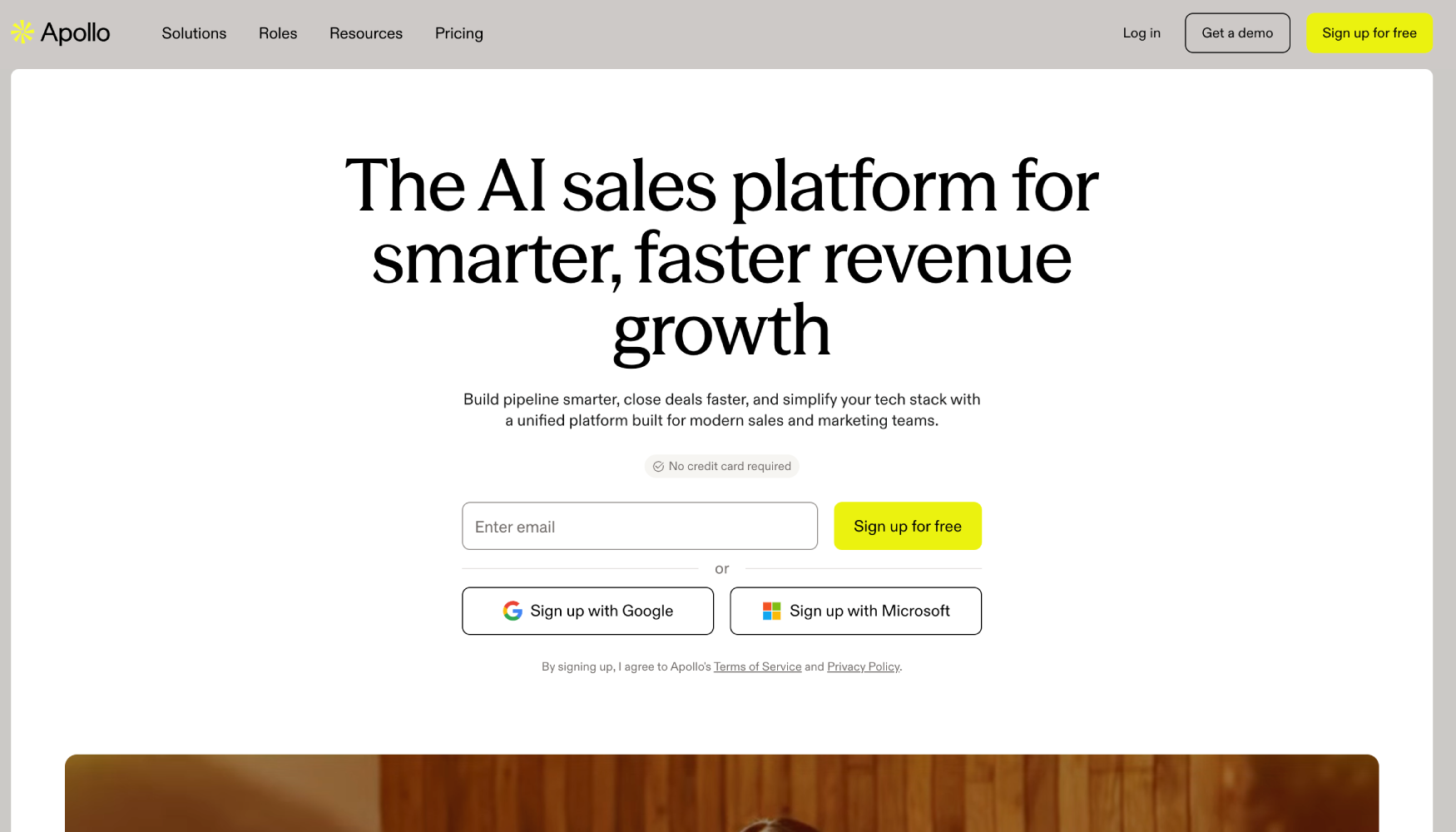
Apollo.io combines a B2B contact database of over 275 million contacts (per Apollo’s public documentation) with built-in email sequencing, making it the most common choice for teams that do not want to run a separate sales engagement platform alongside their enrichment tool.
The HubSpot integration syncs enriched contact data including job title, direct dial, work email, LinkedIn URL, and basic technographic data directly into HubSpot properties. Apollo also writes company-level firmographics. The sync is bidirectional: HubSpot can trigger Apollo sequences, and Apollo activity logs back to HubSpot contact timelines.
Apollo’s intent data is functional but limited compared to ZoomInfo or Cognism’s Bombora partnership. It tracks topic-based intent from Apollo’s own publisher network, which is narrower than third-party intent data layers. Teams that need deep intent signal should treat Apollo’s intent feature as a bonus rather than a primary buying criterion.
As of Apollo’s public pricing page, the Basic plan starts free with limited credits, and paid plans begin at $49 per user per month for the Professional tier. Apollo is the most cost-effective option for small-to-mid-size teams that want a combined enrichment-plus-outreach tool with a solid HubSpot integration.
3. Cognism: best for European markets and GDPR-compliant phone data
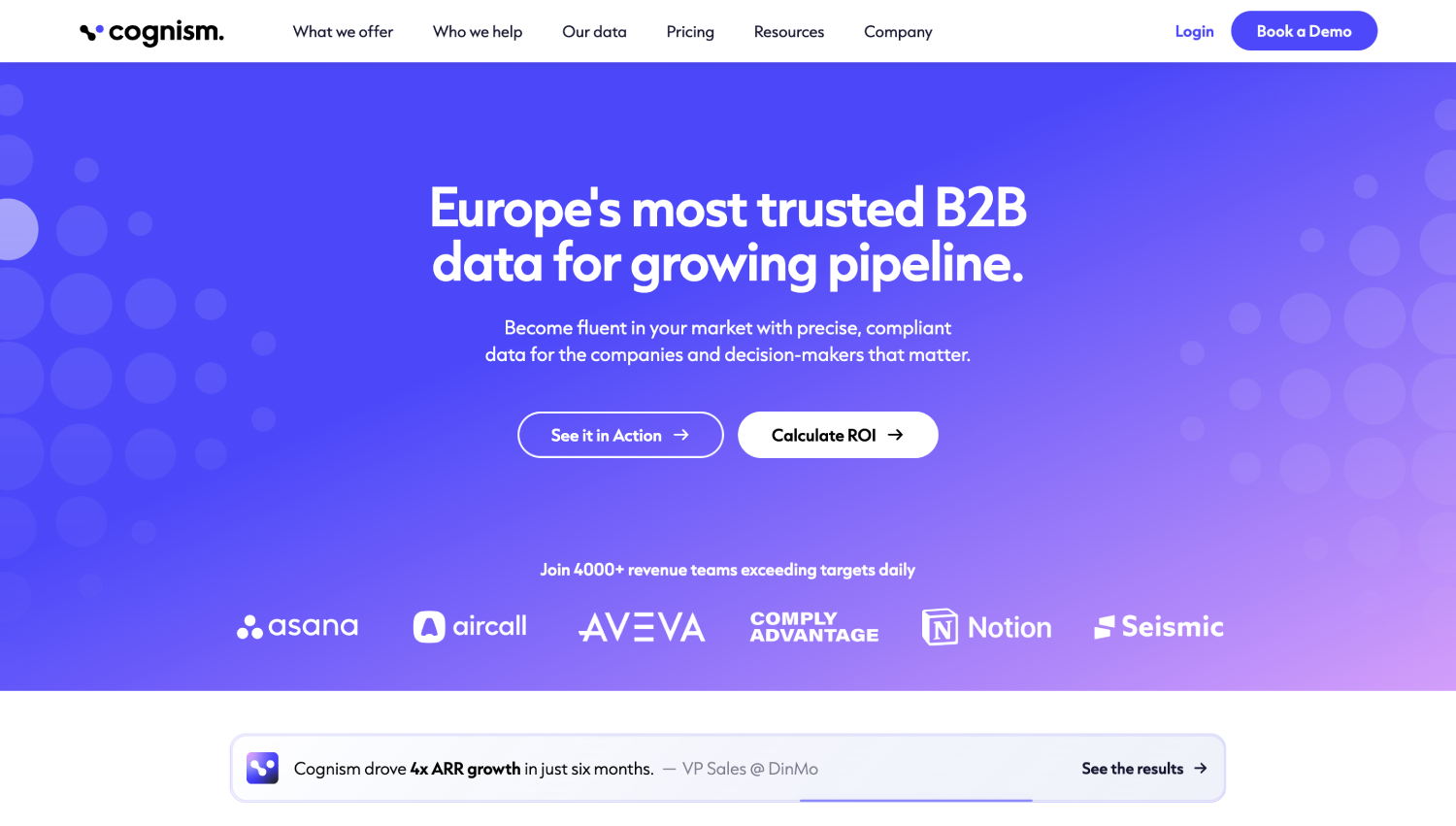
Cognism differentiates on compliance. Its Diamond Data offering is a set of phone-verified mobile numbers where Cognism has confirmed the number is active and tied to the correct individual through a real phone call, not just a database match. For teams selling into European markets where GDPR governs how contact data can be used, that verification layer matters.
The HubSpot integration writes verified mobile and direct-dial numbers, work emails, job title, seniority, LinkedIn URL, and company firmographics to HubSpot properties. Cognism also surfaces buying intent signals through its partnership with Bombora, the same intent data layer that powers several enterprise ABM platforms.
Cognism’s pricing is quote-based, with packages varying by seat count and data region. The vendor does not publish standard pricing tiers. For US-only teams without a European compliance requirement, the Diamond Data premium adds cost for a feature they may not need, making Apollo or Lusha more practical. For teams with UK or EU outreach programs, Cognism is the strongest option on phone data quality and legal defensibility.
4. Lusha: best for individual contributors who need fast contact lookup
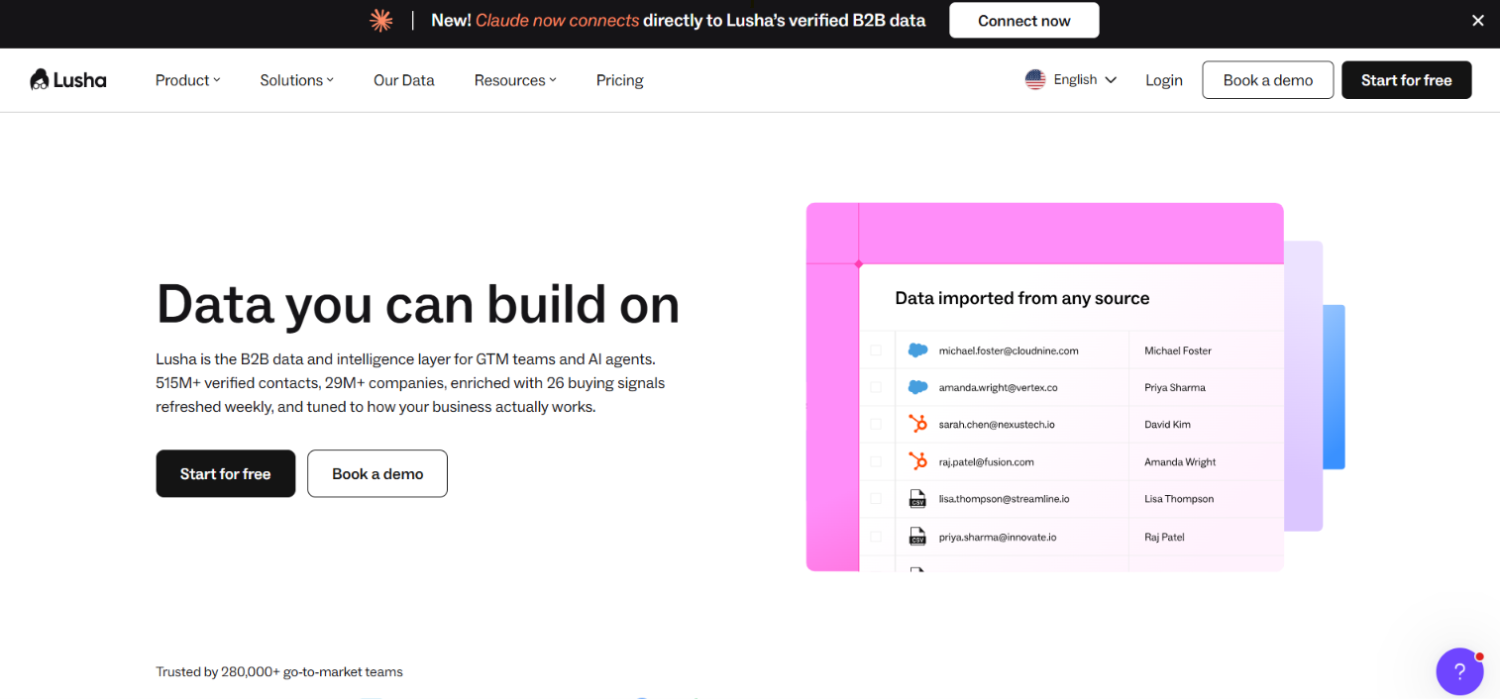
Lusha started as a browser extension and still does that job well. The Chrome extension sits on top of LinkedIn profiles and company websites, surfacing verified phone numbers and email addresses in one click. Those records then sync to HubSpot via the native integration or through bulk CSV import for list enrichment.
The HubSpot integration is tighter than it was two years ago. Lusha now supports direct push to HubSpot contact records from the extension, meaning an SDR can research a prospect on LinkedIn and add an enriched record to HubSpot without leaving the browser or touching a CSV. For teams where individual reps do their own prospecting, that friction reduction is meaningful.
As of Lusha’s public pricing page, the Free plan covers five credits per month. The Pro plan starts at $36 per user per month, and the Premium plan is $59 per user per month. The per-seat pricing model makes Lusha expensive for large sales teams; for a team of two to five reps who each need quick contact lookup, it is the most affordable option with a clean HubSpot sync. Lusha’s database skews stronger in North America and Europe; coverage in APAC and LATAM is thinner.
5. ZoomInfo: best for enterprise teams that need the broadest data layer
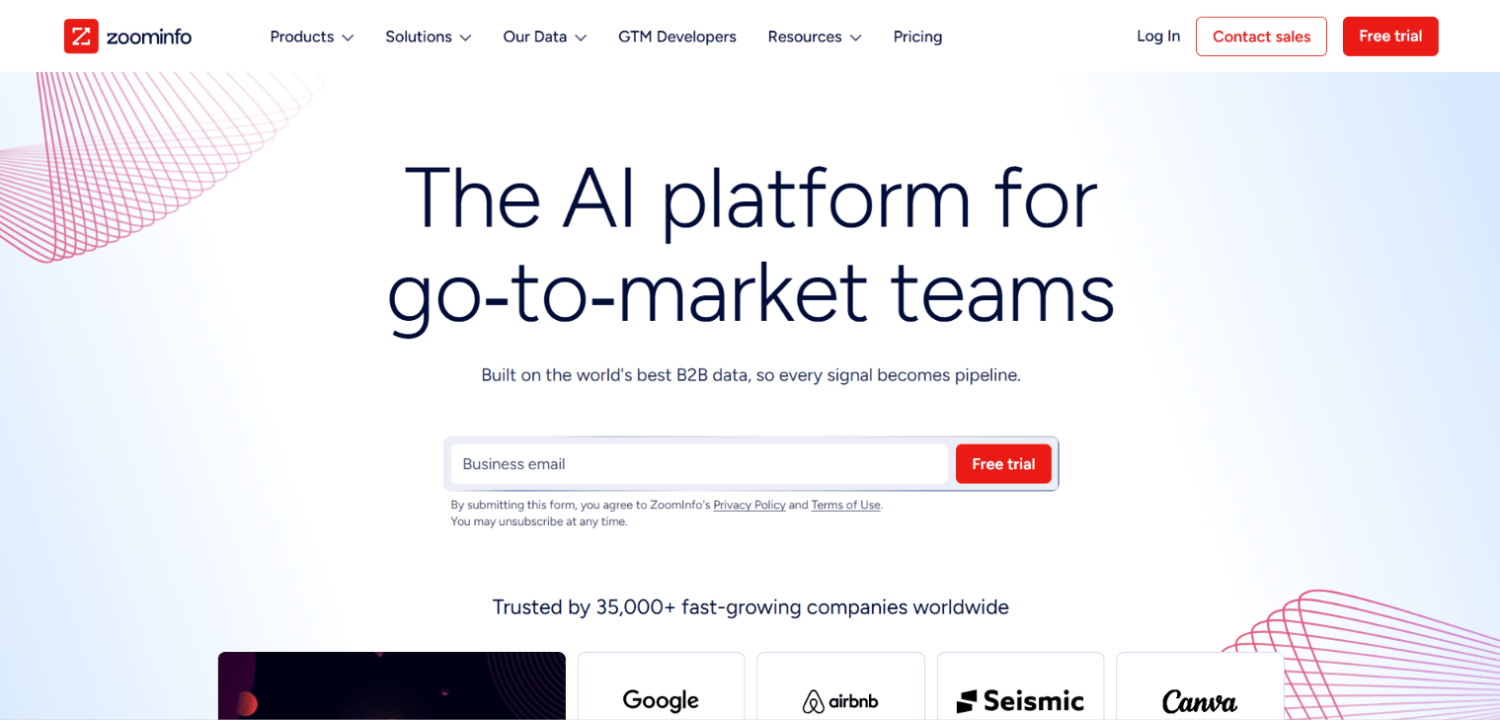
ZoomInfo has the deepest contact database of any vendor on this list, combining company firmographics, direct-dial and mobile numbers, technographic data, intent signals, and org-chart relationships in one platform. The HubSpot integration is native and writes to both standard and custom HubSpot properties, with configurable field mapping and sync frequency.
ZoomInfo’s intent data, powered by its own publisher network plus Bombora, is the most comprehensive available outside of a custom data partnership. For enterprise ABM programs where you are tracking dozens of accounts and need to know which ones are actively researching your category, that signal quality separates ZoomInfo from the mid-market alternatives.
The trade-off is price and contract structure. ZoomInfo pricing is entirely quote-based; the vendor does not publish standard tiers. Contracts are typically annual and can reach into five figures for mid-size teams, making it difficult to justify without a clear pipeline impact model. ZoomInfo ranked ninth on the SERP we analyzed, which reflects the reality that most teams evaluating HubSpot enrichment are not enterprise buyers. For companies with fewer than 50 salespeople, Apollo or Cognism typically deliver comparable enrichment coverage at a fraction of the cost.
Teams evaluating ZoomInfo alongside other data sources for a broader data stack may also find our guide to B2B intent data providers useful for benchmarking intent signal quality across vendors.
6. Surfe: best for teams that live in LinkedIn Sales Navigator
Surfe (formerly Leadjet) solves a specific workflow problem: the gap between LinkedIn prospecting and HubSpot data entry. The Chrome extension overlays HubSpot CRM data directly inside LinkedIn profiles, showing whether a contact already exists, which fields are missing, and allowing one-click sync of LinkedIn-sourced data into HubSpot contact records.
Surfe enriches HubSpot records with LinkedIn URL, current title, company, and location data. For contacts already in HubSpot, it flags when job changes happen on LinkedIn and prompts an update. That job-change detection is genuinely useful for reducing CRM decay on long-term contacts where email addresses go stale when someone switches companies.
Surfe does not have its own contact database for phone numbers or email verification. It surfaces what LinkedIn shows, then uses partnerships with email finders like Hunter or Dropcontact for email addresses. As of Surfe’s public pricing page, paid plans start at $29 per user per month. Surfe is the right tool for SDRs and AEs who prospect manually on LinkedIn and need their research to flow into HubSpot without copy-paste. It is not a replacement for a database-backed enrichment tool.
7. Clearbit (now HubSpot-native): best for teams already on HubSpot Marketing Hub
Clearbit was acquired by HubSpot in 2023 and its core data layer has been folded into Breeze Intelligence. Existing Clearbit customers who were on the standalone product have been migrated or offered transition pricing. For new buyers, Clearbit as a standalone product is no longer the same entity it was.
For teams on HubSpot Marketing Hub’s higher tiers, the Clearbit-powered enrichment within Breeze Intelligence covers company firmographics and some contact attributes at no additional per-record cost. The practical ceiling remains the same as described earlier: no direct-dial phones, no mobile numbers, limited technographic data, no intent signals.
The reason Clearbit still earns a spot on this list is that many teams are unaware the data layer they had access to through Clearbit is now available inside HubSpot. If you are already on a HubSpot tier that includes Breeze Intelligence, run the Field-Gap Audit first before purchasing any additional enrichment tool. You may find that Clearbit’s legacy coverage already fills your most critical gaps, and the incremental spend on a third-party tool only makes sense for the fields that remain blank after Breeze runs.
Clay vs. Breeze Intelligence: which one fills more HubSpot fields?
This comparison comes up in almost every enrichment evaluation for HubSpot teams. The honest answer is that they solve different problems at different points in the workflow.
Breeze Intelligence runs automatically on existing HubSpot records using HubSpot’s own commercial dataset. It requires no configuration beyond enabling it in HubSpot’s Data Management settings. The coverage is broad on company attributes and shallow on contact attributes. It fires on a scheduled basis and does not give you control over which data sources it queries.
Clay runs before or outside of HubSpot, building enriched records from a configurable multi-source waterfall and then pushing results into HubSpot. You control which providers run, in what order, and what happens when a provider returns no result. That control translates to higher fill rates on contact-level fields (direct dial, mobile, verified email) but requires a RevOps or MOps owner to build and maintain the waterfall.
The teams that get the most out of combining both are running Breeze Intelligence for passive, automated firmographic enrichment on all records, and Clay for active, high-intent enrichment on specific segments like inbound form fills, trial signups, or event attendees where contact-level completeness matters more. That combination avoids paying Clay’s credit costs for every contact while still getting the high-quality phone and email data where it counts.
For teams thinking about how enriched data flows from external sources into HubSpot, the architecture question sometimes overlaps with reverse ETL, particularly when the enrichment source lives in a data warehouse. Our guide to the best reverse ETL tools covers that activation layer in detail.
How does HubSpot data enrichment pricing actually work?
Pricing models across these tools differ enough that a direct cost comparison requires knowing your team’s usage pattern first. Here is how each model works in practice.
| Tool | Pricing Model | Starting Price | HubSpot Integration Cost |
|---|---|---|---|
| Breeze Intelligence | Per credit (Breeze Credits) | Included in some HubSpot tiers; credits available for purchase | Native, no extra cost |
| Clay | Credit-based (per successful enrichment) | $149/month (Starter, per public pricing page) | Native integration included |
| Apollo.io | Per seat + export credits | Free (limited); $49/user/month (Professional) | Native integration included |
| Cognism | Quote-based (by seat and region) | Not publicly disclosed | Native integration included |
| Lusha | Per seat + credits | Free (5 credits); $36/user/month (Pro) | Native integration included |
| ZoomInfo | Quote-based (annual contract) | Not publicly disclosed | Native integration included |
| Surfe | Per seat | $29/user/month (per public pricing page) | Native integration included |
Credit-based tools like Clay and Apollo require attention to credit burn rates. Consider a demand-gen team processing 500 inbound leads per month through a Clay waterfall that touches three providers per record. At that volume, credit costs can reach into the hundreds of dollars monthly before the base subscription. The waterfall efficiency (matching on the first provider rather than burning all three credits) directly affects total cost. Apollo’s credit model is simpler: each exported contact or enriched record costs a fixed number of export credits depending on the data fields requested.
Per-seat tools like Lusha and Surfe are predictable but expensive at scale. A 20-person sales team on Lusha Pro pays roughly $720 per month. That math works for teams doing high-volume manual prospecting. For teams enriching large lists automatically, credit-based or database-subscription models typically cost less per record at volume.
How to enrich contacts in HubSpot without breaking existing data
Enrichment done carelessly overwrites good data with worse data. Before running any bulk enrichment against HubSpot records, two precautions prevent the most common disasters.
First, configure write permissions at the field level. Most tools that integrate with HubSpot allow you to set each field to “overwrite if blank” versus “always overwrite.” Set high-confidence, frequently-updated fields like job title and company to “overwrite always” only if you trust the enrichment source’s recency. Set fields that sales reps manually update, like direct-dial phone numbers they verified themselves, to “never overwrite” to prevent a vendor’s stale data from replacing a rep’s confirmed number.
Second, run a test batch before a bulk enrichment. Pull a sample of 50 to 100 records where you already know the correct values for key fields, run the enrichment, and check the accuracy rate. If the tool returns wrong job titles for 15% of a test batch, that rate extrapolates to thousands of corrupted records on a 10,000-contact enrichment run.
HubSpot’s property history log keeps previous values when a field is overwritten, which means a bad bulk enrichment is recoverable if caught quickly. Still, recovery requires manual intervention or a custom workflow to restore previous values, both of which cost time. Testing first is the faster path.
Lead scoring accuracy depends directly on enrichment field quality, and if you are rebuilding your scoring model alongside an enrichment project, our overview of B2B lead scoring software covers how different tools weight enriched properties in scoring calculations.
Frequently asked questions about HubSpot data enrichment
What does HubSpot Breeze Intelligence actually enrich?
Breeze Intelligence enriches contact and company records using HubSpot’s commercial dataset. It auto-populates fields including company name, industry, number of employees, annual revenue, social media profiles, and job title where available. It does not provide direct-dial or mobile phone numbers, technographic data, or third-party buying intent signals. HubSpot’s support documentation confirms the enrichment runs on a scheduled basis and can be triggered manually or in bulk.
Is Clay better than Breeze Intelligence for HubSpot enrichment?
They operate differently enough that “better” depends on your use case. Breeze Intelligence is automatic and requires no configuration; it enriches all records passively with HubSpot’s own data. Clay is a configurable waterfall that pulls from over 75 external providers and writes results to HubSpot, covering fields Breeze does not touch, particularly direct-dial phones, mobile numbers, and verified emails. Teams with a RevOps owner who can build and maintain a Clay workflow typically see higher fill rates on contact-level fields. Teams without that capacity benefit more from Breeze plus one simpler point solution.
How do third-party enrichment tools sync data into HubSpot?
Most tools on this list use HubSpot’s native API to write property values directly to contact and company records. The sync can run on record creation (when a new contact enters HubSpot), on a scheduled batch (daily or weekly), or on demand when a user triggers enrichment manually. Bidirectional integrations, available in Clay, Apollo, and Cognism, also allow HubSpot to pass records into the enrichment tool and receive results back without manual file handling. Field mapping, which tool property writes to which HubSpot property, is typically configured once during setup.
What is waterfall enrichment and why does it matter for HubSpot?
Waterfall enrichment means querying multiple data providers in sequence and stopping when one returns a verified result. For example, Clay might query Apollo first for a verified email; if Apollo returns no match, Clay tries Hunter, then Dropcontact. The buyer pays only for successful matches, and the fill rate is higher than any single provider can achieve alone because different providers have complementary coverage across company size, geography, and industry. For HubSpot specifically, waterfall enrichment increases the percentage of contacts with complete key fields, which directly improves workflow enrollment rates and lead routing accuracy.
Which enrichment tool is best for European HubSpot users who need GDPR-compliant data?
Cognism is the strongest option for European teams with a GDPR compliance requirement. Its Diamond Data product phone-verifies mobile numbers before supplying them, and the company maintains a do-not-call list check as part of its data processing workflow. Cognism also maintains a GDPR-compliant data processing agreement. Apollo, Clay, and ZoomInfo can supply European contact data but do not offer the same level of phone-verification or compliance documentation out of the box. Lusha provides partial GDPR guidance but does not match Cognism’s compliance depth for EU markets.
Can enrichment tools write to custom HubSpot properties?
Yes, all major tools on this list support writing to custom HubSpot properties, not just standard ones. Clay offers the most granular control: you can map any field the waterfall returns to any HubSpot property, standard or custom, using its table-based workflow editor. Apollo, Cognism, Lusha, and ZoomInfo support custom property mapping within their HubSpot integration settings. Surfe writes primarily to standard HubSpot contact properties for LinkedIn-sourced fields, with more limited custom property support. Check each vendor’s HubSpot integration documentation before assuming a specific custom field can be mapped.
What happens to HubSpot records when enrichment data is wrong or outdated?
HubSpot stores property history, meaning every overwritten value is logged with a timestamp. If a bulk enrichment populates incorrect job titles or bad phone numbers, an admin can view the previous values in the property history and restore them, though this requires either manual correction per record or a custom workflow to roll back values at scale. The practical safeguard is running enrichment with “overwrite if blank” settings on uncertain fields and testing accuracy on a small sample before bulk processing. Tools that provide data freshness timestamps, ZoomInfo and Cognism both surface this, help identify which records are most likely to contain stale data.
Which HubSpot enrichment tool fits your team’s actual situation
The enrichment vendor decision comes down to three things: which specific fields your HubSpot workflows need, whether you want enrichment bundled with outreach or as a standalone data layer, and whether you have the RevOps capacity to configure a waterfall versus needing something that runs automatically. A team running ABM at scale with European accounts is going to land on Cognism for compliance and intent data quality. A lean startup with two SDRs prospecting on LinkedIn is going to find Surfe or Lusha less painful to operate and cheaper to run.
Clay sits apart from the others because it is infrastructure, not a database. It does not own the data; it orchestrates access to every major data source simultaneously and lets you decide which one writes to HubSpot. That makes it the highest-ceiling option for MOps teams who want to control their enrichment stack precisely, and the most overbuilt option for teams who just need phone numbers on inbound leads.
The underlying principle that makes this decision easier: run the Field-Gap Audit against your actual HubSpot instance before evaluating vendor demos. A 20-minute export and fill-rate calculation on your active contact base will tell you which three or four fields are costing you workflow performance. Those specific gaps, not the vendor’s overall feature breadth, are what should drive the buying decision. If you are also evaluating how enriched data from HubSpot feeds into downstream lead routing, the comparison of lead enrichment and routing tools for RevOps teams on this site covers that handoff in detail.