- Salesforce’s native duplicate rules match leads to other leads, not to existing accounts. That gap sends real pipeline to the wrong rep or nowhere at all.
- Dedicated lead to account matching tools use email domain, fuzzy name logic, and firmographic data simultaneously, where Salesforce checks one field at a time.
- LeanData and Traction Complete are the two strongest options for mid-market and enterprise Salesforce orgs that also need routing built into the same workflow.
- Teams with a lighter budget or simpler org structure get most of the matching accuracy from LeadAngel or RingLead at a lower price point.
- Match accuracy degrades when your account data is dirty. Running a matching tool on a CRM with inconsistent naming conventions will surface the problem but not fix it.
Lead to account matching is the process of connecting an incoming lead record in Salesforce to the correct existing account, using signals like email domain, company name similarity, and firmographic attributes. The best dedicated tools for Salesforce teams in this category are LeanData, Traction Complete, RingLead, LeadAngel, Openprise, Crossbeam (for partner-sourced leads), and Salesforce’s own matching rules, ranked by match accuracy and routing depth.
Why Salesforce’s native matching leaves real deals unassigned
Salesforce ships with duplicate rules and matching rules out of the box. They are useful for preventing duplicate lead creation. They are not designed to match a lead to an account.
The native standard matching rule for leads compares fields like name, email, and phone against other lead records. It does not cross-object match a lead to an account unless you build a custom flow or Apex trigger, which most teams do not maintain. The practical result: a lead from [email protected] arrives in Salesforce, a parent account for Acme Corp already exists, and the lead sits unassigned or routes to a generic queue instead of the account owner.
That failure compounds. Inside sales reps cold-outreach accounts their colleagues are already working. Marketing sends campaigns to contacts whose accounts are in late-stage negotiations. Attribution breaks because the lead never ties to the opportunity. These are the actual costs of treating Salesforce’s native duplicate rules as a matching solution.
What does lead to account matching actually do that Salesforce cannot?
A dedicated lead to account matching tool runs a multi-signal comparison every time a lead enters or updates in Salesforce. It checks email domain against account website fields, runs fuzzy matching on company name variants (so “Acme Corp,” “ACME Corporation,” and “Acme” resolve to the same account), and optionally pulls firmographic enrichment from a third-party data source to confirm the match before writing a lookup field.
The key technical distinction is deterministic versus probabilistic matching. Deterministic matching uses exact or near-exact signals, such as email domain equaling account website domain. Probabilistic matching scores a lead-to-account pairing on the weighted combination of partial signals when no single clean match exists. Most enterprise tools in this category layer both. Salesforce’s native rules are purely deterministic and single-object, which is why they miss so many real matches.
Once a match fires, the better tools do not just write a field. They trigger a routing action: assign the lead to the account owner, notify the assigned rep, enroll it in the right sequence, or escalate it to a round-robin pool if the account is unowned. That combination, match then route, is where the real revenue impact concentrates. For a broader look at how routing fits into the RevOps stack, our guide to lead enrichment and routing tools for RevOps teams covers the adjacent category in detail.
The AboutMartech L2A Accuracy Audit: four checks before you buy
Before evaluating any vendor, run these four checks against your own Salesforce org. This is the AboutMartech L2A Accuracy Audit , a practical pre-purchase framework that determines which tool tier you actually need and prevents overbuying.
- Domain coverage rate. Pull a sample of 500 recent leads. Count what percentage have a business email domain (not Gmail, Yahoo, or Outlook). If fewer than 60% do, a domain-matching tool will miss nearly half your volume and you need fuzzy name matching as a primary, not a fallback.
- Account naming consistency. Export your account names and run a quick deduplication in Excel or Google Sheets. If the same company appears in three name formats, matching tools will surface your data quality problem without solving it. Clean before you buy.
- Routing complexity score. Count how many distinct routing rules your RevOps team enforces today: territory splits, named account lists, round-robin pools, partner-sourced exceptions. Under five rules means a lightweight tool works. Over fifteen means you need a platform with a visual routing builder, not a point solution.
- Lead volume per month. Tools price differently at different volumes. A 2,000-lead-per-month org does not need the same infrastructure as a 50,000-lead-per-month org, and the per-match cost curves diverge sharply above certain thresholds.
Which lead to account matching tools are worth evaluating for Salesforce?
| Tool | Best for | Matching method | Routing included | Pricing model |
|---|---|---|---|---|
| LeanData | Enterprise orgs with complex routing | Deterministic + probabilistic | Yes, full visual builder | Quote-based |
| Traction Complete | Mid-market Salesforce teams | Fuzzy name + domain + hierarchy | Yes | Quote-based |
| RingLead | Teams prioritizing data quality alongside matching | Deterministic + enrichment-assisted | Yes | Quote-based |
| LeadAngel | SMB to mid-market, tighter budgets | Domain + fuzzy name | Yes | Tiered, publicly listed |
| Openprise | RevOps teams who own data ops broadly | Rules-based + data normalization | Yes | Quote-based |
| Salesforce native rules | Teams with low lead volume and simple org structure | Deterministic, single-object | No (requires custom build) | Included with Salesforce |
| Crossbeam | Partner-sourced lead matching specifically | Account overlap analysis | No | Freemium + paid tiers |
LeanData: the benchmark for enterprise lead to account matching in Salesforce
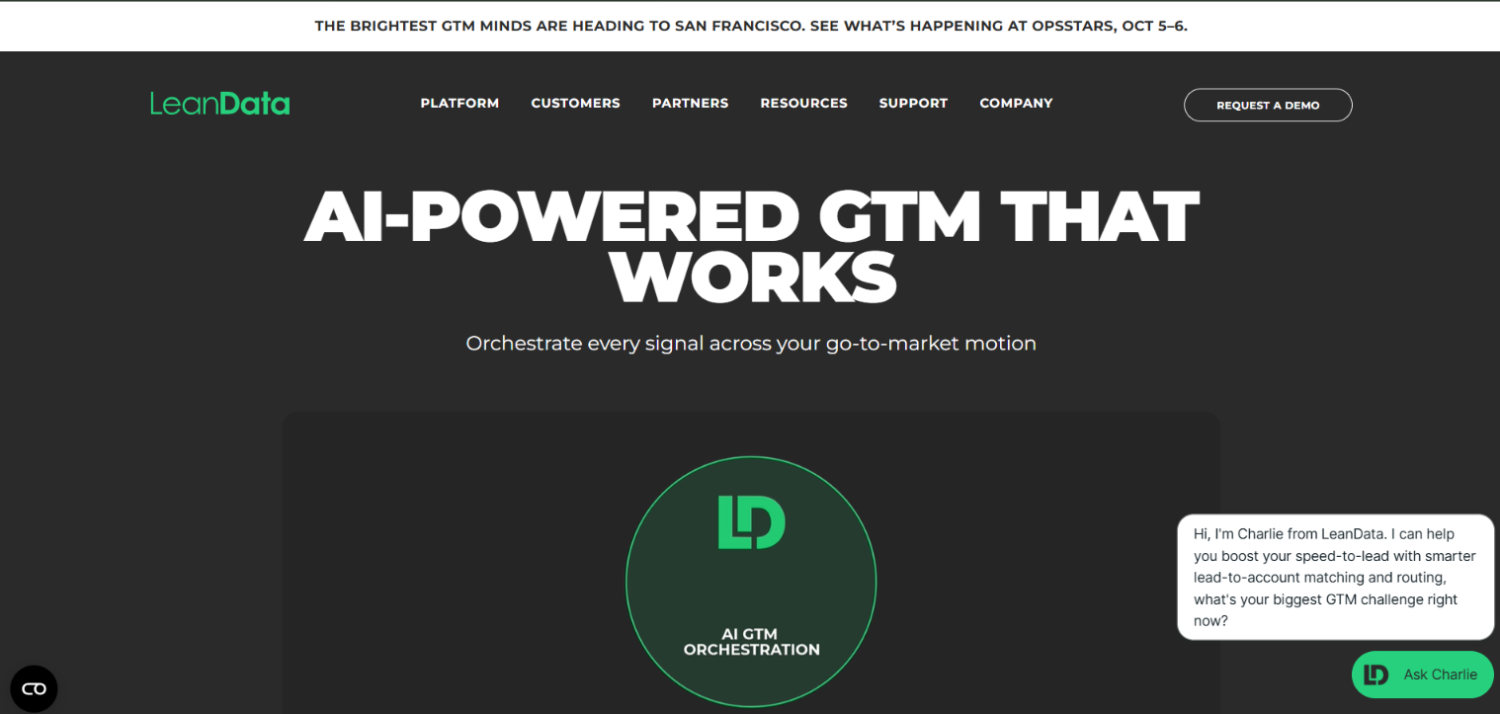
LeanData built its reputation specifically on Salesforce-native lead to account matching and routing. It runs entirely inside Salesforce as a managed package, so there is no external data sync to manage. The matching engine checks email domain, company name fuzzy matching, and account hierarchy simultaneously, then writes a matched account lookup field before any routing logic fires.
The routing layer is the differentiator at enterprise scale. LeanData’s visual flow builder lets RevOps teams build conditional routing logic without code: if an account is in a named account list, route to territory rep; if unowned and above a certain employee count, route to outbound pool; if matched to an account with an open opportunity, notify the opportunity owner and hold. That conditional depth is what teams with fifteen-plus routing rules actually need.
The trade-off is cost and implementation time. LeanData pricing is quote-based and, according to practitioners in the Salesforce admin community, it sits at the higher end of the category. Implementation typically requires a dedicated RevOps admin for initial setup and ongoing flow maintenance. Smaller teams often find they are paying for routing complexity they do not use.
Traction Complete: strong fuzzy matching with account hierarchy awareness
Traction Complete differentiates on account hierarchy matching, which matters for enterprise accounts where a lead from a subsidiary should match the parent account or vice versa depending on your sales model. Most tools match lead to the nearest account name. Traction Complete can walk the Dun and Bradstreet hierarchy to find the ultimate parent, an important capability if your org handles Fortune 1000 accounts with dozens of subsidiaries.
The fuzzy name matching handles common variants well: abbreviations, legal suffixes like “Inc.” or “LLC,” and common misspellings. It also runs as a Salesforce-native package, which matters for orgs with strict data residency or security requirements that prohibit external API calls containing PII.
Traction Complete targets mid-market and enterprise Salesforce orgs. Pricing is quote-based. Teams evaluating it alongside LeanData typically find comparable matching accuracy; the decision often comes down to which routing builder fits their existing workflow and which vendor’s implementation team they trust.
RingLead: matching plus data quality in one platform
RingLead, now part of ZoomInfo, combines lead to account matching with deduplication and data normalization in a single platform. For orgs where dirty data is the core matching problem, not just missing logic, this integration matters. A lead cannot match cleanly to an account named “Acme Corp.” when the account record says “ACME CORPORATION” and the lead says “Acme” if the matching layer does not also normalize both strings before comparing them. RingLead’s normalization step runs before the match, which improves accuracy on messy data sets.
The ZoomInfo integration means RingLead can enrich a lead with firmographic data before matching, giving the engine additional signals beyond what the lead form captured. That is a genuine advantage for leads who leave the company name field blank or use a personal email. The trade-off is that ZoomInfo integration is most valuable if you are already a ZoomInfo customer. Teams not in that data provider arrangement may be paying for enrichment capacity they will not use.
LeadAngel: the most accessible entry point for SMB and mid-market teams
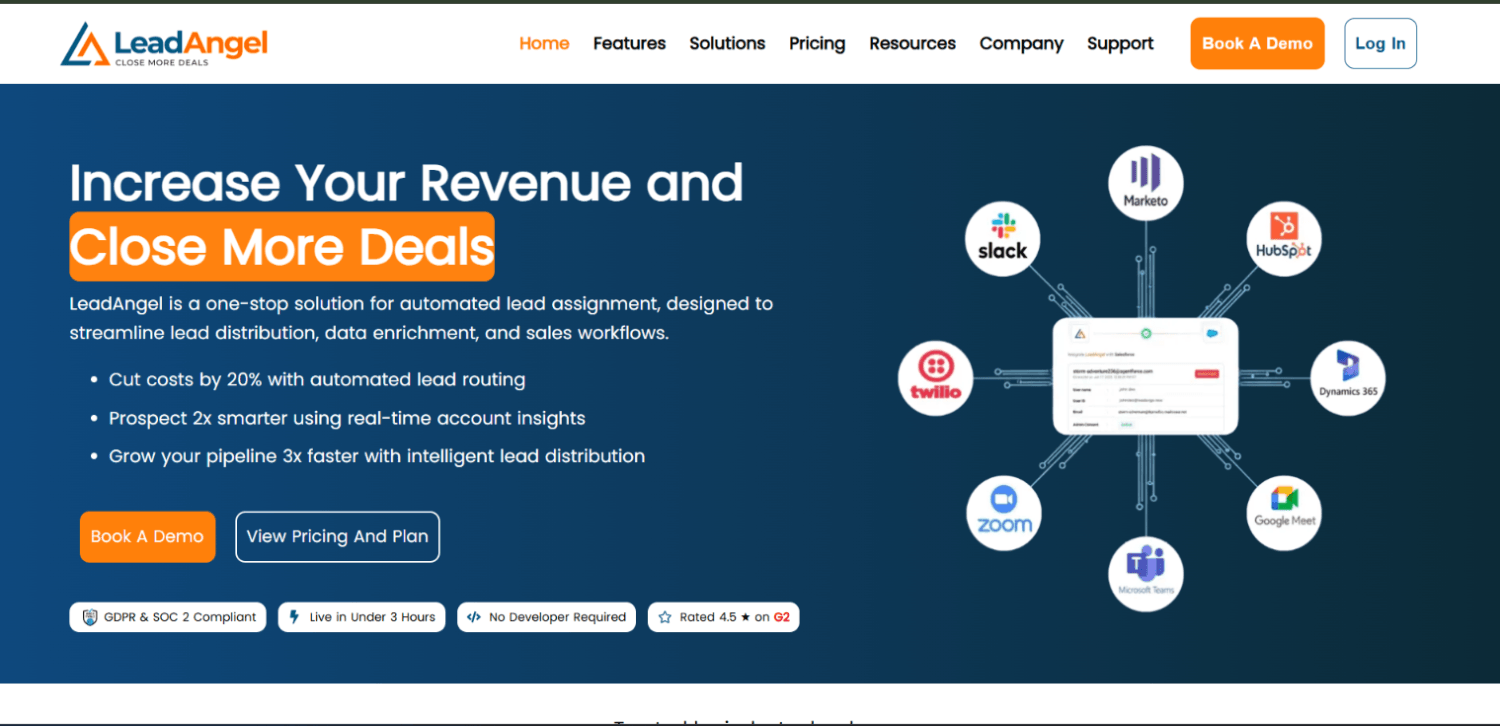
LeadAngel publishes tiered pricing on its website, which immediately separates it from the rest of this list. That transparency makes it easier to run a budget check before booking a demo. It covers the core lead to account matching mechanics: domain matching, fuzzy company name matching, and lead routing based on the matched account owner.
The platform is lighter than LeanData or Traction Complete on routing complexity. Teams with straightforward ownership models, where accounts map cleanly to individual reps or small territories, will find LeadAngel covers most of their use case. Teams with matrix routing, partner overlays, or complex round-robin rules will likely hit its ceiling. For those teams, the cost saving does not compensate for the workflow gaps.
LeadAngel also handles lead-to-contact matching and duplicate suppression, which makes it a reasonable starting point for orgs that have not yet separated their matching and routing infrastructure from their CRM hygiene work.
Openprise: matching as part of a broader data orchestration layer
Openprise is not purely a lead to account matching tool. It is a RevOps data orchestration platform that includes matching as one of many data operations it can run. If your team is already dealing with multi-source data ingestion, normalization across marketing automation and CRM, and segmentation logic that lives across systems, Openprise addresses all of it in one place.
The matching logic is rules-based and highly configurable. RevOps teams who want precise control over every matching criterion, including the ability to set priority order for which signal wins in a conflict, will find Openprise more controllable than tools that abstract matching into a black box. The downside is configuration overhead. Openprise requires RevOps investment to build and maintain the rule sets; it does not come pre-configured for common matching patterns the way LeanData or Traction Complete do.
Pricing is quote-based. Openprise positions itself for mid-market to enterprise RevOps teams, and it fits best when lead to account matching is one of several data problems the team is solving simultaneously rather than the sole objective.
How does Salesforce’s native matching actually work, and when is it enough?
Salesforce’s standard account matching rule for leads, documented in its own Help Center, uses exact and fuzzy matching on company name, email, phone, and address fields. It is designed to prevent duplicate lead creation, not to match leads to accounts. The Salesforce documentation confirms the rule compares lead fields against other lead records, not account records.
Salesforce does offer a separate mechanism for lead-to-account matching through the Lead Conversion process and custom flows. An admin can build a flow that fires on lead creation, queries accounts by domain, and writes a lookup. But that is a custom build your team owns, not a supported product feature with a matching engine behind it.
Native rules are enough for exactly one scenario: a very low-volume Salesforce org where all leads come with business email domains, accounts are named consistently, and routing is just “assign to account owner.” Outside that, native rules will miss matches that cost real pipeline.
What is the standard account matching rule in Salesforce?
According to Salesforce’s own documentation, the standard matching rule for accounts uses exact and fuzzy matching on account name, billing address, website, and phone. It compares account records to other account records to prevent duplicates. It does not run across the lead object. Teams looking for lead to account matching need either a custom flow, a trigger, or a dedicated matching tool layered on top of Salesforce.
How does lead routing connect to lead to account matching?
Matching and routing are logically sequential but often sold as a combined product. Matching answers “which account does this lead belong to?” Routing answers “given that account assignment, who gets this lead and when?” A tool that does matching without routing gives you a populated lookup field but leaves the assignment logic to your existing Salesforce assignment rules, which may not be account-hierarchy-aware.
The strongest tools in this category, LeanData and Traction Complete at the top of the list, treat the two as a single pipeline: match fires, account owner is identified, routing logic runs, rep is notified. If you buy a matching-only tool and chain it to Salesforce’s native assignment rules, you introduce a gap where the match exists but the routing ignores it.
This is also where the connection to broader RevOps infrastructure becomes visible. Lead routing decisions inform attribution, and attribution tools need the lead-to-account link to exist before they can credit the right campaign. Our coverage of B2B attribution tools for long sales cycles explains why that linkage matters at the measurement layer.
How to match leads to accounts in Salesforce without a third-party tool
The most practical native approach uses a Salesforce Flow on lead creation. The flow queries accounts where the account website domain matches the lead’s email domain, returns the best match, and writes the account ID to a custom lead lookup field. A secondary step handles name-based matching for leads without business email domains.
This approach works for low-complexity orgs but has three real limitations. First, it breaks on common domain patterns: Gmail, Yahoo, Outlook, and shared company email platforms like Google Workspace where the domain is not company-specific. Second, it cannot fuzzy-match company names without custom Apex, which requires a developer. Third, it does not update retroactively when new accounts are created, so leads that arrived before an account existed will never get matched unless you run a batch job manually.
If your team is spending more than a few hours a week on manual lead assignment, the total cost of that labor likely exceeds the licensing cost of a dedicated tool within a quarter.
What should you check before buying lead to account matching software?
Four questions cut through most vendor demos faster than any feature checklist:
- Does the tool match in real time on lead creation, or does it run in batches? Real-time matching matters if your reps are expected to follow up within minutes of a form submission.
- How does the tool handle conflicts when a lead could match multiple accounts? The resolution logic, whether it picks the closest name match, the most recently created account, or the one with an open opportunity, has a large effect on accuracy.
- What happens to a lead that does not match any account? Does it route to a default queue, trigger account creation, or just sit? That fallback path is where most unmatched leads die.
- Can you audit match decisions? If a rep disputes an assignment, can your RevOps team pull a log that shows why the tool matched that lead to that account? Without an audit trail, bad matches are invisible until they become lost deals.
Identity resolution at the account level is a related discipline worth understanding before you buy, particularly if your team handles anonymous web visitors alongside known leads. Our guide to identity resolution tools for warehouse-first marketing stacks explains how those two problems overlap.
Frequently asked questions about lead to account matching
What is the difference between lead matching and account matching in Salesforce?
Lead matching in Salesforce refers to comparing an incoming lead against existing lead records to prevent duplicates. Account matching compares account records against each other. Neither process, by default, connects a lead to an account. Lead to account matching is a separate process, either built with custom flows or handled by a dedicated tool, that queries the account object from the lead object using signals like email domain and company name.
Does Salesforce have built-in lead to account matching?
Salesforce does not offer a native, productized lead to account matching feature. Its standard matching rules operate within the lead object or within the account object, not across them. The lead conversion process allows manual or flow-based account association, but it requires custom configuration. Teams that need automated, real-time lead to account matching typically implement a dedicated third-party tool or build a custom Salesforce Flow, with the former being more reliable at scale.
How does fuzzy matching work in lead to account tools?
Fuzzy matching compares two strings and returns a similarity score rather than requiring an exact character match. In lead to account matching, this means “Acme Corp,” “Acme Corporation,” and “Acme Co.” all score high similarity against an account named “Acme Corp” and resolve to the same record. Tools implement this using algorithms like Levenshtein distance or Jaro-Winkler similarity. Most dedicated matching tools let admins set a confidence threshold above which a match is accepted automatically and below which it goes to a manual review queue.
What leads to poor match accuracy in Salesforce lead to account tools?
Poor match accuracy almost always traces back to three sources: inconsistent account naming in the CRM, leads with personal or shared email domains that provide no company signal, and missing or incorrect website fields on account records. A matching tool improves the logic applied to whatever data exists but cannot compensate for missing data. Running a data quality audit before tool selection determines whether your problem is matching logic or underlying CRM hygiene, which are different problems with different solutions.
When should a lead convert to an account versus stay as a lead?
If a matching tool finds an existing account for a lead, the standard Salesforce workflow is to convert the lead and create a contact under that account, rather than leaving a duplicate lead record. If no matching account exists and the lead has not qualified, it stays as a lead. The matching decision should inform the conversion decision: a high-confidence match means the account relationship is real and conversion makes sense; a low-confidence or no-match result means the lead may need qualification before conversion is appropriate.
How does lead to account matching affect marketing attribution?
Attribution models that track multi-touch influence across an account need the lead-to-account link to exist before they can aggregate campaign touches at the account level. If a lead arrives from a webinar and never gets matched to the target account that later closes, that webinar touch disappears from the account’s attribution history. Dedicated matching tools write the account lookup field in real time, which means attribution platforms can read it immediately and assign credit correctly. This is one of the underappreciated reasons matching accuracy has a direct effect on reported marketing ROI.
Conclusion
The belief that Salesforce duplicate rules handle lead to account matching is the single most common RevOps gap in B2B Salesforce orgs. The native rules were designed for a different problem: preventing lead duplication. The moment a lead needs to find its account, Salesforce hands the problem back to whoever built your flows or assignment rules, and most orgs have not built anything sophisticated enough to close the gap.
The decision between vendors is mostly a decision about routing complexity. Teams with five or fewer routing rules and moderate lead volume get most of the value from LeadAngel or a well-built native flow. Teams with territory splits, named account lists, partner overlays, and open-opportunity escalation logic need LeanData or Traction Complete, because those tools were built specifically for that routing depth inside Salesforce. Openprise and RingLead serve teams where matching is one part of a larger data quality problem, not the only problem. Understanding where your org actually sits on that complexity curve, which the four-check AboutMartech L2A Accuracy Audit above helps determine, prevents both underbuying and overbuying.
If accurate attribution matters to your team, and it should if marketing is being held to revenue targets, fixing lead to account matching is the prerequisite. You cannot report account-level campaign influence if the lead-to-account link does not exist. That is not a marketing analytics problem. It is a data plumbing problem, and dedicated matching software is the fastest way to fix it. For the broader measurement layer that sits on top of accurate matching data, the marketing attribution tools guide covers what comes next.