- Asset sprawl is not a storage problem. It is a time problem: every hour a designer spends hunting for the approved logo is an hour not spent on new work.
- A shared Google Drive or Dropbox folder is a filing cabinet, not a DAM. It has no metadata search, no version locking, no rights expiry, and no brand portal for external partners.
- The seven tools below are all self-serve or low-touch to implement. None require a six-week onboarding engagement or a dedicated admin.
- Bynder and Brandfolder are deliberately excluded here. Both are capable platforms, but both require sales conversations, enterprise contracts, and implementation support that lean teams rarely have budget or bandwidth for.
- The right DAM for a 10-person marketing team and a three-agency roster looks nothing like the right DAM for a 200-person brand org. The setup-effort table below helps you match both.
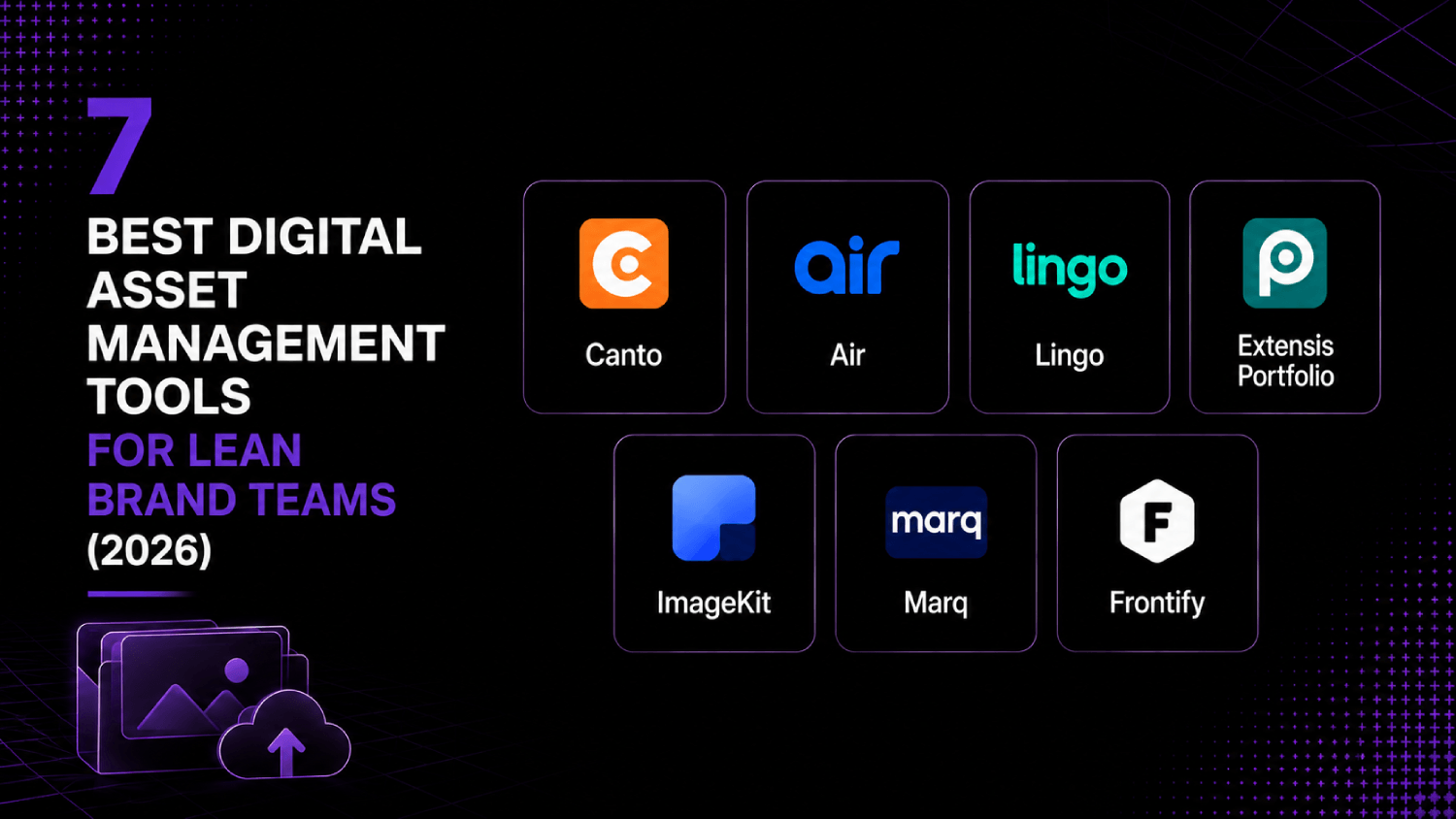
The best digital asset management software for a lean marketing team is one that gets assets findable, versioned, and shareable in under a week without a dedicated admin. Tools like Canto, Air, Lingo, Extensis Portfolio, ImageKit, Marq, and Frontify each cover a different slice of the DAM market, from creative workflow and brand portals to image CDN delivery and rights management. The right pick depends on whether your bottleneck is internal search, external sharing, brand consistency, or delivery speed.
Do You Actually Need a DAM, or Is a Shared Drive Enough?
Most marketing teams hit the shared-drive wall at roughly the same moment: a campaign launches with an outdated logo, an agency vendor sends a file that overwrites the approved one, or a new hire spends two days finding assets that should have taken two minutes. None of these failures are caused by having too many files. They are caused by having no governance over them.
A shared drive solves storage. A DAM solves retrieval, rights, and consistency. The distinction matters because the cost of asset sprawl is not the storage bill. It is the accumulated labor of everyone who searches, re-downloads, re-formats, and re-exports assets that already exist in a slightly different folder somewhere else. For a team running creative campaigns across paid, organic, and partner channels, that cost compounds fast.
If your team has fewer than 500 assets, one designer, and no external partners touching brand files, a well-organized Drive folder may actually be enough for now. Cross that threshold in any one dimension and the math shifts. DAM tools in this list start at free tiers and go to a few hundred dollars per month, and most take a day or two to set up, not weeks.
What Makes a DAM Right for a Lean Brand Team?
The AboutMartech Asset-Fit Test is a four-point check for marketing teams evaluating DAM tools without a dedicated martech admin. Run each check before committing to a trial.
Search depth: Can you find an asset by color, tag, file type, campaign name, and upload date simultaneously? If the only search is a filename match, it is a glorified folder.
Version control without manual effort: Does the platform lock a canonical version and retire old ones automatically, or does it just store multiple uploads side by side and hope someone remembers which is current?
External sharing without a license seat: Can an agency partner, freelancer, or press contact access a curated asset collection without you paying for another user? Brand portals and guest link sharing are the features to look for here.
Integration surface: Does it connect to the tools your team already uses, specifically Figma, Canva, Adobe Creative Cloud, Slack, or your CMS? A DAM that sits outside your workflow will not get used consistently.
Run all four checks. If a tool fails two or more, move on regardless of pricing.
The 7 Best DAM Tools for Lean Marketing Teams
1. Canto
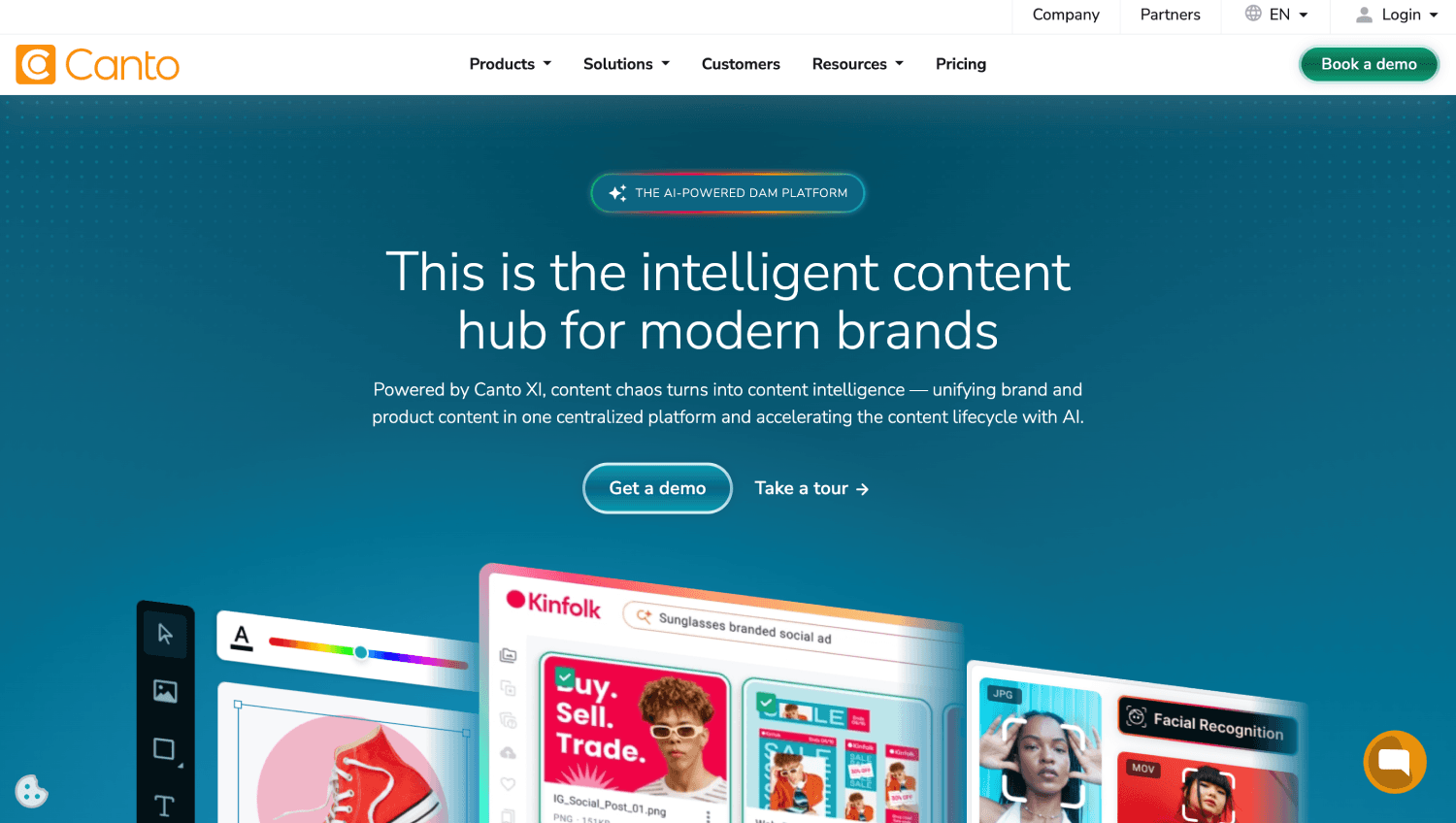
Canto is the most complete mid-market DAM on this list, covering metadata tagging, version control, rights management, and a public-facing brand portal in a single product. It is not the cheapest option, but it is the one most likely to replace both a shared drive and a separate brand guidelines document in one move.
Canto’s AI-powered auto-tagging is one of its more useful features for lean teams. It reads image content on upload and applies descriptive tags automatically, which means your team does not spend the first month manually categorizing a backlog. The brand portal feature lets you publish a curated, public-facing library for press contacts or agencies without granting them system access.
Pricing is not publicly listed. Canto requires a sales conversation for a quote, which puts it on the high end of this list in terms of procurement friction. That said, it is consistently positioned for teams in the 50-to-500 employee range who have outgrown a shared drive but do not want the complexity of an enterprise DAM. Best for: marketing teams managing 5,000-plus assets across multiple external partners.
2. Air
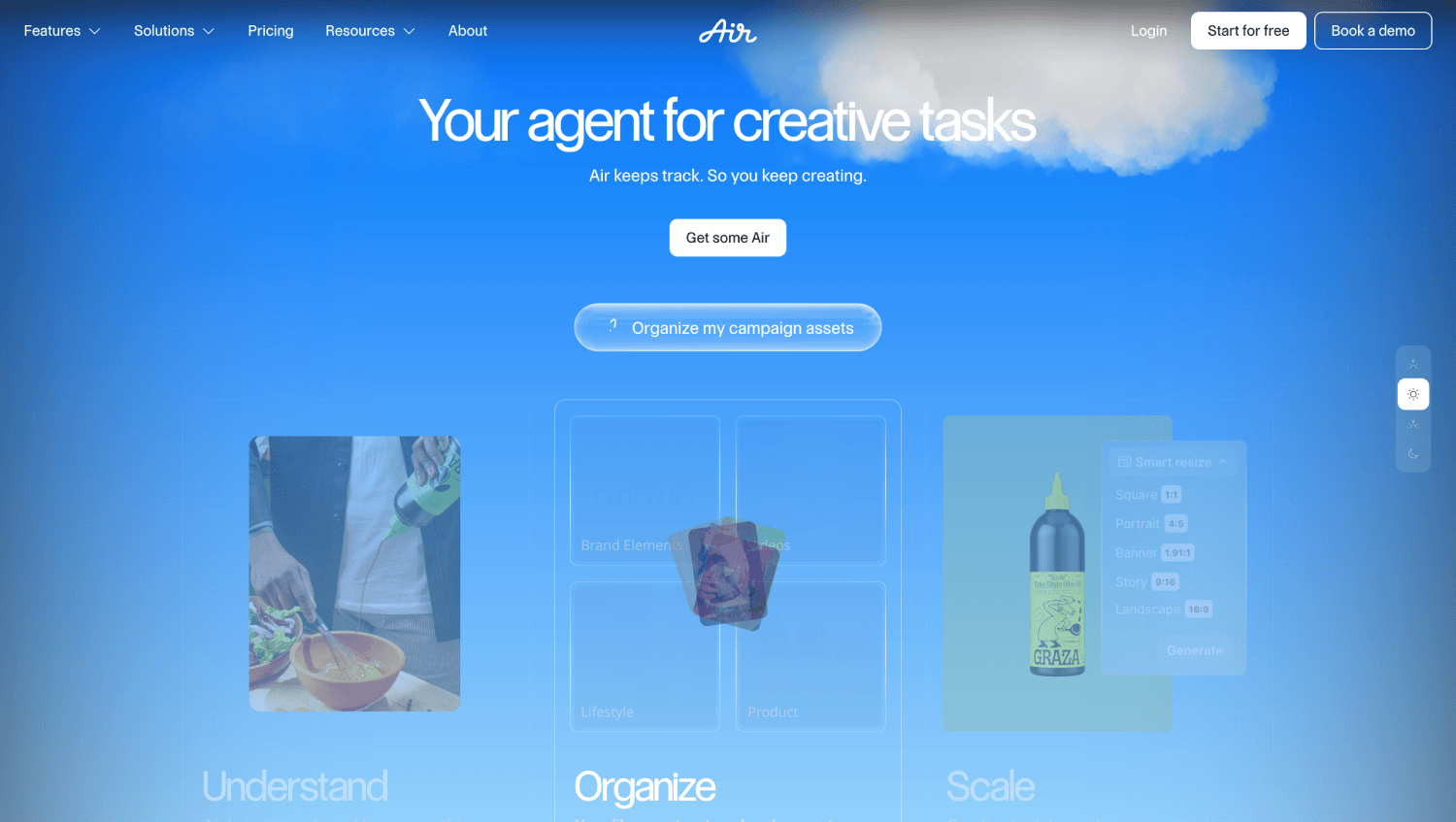
Air approaches DAM from the creative workflow side rather than the governance side. It is designed for teams where designers, social managers, and paid media buyers need to collaborate on assets before they are finalized, not just retrieve finished files after the fact.
The product’s visual interface looks closer to a Pinterest board than a traditional DAM, which is either a feature or a bug depending on your team. Search works across visual similarity, color, and text within images. Guest access is available at no extra cost, which matters for agencies and freelancers. Air also has a native Figma integration and connects to Slack for approval notifications.
According to Air’s public pricing page, plans start at $6 per member per month for the basic tier. The workspace scales by storage, not by feature gate, which is a reasonable model for teams whose headcount is stable but whose asset volume is growing. Best for: creative-first teams that need a collaborative review and approval layer on top of storage.
3. Lingo
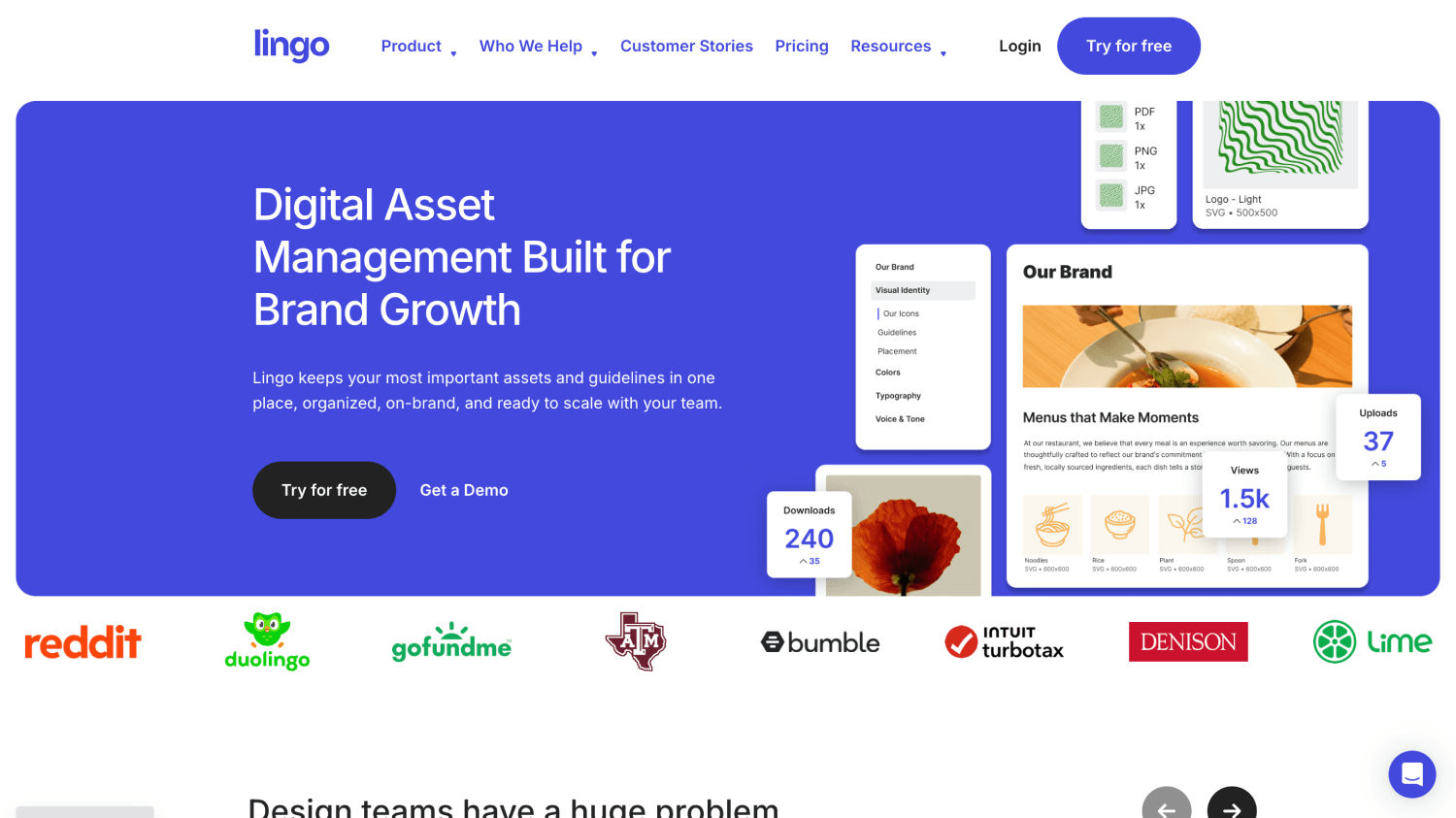
Lingo is built specifically for brand asset management and brand guidelines, not general-purpose file storage. If your primary problem is that contractors, agencies, and new hires keep using off-brand versions of your logo, color palette, or typography, Lingo solves that problem directly.
The product organizes assets into “kits,” which function like living brand standards documents with the actual files embedded. When you update an asset in a kit, everyone with a shared link automatically sees the new version. There is no download-and-save cycle that allows stale files to persist on someone’s desktop.
Lingo’s Mac app integrates with Sketch and Figma, making it particularly useful for design-led teams. According to Lingo’s public pricing page, the free plan supports up to three kits and one user, while paid plans start at $15 per month for a solo plan. Team plans are available with unlimited kits. Best for: startups and early-stage teams that need brand governance more than general asset storage.
4. Extensis Portfolio
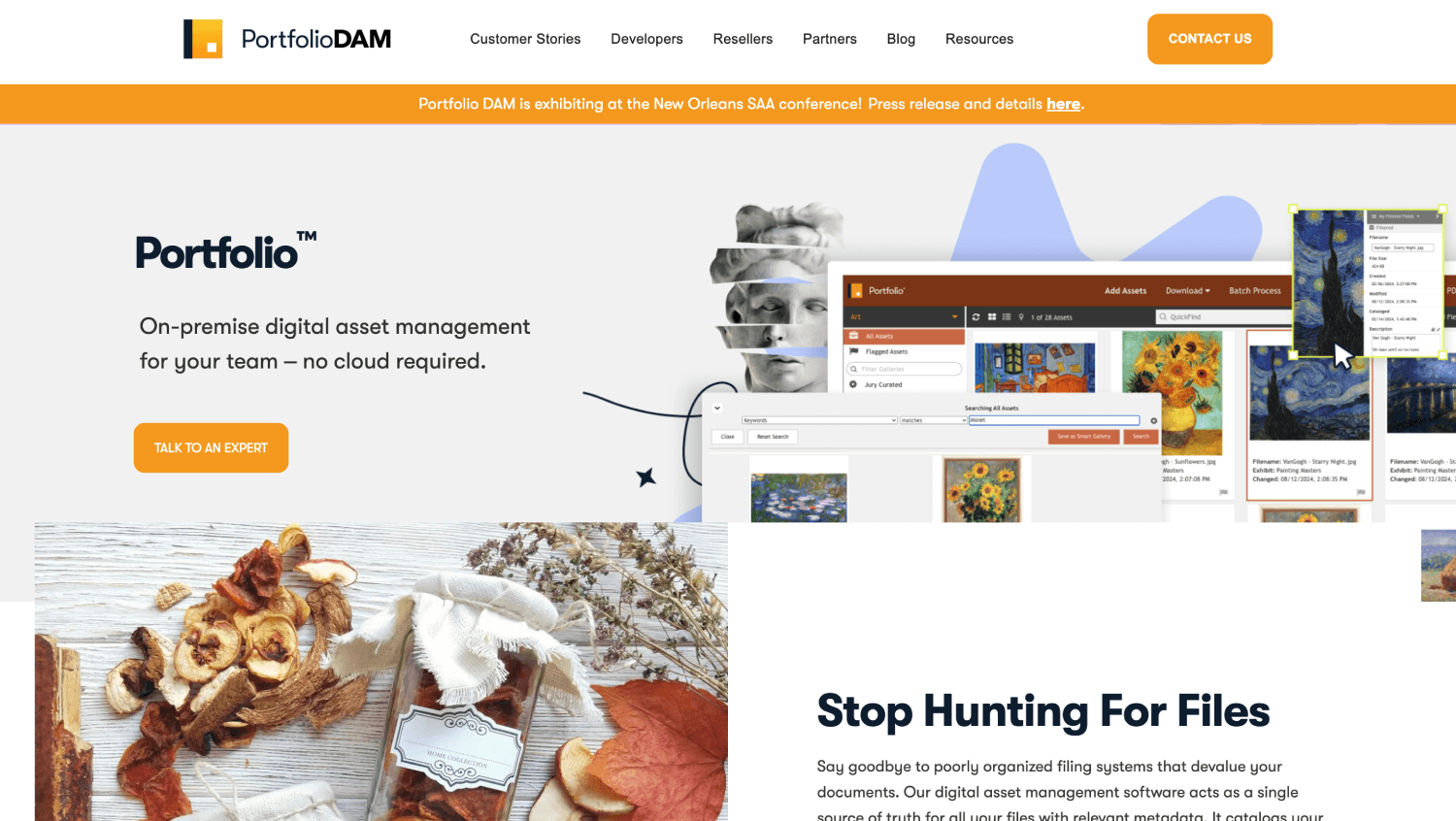
Extensis Portfolio is the oldest product on this list, with a legacy rooted in print and publishing workflows. That history shows in its metadata and rights management capabilities, which are more granular than most tools aimed at this market segment.
Portfolio supports custom metadata schemas, meaning you can tag assets with fields that match your internal taxonomy rather than whatever the platform decided was important. Rights and expiry tracking are built into the asset record, which matters for any team managing licensed photography or stock imagery with time-limited usage rights.
The product is available as both a cloud service and an on-premises deployment, a combination that has mostly vanished from the modern DAM market. For teams in regulated industries or those with specific data residency requirements, that flexibility is real value. Pricing is not listed publicly and requires a sales contact. Best for: marketing teams with large licensed image libraries or compliance-driven metadata requirements.
5. ImageKit
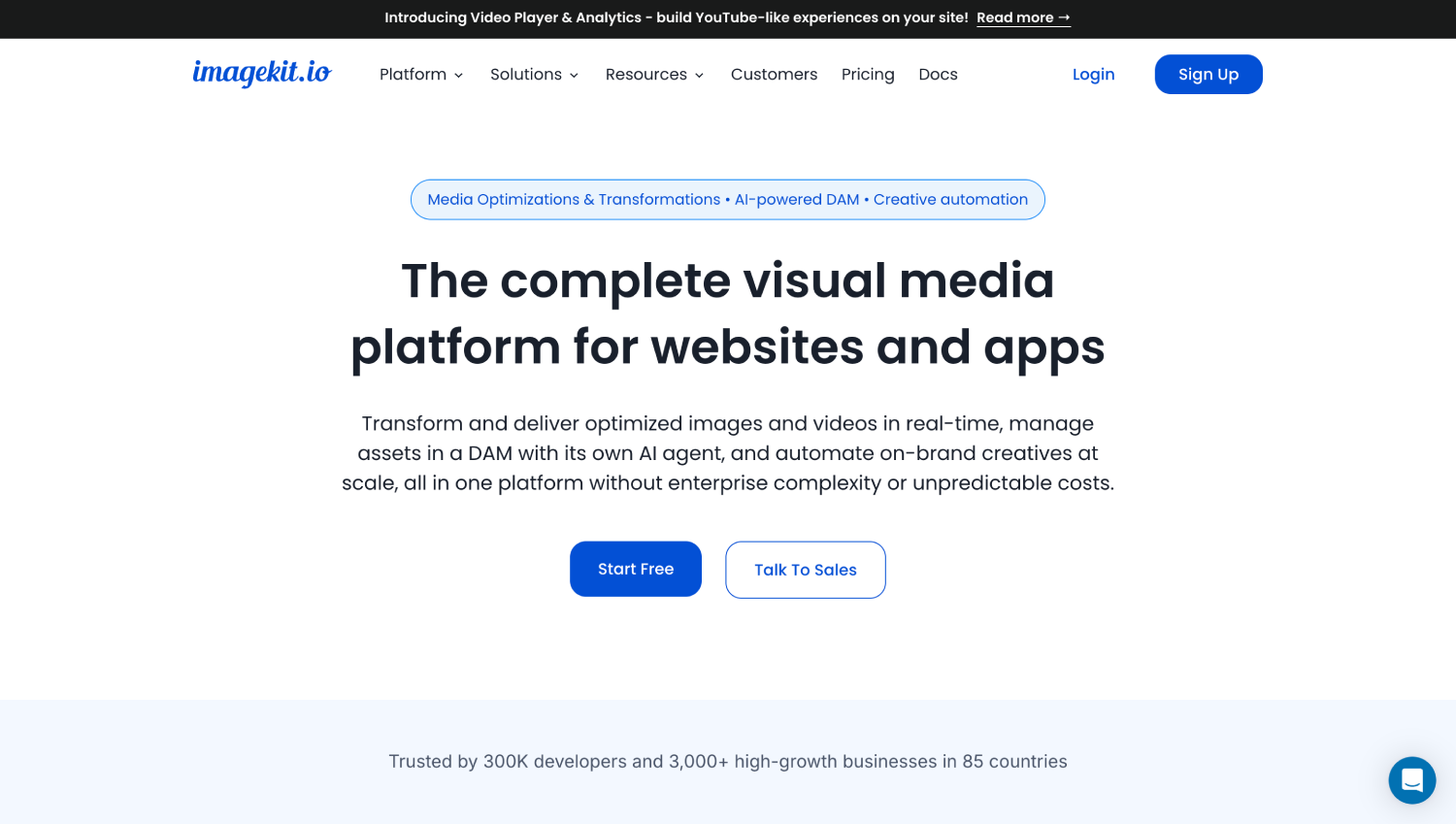
ImageKit is the only tool on this list that combines a DAM with a real-time image CDN and transformation layer. It is not a brand governance tool. It is the right answer if your bottleneck is delivering the right size, format, and quality of image to the right surface, automatically, at scale.
A team running paid social, a website, email campaigns, and a mobile app typically manages four to six different image exports per asset. ImageKit removes that export cycle entirely. You store one master image, then reference it with URL parameters that resize, crop, compress, convert to WebP or AVIF, and apply overlays at delivery time. The CDN handles the caching and edge distribution.
According to ImageKit’s public pricing page, the free plan includes 20GB of storage and 20GB of bandwidth per month. Paid plans start at $29 per month. The product integrates with S3-compatible storage, which means teams already using AWS can point ImageKit at an existing bucket rather than migrating files. Best for: growth and web teams that manage high-volume image delivery across multiple channels and need to cut image optimization work out of the production cycle. If tracking how your creative assets tie to downstream revenue is part of your mandate, pairing this with a solid marketing attribution tool gives you a more complete picture.
6. Marq (formerly Lucidpress)
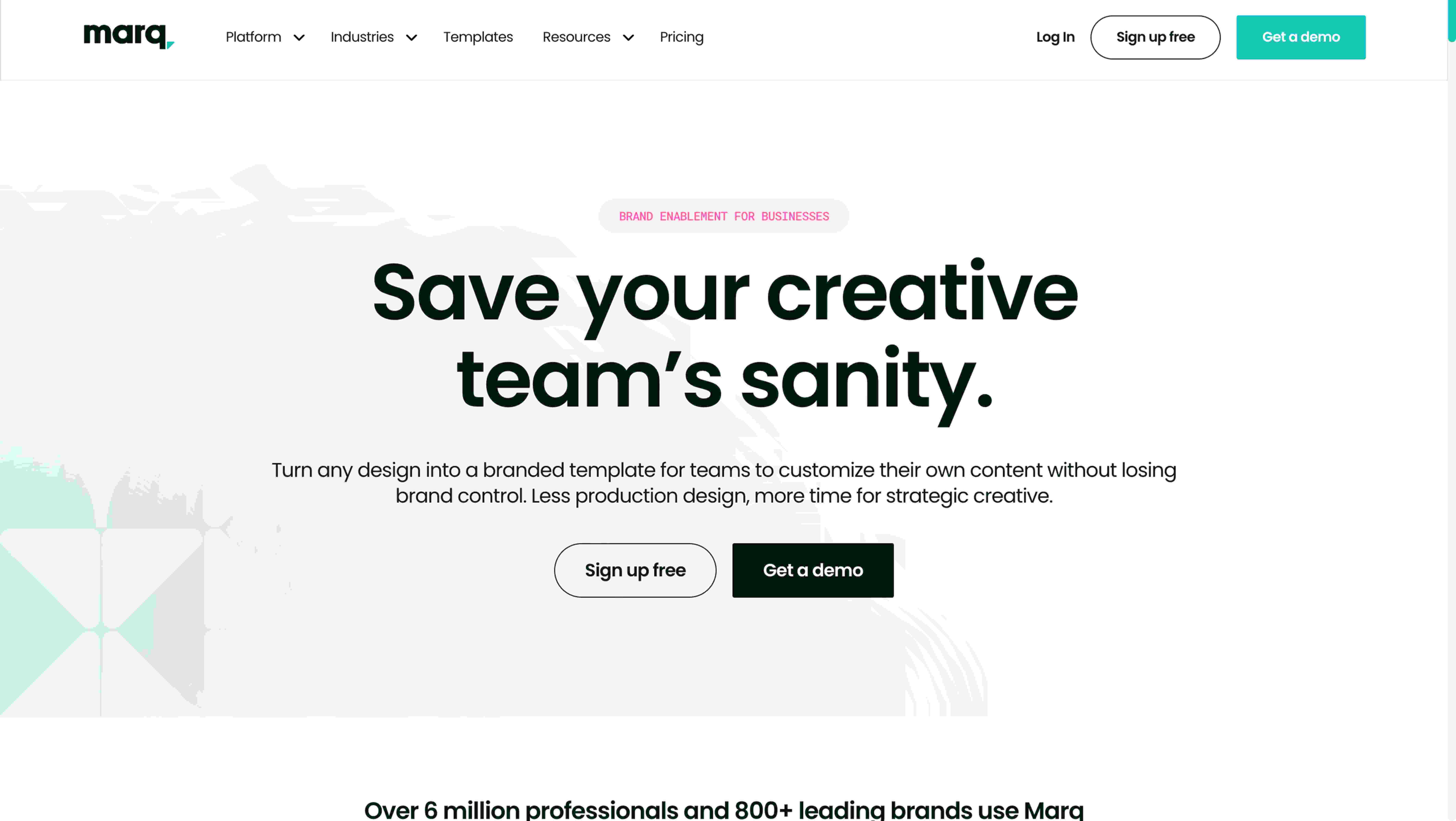
Marq solves a specific and common pain point: brand teams spend significant time reviewing and correcting assets produced by distributed teams, franchises, or regional offices who need to customize templates without breaking brand standards. Marq is a DAM with a locked-template layer built on top.
Designers create master templates in Marq with certain elements locked (logo placement, typography, color palette) and certain elements unlocked (local phone number, regional event date, product photo). Non-designers at the regional or partner level edit only what they are permitted to edit, then download or publish the finished asset. Brand integrity is enforced structurally, not by policy.
The asset library stores all approved creative alongside the templates, and a brand portal makes those assets accessible to external stakeholders. According to Marq’s public pricing page, plans are available for teams and enterprise customers, with pricing upon request for larger deployments. Best for: brands with a distributed sales force, franchise network, or large agency roster that produces localized creative from master templates.
7. Frontify
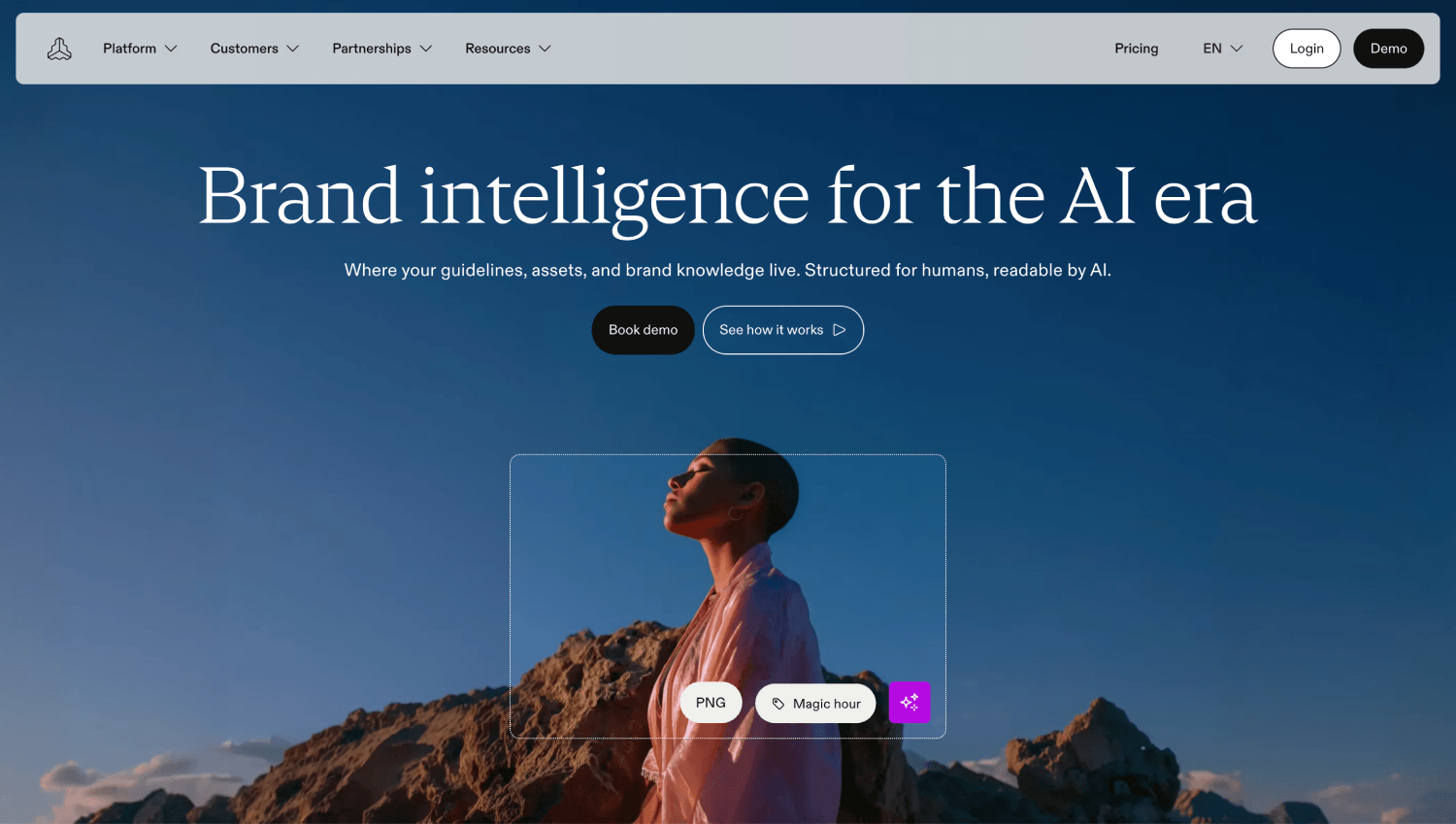
Frontify is built around brand guidelines as the organizing principle, rather than treating them as a secondary layer on top of file storage. Where most DAMs store assets and let you add a notes field, Frontify builds a complete, interactive brand guidelines hub that embeds actual assets, color values, typography specimens, voice and tone documentation, and usage rules in one web-based destination.
For teams that maintain a brand identity shared with agencies, partners, or a large internal creative team, Frontify eliminates the “where is the latest brand deck” conversation permanently. The brand portal is publicly accessible by default, and every asset in the system links directly to its guidelines context, so a vendor downloading your logo file can see the clear-space rules immediately alongside the download.
DAM functionality in Frontify includes version control, asset collections, and access permissions, but it is not as deep on search and metadata as Canto or Extensis. Frontify’s pricing is not publicly listed and requires contacting sales. Best for: brand-forward companies, agencies, and design teams that treat brand governance as a strategic function, not just file storage. Teams building out a content operations function will find Frontify fits naturally alongside AI content tools that need a consistent, accessible brand source of truth to draw from.
Setup Effort vs. Capability: How the 7 Tools Stack Up
| Tool | Best For | Setup Effort | External Sharing | Brand Portal | Rights Management | Image CDN | Public Pricing |
|---|---|---|---|---|---|---|---|
| Canto | Mid-market asset governance | Medium | Yes | Yes | Yes | No | Quote only |
| Air | Creative collaboration and review | Low | Yes (free guests) | No | No | No | From $6/member/mo |
| Lingo | Brand kit and guidelines | Low | Yes (link sharing) | Partial | No | No | Free tier; from $15/mo |
| Extensis Portfolio | Licensed image libraries | Medium-High | Yes | No | Yes (granular) | No | Quote only |
| ImageKit | Image delivery and CDN optimization | Low-Medium | Yes (URL-based) | No | No | Yes | Free tier; from $29/mo |
| Marq | Distributed/franchise brand control | Medium | Yes | Yes | Partial | No | Quote on request |
| Frontify | Brand guidelines and governance hub | Medium | Yes | Yes | Partial | No | Quote only |
Which DAM Integrates with Figma and Canva?
Air has a native Figma integration and is the strongest option for design teams working in that environment. Assets can be pushed from Figma directly to an Air workspace, which keeps the approved-asset library in sync with what designers are actually producing. Lingo also integrates with Figma and Sketch via its Mac app, though its focus is on brand kit management rather than full creative workflow.
Canva integration is less consistent across this list. Marq has its own template editor that partially overlaps Canva’s use case. Canto connects to Canva through integrations listed in their documentation. If Canva is central to your production workflow, confirm any DAM’s current Canva connector status before committing, because these integrations change frequently and often live at the Canva Apps marketplace level rather than natively in the DAM.
For Adobe Creative Cloud integration, Canto and Extensis Portfolio both offer native panels, meaning designers can search and pull assets into Photoshop and InDesign without leaving the application. This matters significantly for teams where production happens in Creative Cloud rather than browser-based tools.
DAM vs. Brand Portal: What Is the Actual Difference?
A DAM is primarily an internal system for storing, organizing, and retrieving assets. A brand portal is primarily an external-facing destination where partners, agencies, press contacts, and vendors can find and download brand-approved assets without internal access. Most enterprise DAMs include a brand portal as a feature. Most brand portals do not include a full DAM.
Frontify is the clearest example of a brand portal that has grown DAM capabilities. Lingo is a brand kit tool with portal-adjacent sharing. Canto and Marq offer both in one product. ImageKit is neither: it is a delivery and transformation layer that assumes you already have an asset storage system.
For lean teams, the practical question is whether your external partners need to browse and download independently, or whether you will always pull assets and send them manually. If the former, a brand portal feature is non-negotiable. If the latter, you can start with a simpler tool and add portal capabilities later.
What Is the Cheapest DAM Option for a Startup?
Lingo’s free plan is the most accessible entry point: three kits, one user, and no credit card required. It is genuinely useful for a solo brand designer or founder who wants to publish a living brand kit for contractors without managing email attachments. The limitation is the user cap, which becomes a friction point the moment a second designer or a marketing hire joins the team.
ImageKit’s free tier is similarly accessible at 20GB storage and 20GB bandwidth per month, with no user seat cost. It is the right free-tier pick if image delivery performance is the immediate problem rather than brand governance.
Air’s entry pricing at $6 per member per month is reasonable for a small team that wants collaboration features and guest access without a quote-based procurement process. For a four-person marketing team, that is $24 per month before factoring in storage overages. It is not free, but it is within a typical software evaluation budget and does not require a sales call to start.
What Does Asset Rights Management Actually Mean in Practice?
Rights management in a DAM context means tracking who can use an asset, on what channels, in which territories, and until what date. It is most relevant for teams that license stock photography, commission photography with usage restrictions, or use talent imagery governed by model release agreements.
Say a marketing team purchases a stock photo licensed for digital use in North America through December of the current year. Without rights metadata tied to the asset record, nothing stops someone from using that image in a print campaign or an EMEA market page after the license expires. Extensis Portfolio handles this more granularly than any other tool on this list, with custom metadata fields for license type, expiry date, territory, and usage channel.
Canto also tracks rights at the asset level, with visible warnings when an asset approaches expiry. Air and Lingo do not offer structured rights management, which is an acceptable trade-off for teams that primarily own their own creative assets outright. If your team runs significant paid campaigns using licensed imagery, that gap is not acceptable. The downstream cost of a usage violation is almost always higher than the cost of the DAM tool that would have prevented it.
Is a DAM the Same as a Headless CMS?
No, and conflating the two leads to buying the wrong thing. A DAM manages binary files: images, video, PDFs, fonts, design files, and documents. It governs storage, retrieval, versioning, and rights for finished creative assets. A headless CMS manages structured content: copy, product data, metadata, and the relationships between content blocks that get delivered to a front-end.
Some headless CMS platforms include a media library that looks superficially like a DAM. The difference is depth: a headless CMS media library stores images for use in content. A DAM governs those images as independent assets with their own metadata, rights, versioning, and distribution logic. Teams that need both often connect the two via API or integration. The vendor sets do not overlap significantly, and this article deliberately does not cover headless CMS platforms.
Frequently Asked Questions
What is digital asset management for marketing teams?
Digital asset management for marketing teams is a software system for storing, organizing, versioning, and distributing creative files, including images, video, fonts, logos, and brand documents, across internal teams and external partners. It adds metadata search, version locking, rights tracking, and controlled external sharing on top of basic file storage. The core value is reducing the time teams spend searching for, re-creating, or incorrectly using assets that already exist in approved form somewhere in the system.
Do I need a DAM or is a shared drive enough for a small team?
A shared drive is enough if your team is small (one or two designers), your asset count is low (under a few hundred files), and no external partners need independent access to brand files. Once you cross any of those thresholds, shared drives create problems that compound over time: stale files persist on local machines, external vendors cannot reliably access current assets, and there is no version control preventing someone from overwriting an approved file. A lightweight DAM with a free or low-cost entry tier solves all three issues without significant setup overhead.
What is the difference between a DAM and a brand portal?
A DAM is an internal system for storing and managing all creative assets, with permissions, metadata, and version control. A brand portal is an externally facing destination where agencies, press, and partners browse and download brand-approved files without needing internal system access. Most enterprise DAMs include a brand portal as a feature. Tools like Frontify and Lingo lean toward the brand portal model with DAM capabilities added. For lean teams sharing assets with outside vendors, a DAM that includes a brand portal feature eliminates the need for two separate tools.
Which DAM tools integrate with Figma and Canva?
Air and Lingo both offer native Figma integrations, making them the strongest options for design teams working in that environment. Air allows assets to be pushed from Figma workspaces directly to the DAM library. Canto lists Canva integration in its documentation, though Canva connectors are often managed at the Canva Apps marketplace level and change frequently. For Adobe Creative Cloud integration, Canto and Extensis Portfolio offer native in-app panels for Photoshop and InDesign, allowing designers to search and pull assets without leaving the application.
How much does digital asset management software cost for a small team?
Entry-level DAM pricing ranges from free (Lingo’s three-kit plan, ImageKit’s 20GB free tier) to around $6 per user per month (Air) for self-serve products. Tools with deeper governance features, including Canto, Extensis Portfolio, Frontify, and Marq, are quote-based and do not publish public pricing. For a team of five, expect self-serve options to run $30 to $150 per month depending on storage and feature tier. Quote-based tools are generally positioned for teams with larger asset volumes, external partner management needs, or compliance requirements.
Which DAM is best for managing brand assets across agencies?
Canto and Frontify are the strongest picks for teams managing brand assets across multiple agency relationships. Both support brand portals that external users can access without a paid seat, customizable asset collections for specific agency briefs, and version control that means agencies always download the current approved file rather than a cached local copy. Marq is the better choice if agencies are producing localized creative from brand templates, because its locked-template system prevents off-brand modifications structurally rather than relying on agency compliance with written brand guidelines. Managing your full content operation across agencies also connects to how you track what content actually drives results, which our coverage of AI content tools marketers actually use addresses in depth.
Is asset versioning automatic in DAM tools, or do I have to manage it manually?
It depends on the tool. Canto and Extensis Portfolio lock a canonical version automatically when a new file is uploaded to replace an existing asset, retiring the old version to a history log rather than leaving both live. Air stores version history but requires users to designate the current version explicitly, this is a workflow convention rather than a system-enforced constraint, which introduces human error if team members upload without following the process. Lingo’s kit model handles this cleanly at the kit level: when an asset in a kit is updated, all shared links to that kit reflect the new version immediately, without anyone needing to re-download or re-share. Manual version management in any tool defeats its own purpose.
Can a DAM tool replace a brand guidelines document?
Frontify and Lingo come closest to replacing a static brand guidelines PDF with a living, interactive equivalent. Both embed actual asset files alongside usage rules, typography specimens, and color values in a single web-based destination. The advantage over a PDF is that when the brand evolves, the update propagates to everyone with the link rather than requiring a new document to be distributed and an old one to be deprecated. For teams that currently maintain a brand guidelines deck in Notion or Google Slides alongside a separate asset folder, consolidating into Frontify or Lingo removes a meaningful coordination overhead. Neither fully replaces the strategic thinking in a brand guide, but both make that guide concrete and accessible in a way a PDF cannot.
The Right Mental Model for Picking a DAM
Most marketing teams do not need the most feature-complete DAM on this list. They need the one that solves the specific bottleneck that is costing them time today. If that bottleneck is creative review and approval, Air. If it is brand consistency across agencies or a distributed team, Frontify or Marq. If it is image delivery performance across channels, ImageKit. If it is rights management on a licensed asset library, Extensis Portfolio. Canto is the right call when the team has grown large enough that all of those problems are occurring simultaneously.
The one thing to avoid is buying a DAM that solves an organizational problem you do not actually have yet. A lean team of three designers and one agency does not need a six-figure DAM contract. They need something they will actually use consistently, which means low setup friction, a free or cheap entry tier, and integrations with tools already in the workflow. The AboutMartech Asset-Fit Test described above will tell you which tools clear that bar before you spend a month in a trial.
Asset management is also not a one-time decision. Teams that start with Lingo’s free kit often graduate to Canto or Frontify as headcount and external partner complexity grow. Choosing a tool that solves today’s problem without locking you into a migration-hostile architecture is the move. Nearly every tool on this list exports cleanly to standard file formats, which means switching later is a weekend project rather than a quarter-long initiative. That kind of portability is worth factoring in from the start, especially if you are also building out adjacent infrastructure like RevOps tooling or a marketing dashboard layer that will eventually need to pull asset metadata alongside campaign performance data.