- B2B website personalization does not require a CDP, a data engineering team, or a six-month implementation. Purpose-built tools resolve anonymous visitors to companies using IP data and firmographic lookups, then serve targeted content within days.
- The targeting source is the most important buying decision: IP-based firmographic identification works without any CRM integration, while intent-signal enrichment and CRM-synced account lists produce sharper targeting but require more setup.
- Most B2B personalization tools run as JavaScript overlays on your existing site, so your engineering team’s involvement is closer to a day than a quarter.
- Price spreads widely. Self-serve tools aimed at SaaS startups start under $500 per month. Enterprise account-based personalization platforms are quote-only and built around named account lists from sales.
- Conversion lift from personalized landing pages is real for high-intent traffic, but thin for broad top-of-funnel audiences where identification rates drop sharply.
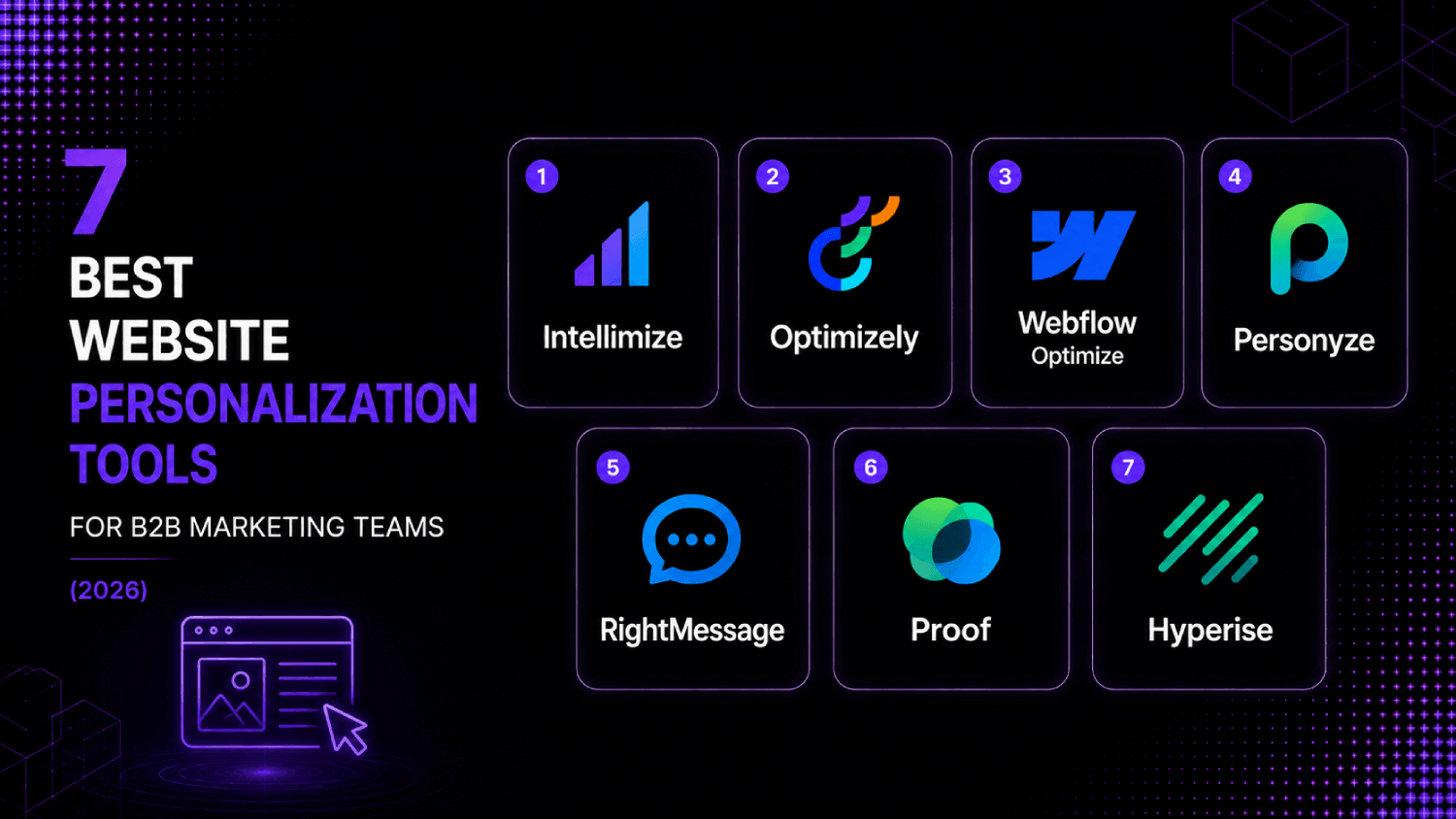
The best website personalization software for B2B teams in 2026 includes Intellimize, Optimizely Web Experimentation, Webflow Optimize, Personyze, RightMessage, Proof, and Hyperise. Each resolves anonymous visitors using firmographic or behavioral signals and delivers variant content without requiring a CDP or custom data pipeline. For most teams, IP-based identification with a CRM-synced account list is enough to start within a week.
In this guide
Why Most B2B Teams Dismiss Website Personalization Before They Should
The assumption that blocks most marketing teams is not cost. It is complexity. Personalization in the B2B context gets mentally filed alongside data warehouse projects, CDP implementations, and identity graph builds, and so it never reaches the roadmap. That assumption is roughly five years out of date.
Purpose-built B2B personalization tools operate independently of your data stack. They use third-party IP resolution databases, firmographic enrichment providers, and intent data feeds to identify anonymous visitors by company, industry, employee count, or account tier, then serve different page content to different segments in real time. No warehouse, no data project, no engineering sprint required.
What does require thought is the targeting source. IP-to-company matching identifies roughly 20 to 40 percent of business visitors in practice, with accuracy skewed toward larger companies that own static IP ranges. For accounts below that threshold, CRM-synced named account lists or first-party intent signals close the gap. Understanding this trade-off before you pick a tool is more important than comparing feature checklists. More on how to think about measurement and targeting precision is in the marketing analytics guide on this site.
The AboutMartech Targeting-Source Test: How to Evaluate Any Personalization Tool Before Buying
Before comparing vendors, B2B marketing teams should run what we call the AboutMartech Targeting-Source Test: four checks that determine whether a tool will actually work for your traffic profile before you commit budget.
- IP identification rate: Ask the vendor what percentage of your monthly unique visitors they expect to resolve to a company. Run a pixel test with your own traffic against the vendor’s trial environment. Below 20 percent on a B2B site suggests the vendor’s data coverage is weak for your audience.
- Account list upload: Can you upload a named account list from your CRM and serve personalized content only to those accounts? This is the ABM tier of personalization and the most high-value use case. Not every tool supports it at the base plan.
- Fallback logic: When a visitor cannot be identified, what does the page show? Tools with poor fallback logic display broken or unstyled variants to a majority of traffic. Good tools show the default page cleanly.
- Attribution hookup: Does the tool report which personalized variant a converting visitor saw, and can that data reach your CRM or analytics tool? Without this, you cannot close the loop on whether personalization is actually lifting pipeline.
Run this test with every vendor on your shortlist before signing anything. A tool that fails checks two or four is a tool you will abandon within 90 days.
What Data Sources Power B2B Website Personalization?
Three data sources underpin almost every B2B personalization tool on the market, and understanding which one a tool relies on tells you more about its real-world performance than any feature matrix.
IP-to-company resolution is the default. Vendors like Clearbit, Bombora, and Demandbase feed their IP databases into personalization tools, matching visitor IP addresses to company records with firmographic attributes like industry, headcount, and revenue range. Coverage is best for mid-market and enterprise companies in North America and Western Europe. Startups, remote-heavy companies, and visitors on mobile data connections often fall through.
Intent data overlays add behavioral context. A company with high research intent on your category, as signaled by Bombora’s surge data or G2’s buyer activity feed, can be surfaced as a higher-priority segment even before they visit your site. A handful of the tools below support this natively. Others require an API connection to your intent provider.
First-party CRM data is the most accurate source, and the one teams underuse. Uploading your target account list from Salesforce or HubSpot and mapping those accounts to personalized landing pages produces the most accurate targeting possible. It requires a CRM integration, but most tools on this list support it out of the box.
7 Best Website Personalization Tools for B2B Marketing Teams
| Tool | Primary targeting source | Account list upload | No-code editing | Pricing model | Best for |
|---|---|---|---|---|---|
| Intellimize | AI-driven behavioral + firmographic | Yes | Yes | Quote-based | Mid-market and enterprise teams running continuous optimization |
| Optimizely Web Experimentation | Behavioral + custom audience rules | Yes (via integrations) | Yes | Quote-based | Teams that want personalization embedded in a full experimentation program |
| Webflow Optimize | Behavioral + UTM + firmographic (via integrations) | Limited | Yes (Webflow native) | Add-on to Webflow Enterprise | Webflow-native marketing sites |
| Personyze | IP firmographic + behavioral + CRM | Yes | Yes | Starts at $250/month (public pricing) | Teams wanting broad personalization at a lower entry price |
| RightMessage | UTM + behavioral + subscriber data | Via CRM sync | Yes | Starts at $179/month (public pricing) | SaaS and content sites with heavy email-to-site traffic |
| Proof | IP firmographic + CRM account lists | Yes | Yes | Starts at $299/month (public pricing) | B2B SaaS teams running ABM campaigns |
| Hyperise | URL parameter + email personalization | Via merge tags | Yes | Starts at $49/month (public pricing) | Outbound-heavy teams personalizing landing pages per prospect |
Intellimize
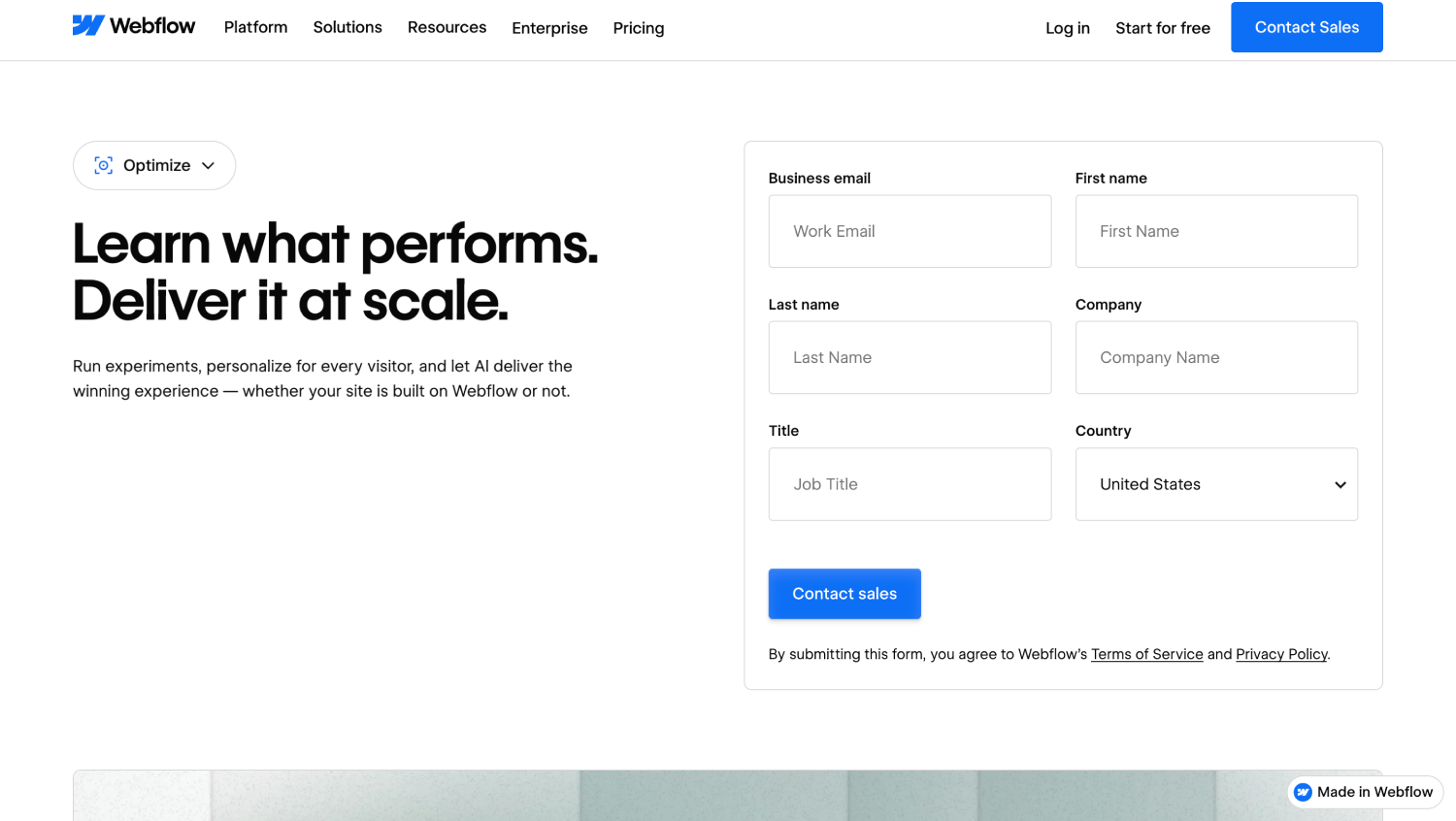
Intellimize (part of Webflow Optimize) takes a machine learning approach that sets it apart from rule-based personalization tools. Instead of asking marketers to define segments and then assign content to each segment manually, Intellimize runs continuous multivariate tests across audience attributes and surfaces winning variants automatically. For a marketing team managing more than a dozen content variations across a pipeline-generating site, this removes a significant operational burden.
The platform supports firmographic targeting via IP resolution and integrates with Salesforce and Marketo for named account list targeting. Attribution reporting connects variant exposure to pipeline and revenue through CRM integration. Pricing is quote-based and skews toward mid-market and enterprise budgets.
Optimizely Web Experimentation
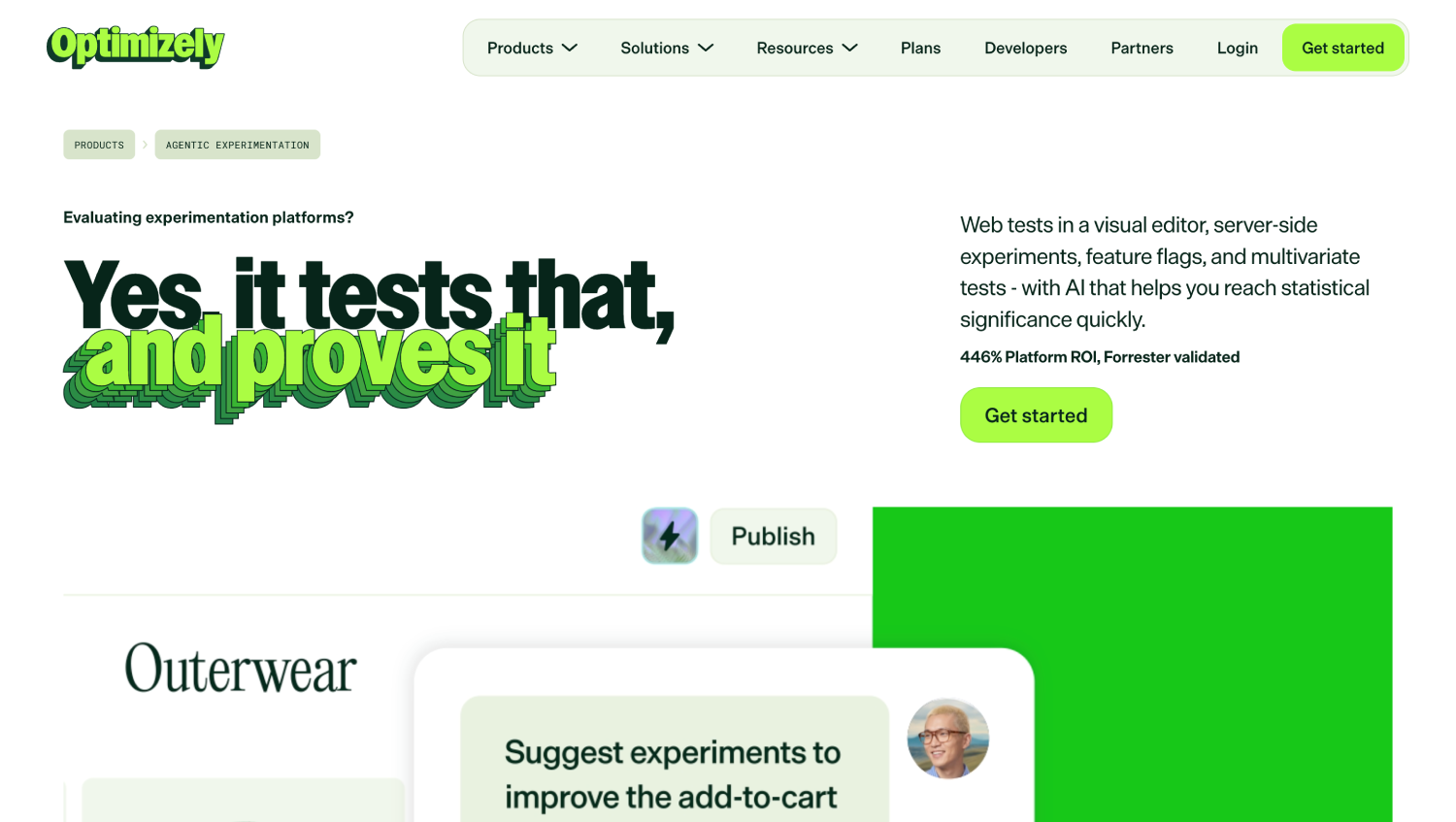
Optimizely Web Experimentation is the personalization choice for teams that want experimentation and targeting in a single platform. The visual editor handles no-code variant creation, while audience rules allow firmographic segmentation through custom attributes pushed from a CRM or data layer. Optimizely does not offer native IP-to-company resolution, so teams need to pull that data in through an integration with Clearbit, Demandbase, or a similar enrichment provider.
The trade-off for that flexibility is implementation complexity. Optimizely is not a plug-and-play tool for a two-person marketing team. It rewards teams with a dedicated marketing operations function that can manage audience definitions and keep integrations current. Pricing is quote-based.
Webflow Optimize
Webflow Optimize is a native personalization and A/B testing layer built for sites running on Webflow Enterprise. If your marketing site already runs on Webflow, this is the most friction-free path to targeted content delivery: variants are built in the same visual editor your design team already uses, and no additional JavaScript tag is required.
The targeting options are narrower than standalone personalization tools. Webflow Optimize supports UTM parameter-based targeting, behavioral segments, and device types natively. Firmographic targeting requires piping data in through Webflow’s native integrations or a tool like Segment. For teams with a Webflow site and straightforward personalization needs, this is the obvious starting point before paying for a separate tool.
Personyze
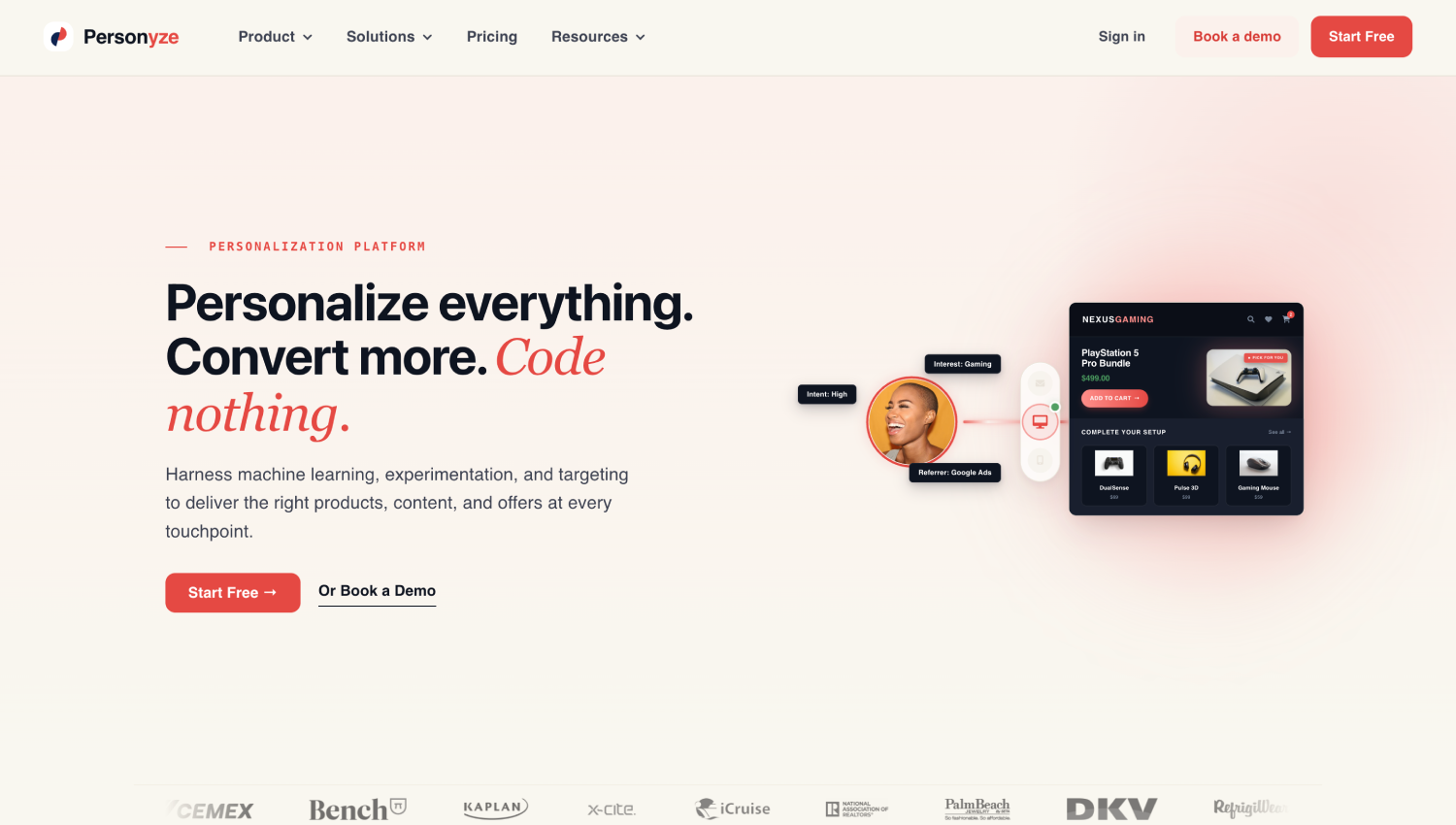
Personyze covers the widest feature surface of any tool in this list relative to its price point. The platform supports IP-based firmographic targeting, behavioral rules, CRM-synced segments, and on-site personalization across headers, CTAs, banners, and embedded content blocks, all through a visual editor. According to Personyze’s public pricing page, plans start at $250 per month, making it one of the more accessible entry points for teams not ready for enterprise pricing.
The depth of configuration options can work against less experienced users. Personyze rewards teams with a clear targeting strategy going in. Teams that approach it without a defined set of audience segments tend to build a sprawling rule tree that becomes difficult to maintain. The vendor offers onboarding support, which is worth using.
RightMessage
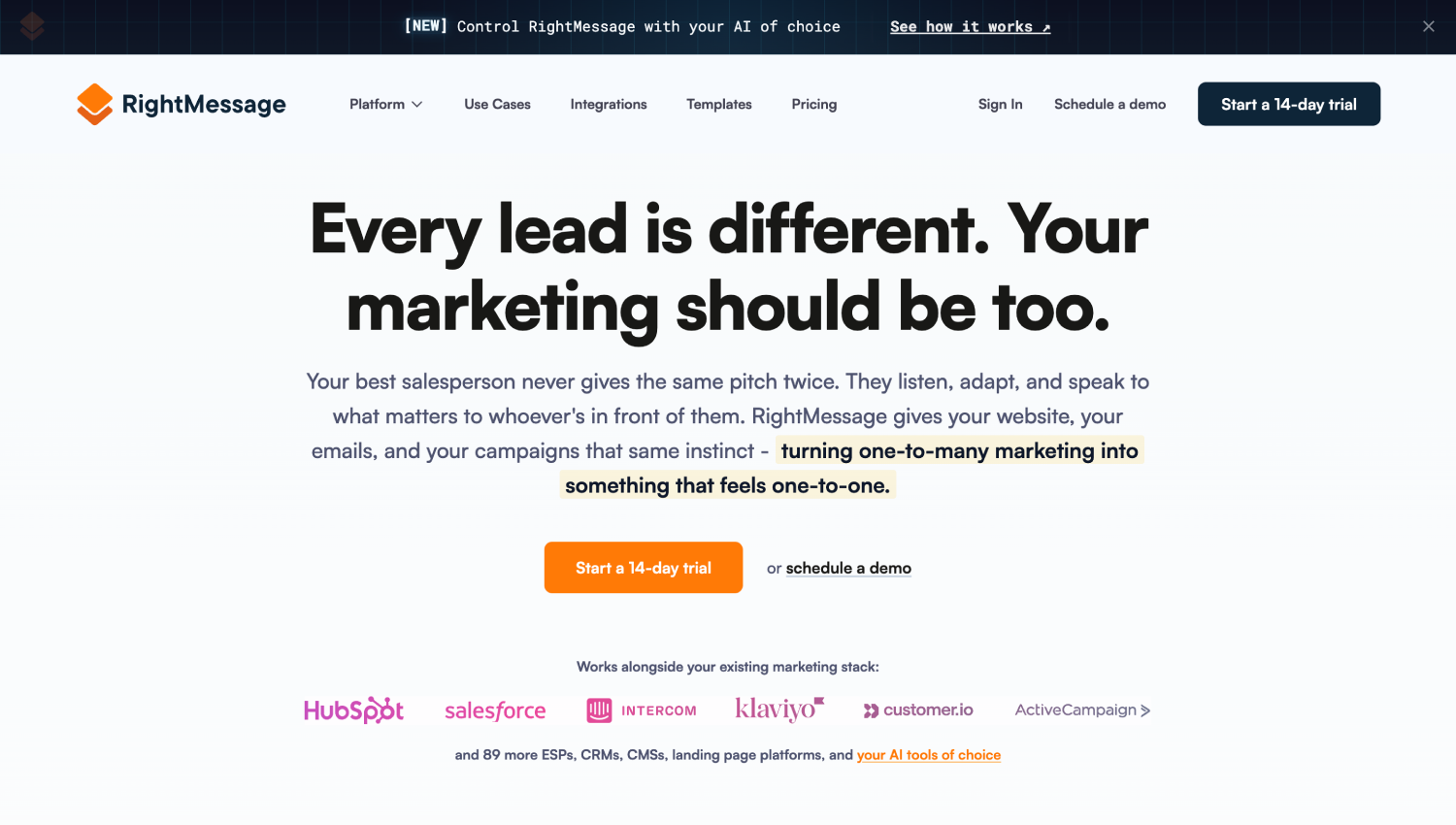
RightMessage is built around a different targeting model than most tools here. Rather than relying on IP resolution for anonymous visitor identification, it focuses on known subscriber and lead data synced from your email platform or CRM. Visitors who arrive from an email campaign or who have filled out a form are identified and served personalized content based on their segment, lifecycle stage, or survey responses collected on previous visits.
This makes RightMessage particularly effective for SaaS companies and content publishers with large email lists driving return traffic to their site. The anonymous visitor identification rate matters less when most of your high-intent traffic is already in your CRM. Public pricing starts at $179 per month. For a team running intent-based content campaigns to a known audience, RightMessage is the most cost-efficient option on this list.
Proof
Proof (marketed as Proof Experiences) is built specifically for account-based personalization. The core workflow is straightforward: connect your CRM, define target account segments, build page variants in the visual editor, and map segments to variants. Proof handles IP identification for anonymous visitors and falls back to named account matching when a Salesforce or HubSpot integration is active.
The platform is opinionated about B2B use cases in a way that makes it fast to implement for a demand-gen team running ABM campaigns, but narrow for teams wanting broader behavioral personalization. Pricing starts at $299 per month according to Proof’s public pricing page, with higher tiers unlocking deeper CRM integrations and more account capacity. Teams running coordinated ABM plays across paid campaigns, sales outreach, and the website should evaluate this one closely alongside their marketing attribution tooling to measure the combined lift.
Hyperise
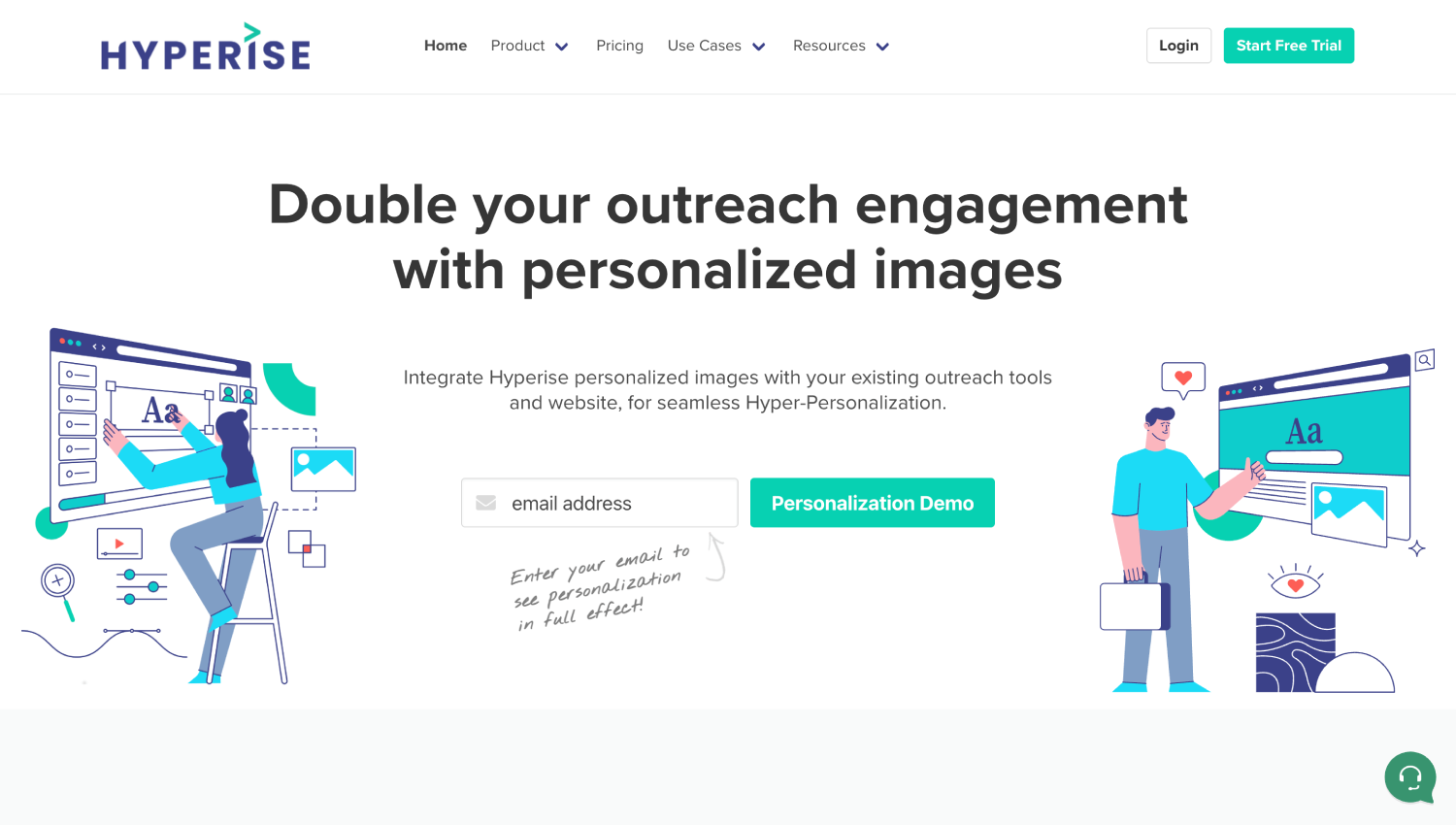
Hyperise approaches personalization from the outbound side. The tool generates dynamic images, videos, and landing pages where elements like company logos, prospect names, and job titles are injected via URL parameters or merge tags in email sequences. Sales development teams embed these links in cold email campaigns, and prospects land on a page that greets them by name and shows their company’s logo in the hero image.
This is 1-to-1 landing page personalization at the individual prospect level, not account-segment personalization. It does not replace segment-based tools for broad campaign targeting, but it produces measurably higher engagement in outbound sequences where individual attention is the point. At $49 per month on the entry plan according to Hyperise’s public pricing page, it is the cheapest viable personalization tool for a B2B team running outbound and the natural complement to a sequencing tool like Outreach or Salesloft.
Does Website Personalization Actually Lift Conversion for B2B?
The honest answer is: it depends on traffic quality and identification rate, more than on the tool itself.
Consider a B2B SaaS company sending 50,000 monthly visitors to their site, with 30 percent coming from paid LinkedIn campaigns targeting a named account list of 2,000 companies. IP resolution on the general organic traffic might identify 25 percent of visitors. But the LinkedIn-sourced traffic is already pre-qualified, and a named account list match can identify a far higher proportion of those visitors with precision. Serving that segment a variant page with copy specific to their industry and a case study from a company their size produces a meaningful improvement in demo request rate compared to the default page, not because personalization is magic, but because the page is actually relevant to a high-intent visitor.
The same team running personalization against broad top-of-funnel traffic where IP identification falls below 15 percent will see weaker results. The unidentified majority sees the default page, the identified minority gets the variant, and the aggregate lift across all traffic looks small. This is a targeting-source problem, not a personalization problem. Teams that report weak results from personalization tools typically ran them against the wrong traffic.
If you are also thinking about how to connect personalization data back to revenue in a multi-touch model, the guide on B2B attribution tools for long sales cycles covers the measurement layer in detail.
Do You Need a CDP for Website Personalization?
No. Every tool on this list operates without a CDP. A CDP is a separate infrastructure layer that unifies event streams, identity graphs, and audience definitions across channels. Website personalization at the B2B level requires one thing a CDP would provide: a known audience segment to target. But the tools above pull that from IP databases, CRM syncs, and URL parameters, not from a unified customer profile.
Where a CDP becomes relevant is at the edges: if you want to target visitors based on product usage behavior from your SaaS application, or fire personalization triggers based on cross-channel event sequences, you need a data layer feeding those signals to the personalization tool. That is an advanced use case. Most B2B teams building their first personalization program do not need it on day one. If you are already running a CDP and want to understand how activation fits into this, the guide to B2B CDPs covers the full stack context.
A reverse ETL connection from your warehouse to a personalization tool’s API is another path for teams that already have clean account data in a warehouse but not a formal CDP. Tools like Hightouch can push segment definitions directly into Proof or Optimizely audience lists without a CDP in between. The reverse ETL tools comparison covers which platforms support this pattern.
What Is the Cheapest Personalization Tool for a SaaS Site?
Hyperise at $49 per month is the lowest public price point on this list, though its use case is narrow: outbound-driven 1-to-1 personalization via merge tags. For teams wanting segment-based on-site personalization, RightMessage at $179 per month is the most cost-efficient entry point, particularly if you have an existing email list driving return traffic.
Personyze at $250 per month is the right step up when you need IP-based anonymous visitor identification combined with CRM-synced targeting and a broader range of on-page elements to personalize. For a lean SaaS marketing team evaluating their first personalization tool, the decision usually comes down to traffic source: if most high-intent traffic comes from email campaigns to known contacts, start with RightMessage. If you are running paid acquisition to a target account list, Proof’s account-based model at $299 per month delivers a cleaner ABM workflow.
How Do You Personalize Landing Pages by Account Without Engineering?
The no-engineering path runs through tools with visual editors and CRM integrations. The workflow is: connect Salesforce or HubSpot, define account-level segments (by industry, tier, deal stage, or a named account list), build page variants in the tool’s visual editor without touching code, and publish. The JavaScript tag on your site handles variant delivery.
Proof and Personyze both support this workflow without developer involvement. Intellimize supports it at a higher price point with more automation in the variant selection process. The one step that sometimes requires a developer is installing the JavaScript tag if your site runs on a custom CMS. On Webflow, HubSpot CMS, or WordPress, tag installation is a one-time task anyone with site admin access can complete.
For teams running account-based campaigns where personalized pages are paired with coordinated LinkedIn ads, direct mail, and sales sequences, the landing page is often the weakest link. Getting a relevant page in front of a target account visitor costs less than the campaign budget driving them there, which makes the math easy to justify even before measuring lift directly. This connects naturally to how teams building RevOps functions think about the full account view, covered in the RevOps tools guide.
Frequently Asked Questions
What is website personalization software and how does it work for B2B?
Website personalization software detects who is visiting your site, typically by resolving their IP address to a company record or matching them against a CRM account list, and serves different page content to different visitor segments. For B2B teams, the most common use cases are showing industry-specific messaging, surfacing relevant case studies, and personalizing CTAs based on company size or account tier. Most tools deliver content through a JavaScript tag on your existing site with no rebuild required.
How accurate is IP-to-company identification for B2B personalization?
IP-to-company resolution typically identifies between 20 and 40 percent of business visitors on a B2B site, with accuracy highest for mid-market and enterprise companies that own dedicated IP ranges. Coverage drops for smaller companies, remote workers on consumer ISPs, and visitors on mobile networks. The practical implication is that IP-based personalization works best as a complement to named account list targeting from your CRM, not as a standalone data source for high-value account segments.
What is the difference between A/B testing and website personalization?
A/B testing serves different page variants randomly to measure which version performs better across an undifferentiated audience. Website personalization serves specific variants to specific audience segments based on who the visitor is, not randomly. The two are complementary: many personalization platforms include A/B testing so you can validate that a personalized variant actually outperforms the default for a given segment before rolling it out permanently. Optimizely and Intellimize both combine both capabilities in one platform.
Can I personalize a landing page for a specific named account?
Yes. Tools like Proof, Personyze, and Hyperise support 1-to-1 or account-specific landing pages. The most common approach is to upload a named account list from your CRM and map specific page variants to those accounts, delivered via IP matching when the visitor arrives on your site. Hyperise takes this further by injecting individual prospect data like name, company logo, and job title via URL parameters in email links, creating a fully individualized page without IP matching at all.
Does website personalization work without a CRM integration?
Yes, though with lower precision. IP-based firmographic targeting requires no CRM connection and can identify visitors by industry, company size, and geography using third-party databases. CRM integration unlocks named account matching, which is more accurate and supports ABM campaigns where the target account list is already defined in Salesforce or HubSpot. For teams starting out, IP-only targeting is a functional starting point. Adding CRM sync later improves results for high-value account segments.
How long does it take to set up a B2B personalization tool?
For most tools on this list, the technical setup takes less than a day: install a JavaScript tag, connect a CRM integration if needed, and build your first page variant in the visual editor. Defining the audience segments and the content strategy for each variant is where teams invest more time. A realistic timeline for a first meaningful personalization campaign, from tool selection to live variant, is one to two weeks for a team with a clear ABM account list and existing page copy to adapt.
Which website personalization tools are best alternatives to Mutiny?
Proof, Personyze, and Intellimize are the closest functional alternatives to Mutiny for B2B account-based personalization. Proof mirrors Mutiny’s CRM-driven account targeting model. Personyze covers a broader feature set at a lower price point and supports IP-based identification without requiring the CRM connection that Mutiny relies on heavily. Intellimize is the enterprise option if you want AI-driven variant selection rather than manual rule configuration. All three operate without a CDP requirement.
Is firmographic personalization the same as account-based personalization?
Not exactly. Firmographic personalization targets visitors based on company attributes like industry, headcount, or revenue range, grouped into segments. Account-based personalization targets specific named accounts from a defined list, typically aligned with a sales team’s target account list in a CRM. Firmographic targeting is broader and works for anonymous visitors without CRM data. Account-based personalization is narrower, more precise, and requires either IP matching to known accounts or named prospect identification via URL parameters.
Which Tool Should You Actually Buy?
For a B2B SaaS team running their first ABM campaign with a defined account list in Salesforce or HubSpot, Proof is the most direct path. The platform is built around exactly that workflow, setup is fast, and the visual editor requires no engineering time once the tag is installed. RightMessage is the right pick for content-heavy sites or SaaS companies where most high-intent traffic arrives from email campaigns to known contacts. Hyperise fills a specific gap for outbound-heavy teams where individualized 1-to-1 personalization in prospect outreach is the primary use case.
Personyze sits in the middle of the market in both price and capability. Teams that want IP-based anonymous targeting, CRM-synced account lists, and broad on-page personalization in a single tool without enterprise pricing will find Personyze the most complete option at its tier. Intellimize and Optimizely are the right calls for teams that already have a mature experimentation program and want personalization embedded in that infrastructure, not bolted on separately.
The insight most teams miss is that the targeting source constrains results more than the platform does. Pick a tool that matches the data you already have: a CRM account list, an email subscriber base, or paid traffic from LinkedIn with known firmographic attributes. A simpler tool pointed at the right data will outperform a sophisticated platform pointed at the wrong audience every time.