- llms.txt is a proposed standard, not an enforced protocol. No major AI model has publicly confirmed it changes crawl behavior. But that is not the point.
- The real question is whether AI systems can parse your content at all. Most sites fail basic parseability checks before the llms.txt conversation even starts.
- These six tools test different layers: file generation, schema validation, markdown export, and full crawlability audits. Pick based on where your gap actually is.
- If you want AI citation, fixing your structured data and content format matters more than any single file. The tools below test both.
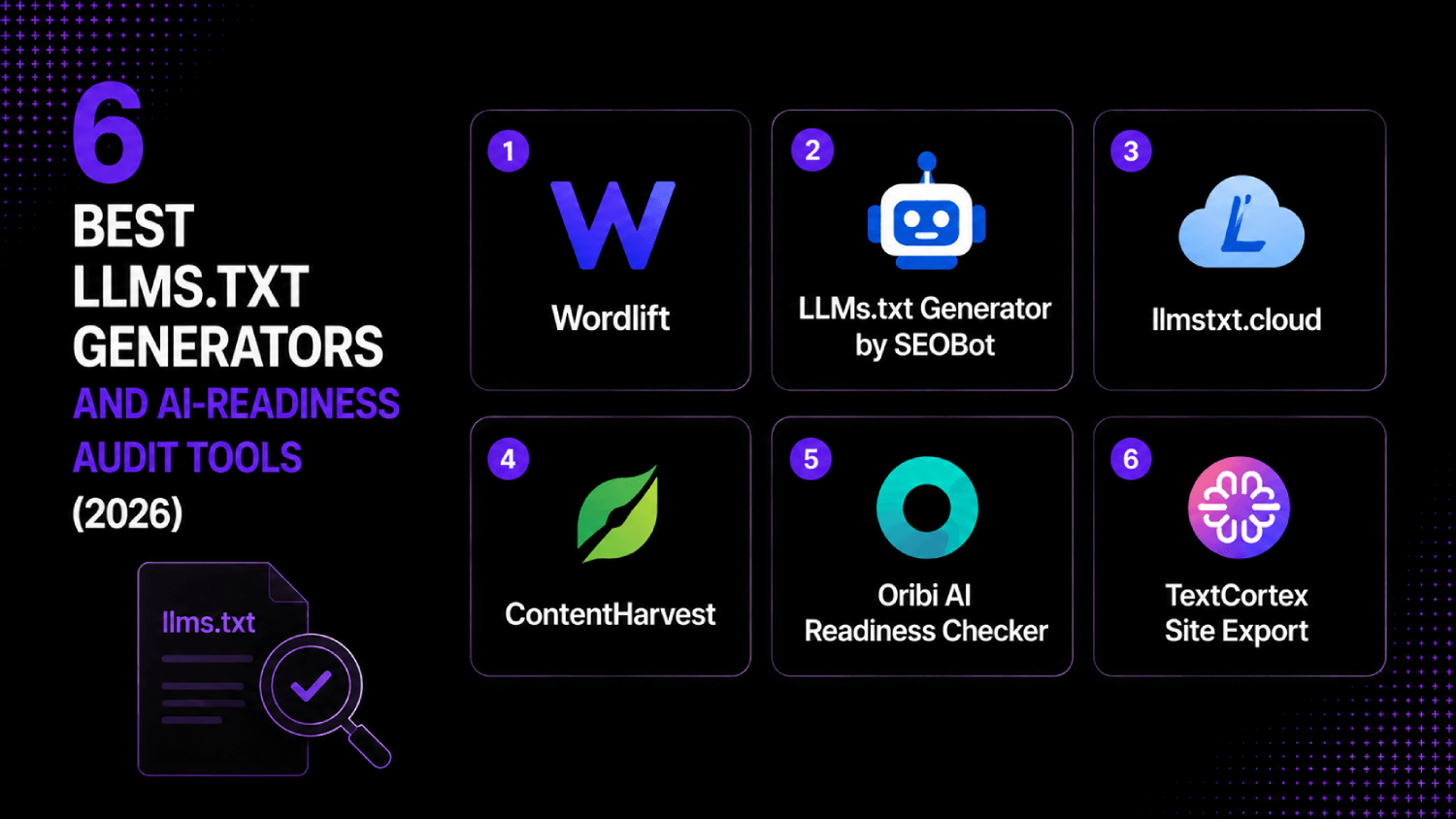
The best llms.txt generators available now include Wordlift, LLMs.txt Generator by SEOBot, llmstxt.cloud, ContentHarvest, Oribi AI Readiness Checker, and TextCortex’s site export utility. Each handles a different layer of the problem: some generate the file, some audit whether AI crawlers can actually read what is already on your site, and some do both. Which one fits depends on whether you have a content format problem, a schema problem, or a discoverability problem.
In this guide
Why does llms.txt exist, and should you care?
The llms.txt standard was proposed by Jeremy Howard in 2024 as a way for site owners to give AI systems a clean, structured map of their content. The idea: place a markdown-formatted file at yoursite.com/llms.txt that lists your most important pages, their purpose, and links to markdown versions where applicable. Think of it as a robots.txt for language models, but with editorial intent.
No AI lab has officially confirmed they crawl llms.txt files as a ranking or citation input. OpenAI, Anthropic, and Google have not published documentation stating the file changes how their systems weight content. That honest caveat matters before you spend a week on implementation.
Where the argument gets more interesting: AI crawlers do fetch pages, and how parseable those pages are directly affects what gets extracted. Sites with heavy JavaScript rendering, dense navigation chrome, cookie walls, and inconsistent heading hierarchies produce noisy extraction. A well-formed llms.txt file is partly a symptom of a site that already has clean content structure. Building the file forces the discipline of cleaning everything else. If you are trying to get your brand cited by AI systems in answers, that broader parseability problem is the one worth solving. The guide on AI visibility tools that track your brand in ChatGPT and Perplexity covers the citation-monitoring side of that picture.
What does an AI readiness audit actually check?
Before evaluating tools, it helps to know the audit layers. The AboutMartech Content Parseability Stack defines four checkpoints that together determine whether an AI crawler gets useful signal from your site:
- File layer: Does a valid llms.txt or llms-full.txt exist? Is it syntactically correct markdown with functioning links?
- Schema layer: Does the page carry structured data (JSON-LD, Article schema, FAQ schema, HowTo schema) that gives a crawler semantic context without needing to parse prose?
- Format layer: Is the page content extractable as clean text? This means proper heading hierarchy (H1, H2, H3 in logical order), minimal JS-dependent content, no content hidden behind tabs or accordions that crawlers may not execute.
- Access layer: Can AI user agents actually fetch the page? Does the robots.txt block GPTBot, ClaudeBot, or Google-Extended? Are there aggressive bot mitigation rules that treat AI crawlers as scrapers?
Most “llms.txt generators” only address layer one. The tools worth your time address at least two layers. The table in the next section maps coverage explicitly.
Audit coverage: what each tool actually checks
| Tool | File Generation | Schema Audit | Format/Parseability | Access/Robots Audit | Pricing |
|---|---|---|---|---|---|
| Wordlift | Yes (via Knowledge Graph) | Yes (deep) | Yes | Partial | Starts at $49/mo (public pricing page) |
| LLMs.txt Generator by SEOBot | Yes (focused) | No | No | No | Free tier + paid plans |
| llmstxt.cloud | Yes | No | Partial (markdown export) | No | Free for basic; paid for full crawl |
| ContentHarvest | No | No | Yes (deep markdown export) | No | Usage-based, quote required |
| Oribi AI Readiness Checker | No | Yes | Yes | Yes | Free audit tool |
| TextCortex Site Export | Partial (via export) | No | Yes (clean text export) | No | Included in TextCortex paid plans |
The 6 tools, evaluated honestly
1. Wordlift
Wordlift is the most complete tool in this category, but it asks the most of you in return. It generates llms.txt output as part of a broader Knowledge Graph layer it builds on top of your content. That means the file it produces is entity-rich: it maps your content to real-world concepts using linked data principles, which gives AI crawlers significantly more semantic context than a flat list of URLs.
The schema audit depth is legitimate. Wordlift can surface missing JSON-LD, incorrect Article schema, and page-level entity mismatches. For a SaaS documentation site or a content-heavy B2B publisher, that level of structured data hygiene is the difference between a crawler extracting useful signal and getting confused by generic prose. Pricing starts at $49 per month according to their public pricing page, with higher tiers for larger sites and API access.
The catch: Wordlift is built for content-heavy sites and requires meaningful setup. If you run a small site with under 50 pages, the overhead-to-benefit ratio tilts against it. Come back when you have a content operation that justifies the investment.
2. LLMs.txt Generator by SEOBot

SEOBot’s llms.txt generator does one thing: it crawls your sitemap and generates a correctly formatted llms.txt file you can drop into your root directory. No schema audit, no parseability check, no robots analysis. If that sounds narrow, it is because it is narrow.
That narrowness is also its strength. For teams who have already done the structural work and just need to generate and validate the file format, this is the fastest path. The free tier handles most small sites. It outputs proper markdown with a summary block, a notes section, and a list of your key URLs with descriptions, which matches the llmstxt.org specification.
Use this if you need a valid file today and want to handle the deeper audit work separately. Do not use it if you believe your site has content format or schema problems, because it will not tell you.
3. llmstxt.cloud
llmstxt.cloud takes a slightly different approach. It generates the llms.txt file and also produces markdown versions of your key pages, which is the llms-full.txt extension of the standard. That markdown export matters because some AI systems, when they can access a clean markdown version of a page, will extract from that rather than parsing raw HTML.
The tool crawls your site, strips navigation and boilerplate, and outputs content in a format that is genuinely cleaner than most HTML-to-text conversions. The free tier limits the number of pages in the crawl. Paid plans extend that, though pricing requires checking their current page directly as it has changed since launch.
One consideration: the quality of the markdown output depends on how cleanly your pages are structured to begin with. Sites with heavy JavaScript rendering or content loaded via API calls will produce incomplete exports. llmstxt.cloud will not flag that problem explicitly. You get the output and have to notice the gaps yourself.
4. ContentHarvest
ContentHarvest is not an llms.txt generator. It is a content extraction and markdown conversion tool aimed at making documentation, knowledge bases, and content libraries machine-readable at scale. It sits at layer three of the Content Parseability Stack.
For a SaaS company with a Notion-based knowledge base, a Confluence wiki, or a docs site built on a JavaScript framework, ContentHarvest handles bulk conversion to clean markdown that can feed into an llms.txt or be served directly to AI crawlers. The distinction from llmstxt.cloud is depth: ContentHarvest handles more complex source structures and is built for ongoing sync rather than one-time export.
Pricing is usage-based and requires a quote, which puts it in the category of a considered purchase rather than a self-serve signup. Teams with large documentation libraries should request pricing. Teams with a simple ten-page website should look elsewhere.
5. Oribi AI Readiness Checker

Oribi’s AI Readiness Checker is the only free tool in this list that addresses all four layers of the parseability stack to some degree. It checks for schema markup, evaluates content structure and heading hierarchy, identifies JavaScript-rendered content that crawlers may miss, and flags whether your robots.txt is blocking known AI user agents including GPTBot and ClaudeBot.
The output is a scored report with specific recommendations rather than a generated file. That makes it a diagnostic tool rather than a production tool. Run it before you build the llms.txt file, not after, because it will tell you whether fixing the file is even your most urgent problem.
It is worth noting that if your robots.txt is blocking GPTBot and you are not aware of that, no llms.txt file will matter at all. Oribi surfaces that in the access audit. That single check alone is worth the five minutes it takes to run.
6. TextCortex Site Export
TextCortex is primarily an AI writing platform, but its site export utility is underused by the content team audience it is designed for. The export function generates clean, structured text and markdown from your site that can serve as the basis for an llms.txt or be used directly to feed a custom AI model trained on your content.
The reason it makes this list: it handles formatting-layer problems that specialist llms.txt tools ignore. Content that renders cleanly in a browser but produces garbled output when extracted as text is a real failure mode for AI citation. TextCortex’s export function surfaces that gap because you can see exactly what an AI would extract from your pages. If the output looks wrong, the source is wrong, and you know where to fix it.
Access requires a paid TextCortex plan, so teams not already using the platform for content workflows will find the entry cost high for this single use case. For teams already subscribed, it is a genuinely useful addition to a parseability audit workflow. For more on how AI tools fit into a content operation, the overview of AI content tools marketers actually use covers the broader stack.
How do you actually build and validate an llms.txt file?
The llmstxt.org specification defines the required structure. A valid file has four components: a top-level H1 with your site or project name, an optional blockquote with a summary, a notes section for anything an AI system should know about how to use the content, and then one or more H2 sections listing your key URLs with brief descriptions in markdown link format.
Say a B2B SaaS company runs a documentation site alongside a marketing blog. The llms.txt for that site would list the docs index, the core feature pages, the API reference, and the pricing page under a “Docs” H2, and separately list the most authoritative blog posts under a “Blog” H2. Each link entry includes a one-sentence description in parentheses. That description is the editorial signal. Write it to tell a language model what the page covers and who it is for, not just what it is called.
After generating the file, validate it against the spec manually by checking that every linked URL returns a 200 status code, that the markdown syntax is clean with no broken link formatting, and that descriptions are substantive rather than pulled verbatim from meta descriptions. Then check whether an AI crawler can actually fetch the file by inspecting your robots.txt for any rules that might catch it.
Does llms.txt actually affect ChatGPT citations or AI search results?
No one can say definitively, because no major AI lab has published their crawl weighting methodology. OpenAI has confirmed that GPTBot crawls the web for training data but has not stated whether llms.txt influences what gets cited in real-time answers. Perplexity uses its own crawler and has similarly not published specifics about how a site’s file structure affects citation probability.
What is verifiable: AI crawlers do read text-based files at known paths. The llms.txt file, if accessible and well-formed, gives a crawler a structured entry point that avoids the noise of HTML page parsing. Whether that produces measurably higher citation rates is something that would require controlled testing at scale, which no one has published credibly as of this writing.
The pragmatic position: build the file because the process of building it correctly forces you to audit and clean your content structure. That content structure improvement has measurable effects on both traditional SEO and AI parseability, regardless of whether the file itself is a direct ranking input. If you are tracking AI citation rates, the guide on how to get your brand cited by ChatGPT, Claude, and Perplexity covers the broader strategy beyond file structure.
Frequently asked questions
What is an llms.txt file and where does it go?
An llms.txt file is a markdown-formatted text file placed at the root of your website, at yoursite.com/llms.txt. It lists your site’s most important pages with brief descriptions, structured so AI language models can quickly understand your content map without parsing full HTML pages. The format was proposed in 2024 and follows a specification published at llmstxt.org. It is not a standard enforced by any browser or AI system, but it is becoming a common publishing practice for developer documentation and content-heavy sites.
Do I actually need an llms.txt file if my site already has a sitemap?
A sitemap tells crawlers what pages exist. An llms.txt file tells AI systems which pages matter and what they contain, in plain language. They are not redundant. A sitemap optimized for Googlebot will list every URL with a lastmod date. An llms.txt file for an AI crawler should list your 20 most authoritative pages with descriptions that explain their content and purpose. If your site has under 30 pages and all of them are well-structured HTML, the sitemap may be sufficient. Larger content sites benefit from both.
How do I check whether AI crawlers can currently read my site?
Start with your robots.txt file and confirm that GPTBot, ClaudeBot, and Google-Extended are not being blocked. Next, use a tool like Oribi AI Readiness Checker to audit schema markup and content structure. Then fetch one of your key pages using a plain text extraction tool and examine the output: if the extracted text is garbled, full of navigation fragments, or missing key sections, your HTML structure needs work before any llms.txt file will help.
What is the difference between llms.txt and llms-full.txt?
The llms.txt file is an index with summaries and links. The llms-full.txt file is a complete markdown export of your key content, intended for AI systems that want to process the full text without crawling individual pages. Think of llms.txt as a table of contents and llms-full.txt as the book itself. Implementing llms-full.txt requires clean markdown versions of your pages to already exist, which is why tools like llmstxt.cloud and ContentHarvest address the markdown export problem as a prerequisite.
Which tool is best for a SaaS documentation site specifically?
For a SaaS documentation site with a structured content architecture, Wordlift or ContentHarvest. Wordlift handles schema enrichment and entity mapping that benefits structured technical content. ContentHarvest handles bulk markdown conversion from documentation platforms like Notion, Confluence, or custom doc frameworks. If your docs are already in markdown and hosted on GitHub Pages or a similar platform, llmstxt.cloud is sufficient and faster to implement. The variable is how much transformation your existing content needs before it is machine-readable.
Should I block AI crawlers or let them index my content?
Blocking AI training crawlers via robots.txt is a legitimate business decision if your content is proprietary or paywalled. But blocking training crawlers also blocks real-time retrieval crawlers, which affects whether you appear in Perplexity answers or AI Overviews. The two use cases are not always served by the same user agent. Review each crawler’s documentation separately: GPTBot is OpenAI’s training crawler, PerplexityBot is a retrieval crawler, and Google-Extended controls Google’s AI training access separate from Googlebot. Blanket blocks affect all three differently. For teams building AI visibility strategy, the GEO vs SEO strategic breakdown covers how these decisions interact with broader discoverability.
How do structured data and schema markup relate to AI parseability?
Schema markup, specifically JSON-LD, gives AI crawlers machine-readable metadata about your content without requiring natural language parsing. An Article schema block tells a crawler the author, publication date, headline, and description in a format that requires no interpretation. FAQ schema converts Q&A content into structured pairs that AI systems can extract and present directly. HowTo schema does the same for step-based content. Sites without schema force AI systems to infer these attributes from prose, which produces lower confidence extractions. For teams investing in AI search visibility, schema implementation is higher-impact than the llms.txt file itself. The guide on AI SEO tools for lean marketing teams covers tooling that automates schema generation.
What to do after you generate the file
Generation is the easy part. After placing the file at your domain root, submit the URL directly to any crawl testing tools you have access to, confirm the file is accessible without a redirect, and add it to your robots.txt comments so your team knows it exists. Then set a quarterly calendar reminder to update it, because an llms.txt file that points to deprecated pages or outdated descriptions is worse than no file: it gives AI systems incorrect information about your content architecture.
The audit work is where the real value is. A team that runs the four-layer Content Parseability Stack check and discovers their robots.txt was blocking GPTBot, their product pages had no Article schema, and their documentation site was entirely JavaScript-rendered will find that fixing those three problems outweighs any individual file placement. The llms.txt file is the front door. If the house behind it is not navigable, the door does not matter.
Pick one tool from this list based on your most acute gap: use Oribi to diagnose, use SEOBot or llmstxt.cloud to generate quickly, use Wordlift or ContentHarvest if your operation is large enough to warrant schema enrichment and structured export at scale. Running all six is unnecessary. Running none means you are operating on assumption rather than evidence about how AI systems are reading your site.