- Most teams treating AI as a writing assistant are solving the wrong problem. The bottleneck is not word generation. It is the workflow that takes a brief from approved to published across multiple product lines and task types.
- A content pipeline tool organizes work by taxonomy first: product line, marketing task, funnel stage, and owner. AI generation is one node in that pipeline, not the whole system.
- The 11 tools below were chosen because they handle brief, draft, review, and publish in one configurable workspace. Notion, Airtable, and Narrato are excluded deliberately.
- Teams with more than three product lines and a content volume above roughly 40 pieces per month are where these tools pay back fastest.
- If your current setup is a shared Google Drive with folders named by date, every tool on this list will feel like a different category of software.
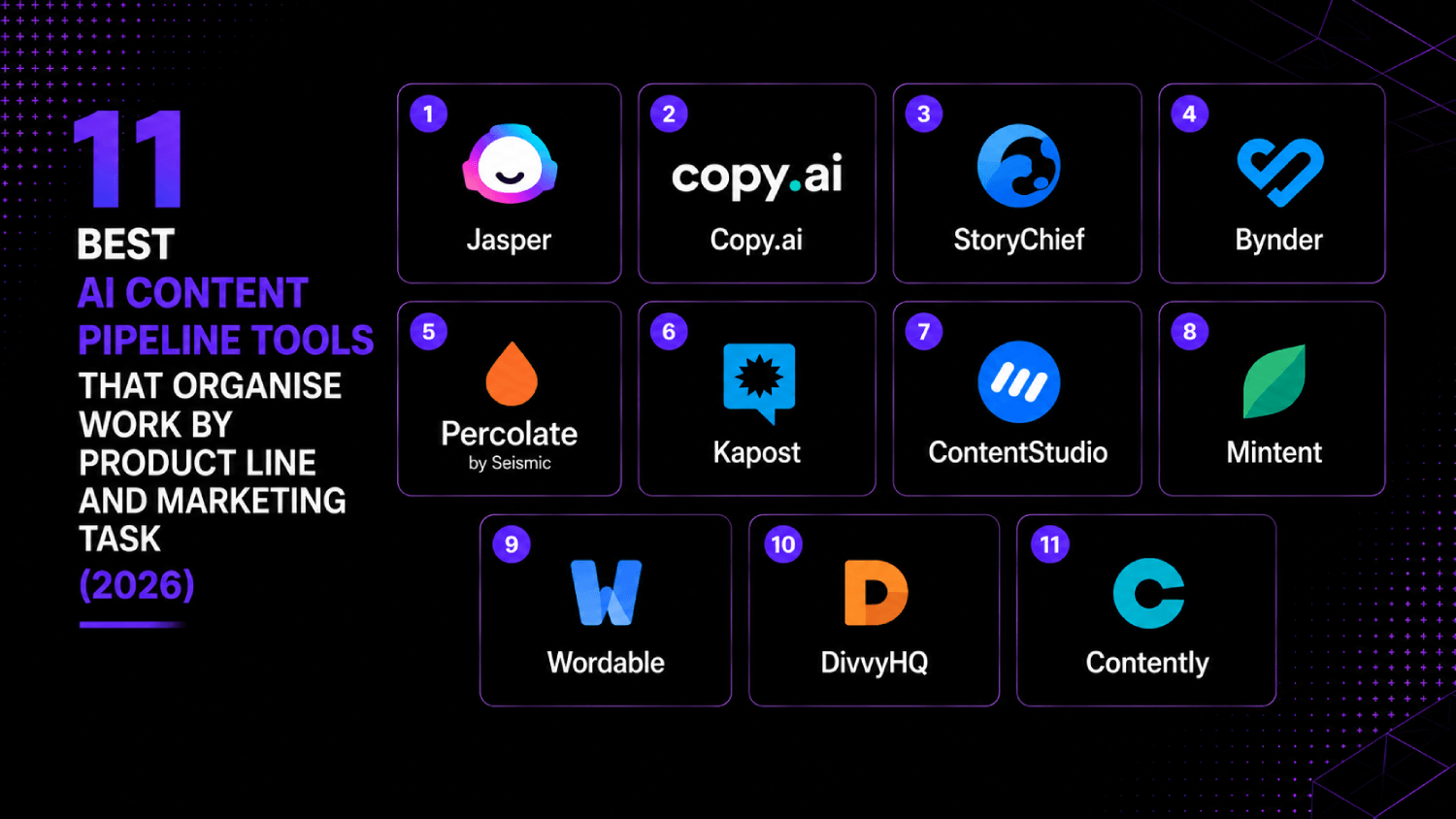
The best AI content pipeline tools for organizing work by product line and marketing task are Jasper, Copy.ai, StoryChief, GatherContent (now Bynder Content Workflow), Percolate by Seismic, Kapost, ContentStudio, Mintent, Wordable, DivvyHQ, and Contently. These platforms combine structured content taxonomy, AI-assisted drafting, multi-stage review workflows, and publish integrations so marketing teams can run brief-to-publish production at scale without losing track of who owns what or which product a piece belongs to.
What Is an AI Content Pipeline Tool, and How Is It Different from a CMS?
A CMS stores and serves published content. A content pipeline tool manages the work that happens before content is published: ideation, briefing, assignment, drafting, review, approval, and handoff. The confusion between the two categories costs teams months of setup time when they buy the wrong thing.
The AI layer changes the calculus further. Generative writing tools, covered separately in 11 AI content tools marketers actually use in 2026, handle word production. Pipeline tools handle the coordination problem: which writer is working on the Q3 landing page for Product Line B, what stage is it at, and does it match the approved brief? Those are operations questions, not generation questions.
For teams running more than two product lines simultaneously, the taxonomy problem is acute. A blog post for an enterprise security product requires a different brief template, different SME reviewers, different compliance checks, and different distribution endpoints than a product-update email for a self-serve SaaS tier. A content pipeline tool enforces that structure without relying on individual discipline.
The AboutMartech Pipeline-Fit Test: Four Checks Before You Buy
Before evaluating any specific vendor, run these four checks against your current operation. This framework is designed for marketing teams evaluating content ops tools, not agencies or publishers.
Check 1: Taxonomy depth. Can the tool classify content by at least three dimensions simultaneously? A minimum viable taxonomy for a multi-product B2B team is: product line, content type (blog, email, landing page, etc.), and funnel stage. If a tool only supports flat folder structures or single-tag systems, it will break under real-world volume.
Check 2: Brief-to-draft traceability. Can a reviewer see the original brief next to the draft? If the brief lives in a separate document or tool, brief drift happens invisibly. The best tools lock the brief into the same record as the draft.
Check 3: Role-based workflow stages. Does the tool support named workflow stages (e.g., Brief Approved, In Draft, SME Review, Legal Review, Ready to Publish) that map to real roles, not just generic statuses? Generic kanban boards fail because they do not enforce who can move a card between stages.
Check 4: Publish-side integrations. Can the tool push finalized content directly to your CMS, email platform, or social scheduler? Copy-paste handoffs are where formatting breaks and version control collapses.
Which AI Content Pipeline Tools Handle Brief, Draft, Review, and Publish in One Place?
1. Jasper
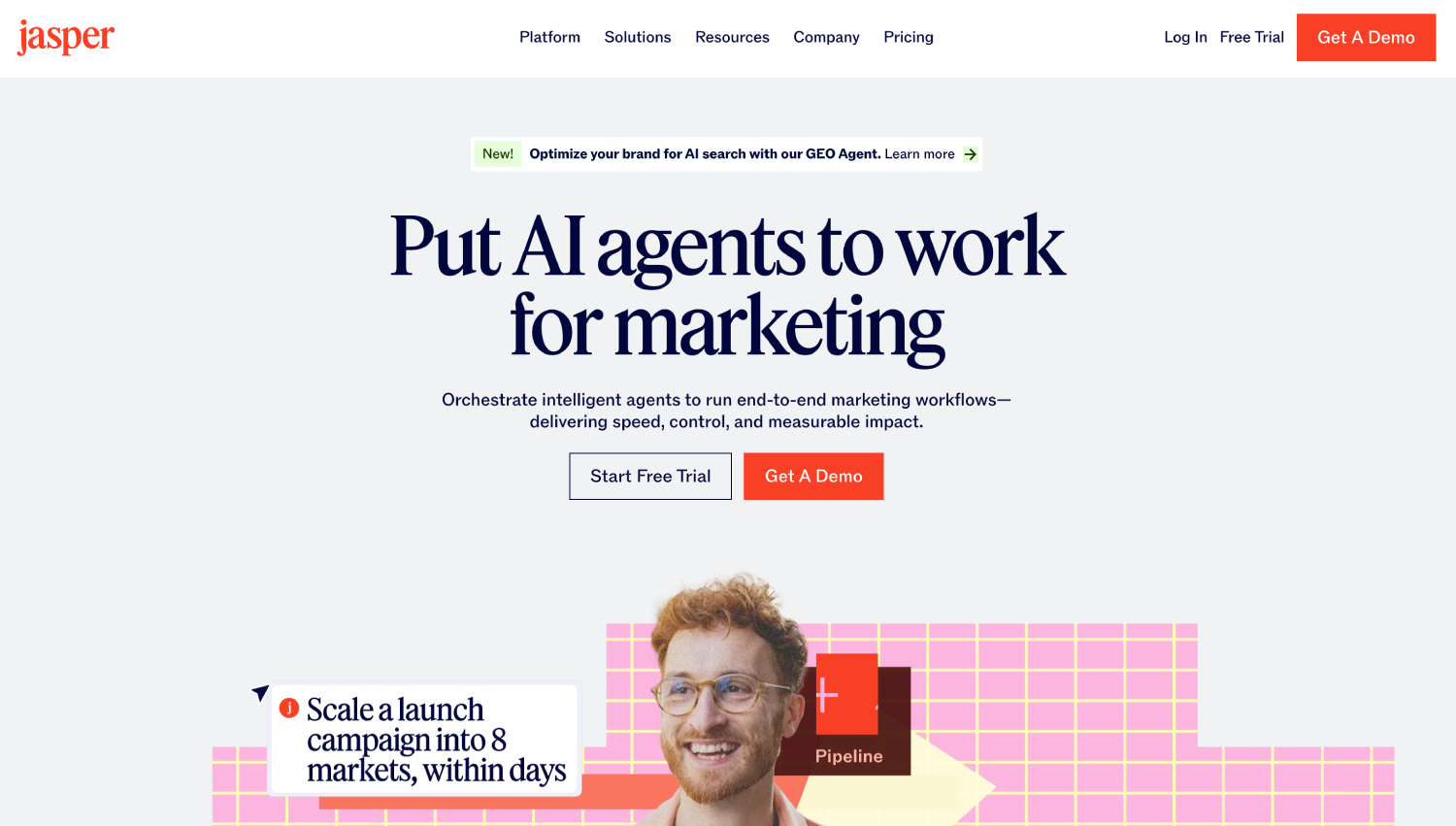
Jasper is the most recognized AI writing platform with a growing content operations layer. Its Campaign feature groups related content assets by campaign, so a product launch can hold a landing page, three emails, and a blog post under one parent record. Brief templates are configurable per content type. Pricing starts at $49 per month per seat on the Creator plan, with Team and Business plans at higher price points (see Jasper’s public pricing page for current tiers).
Where Jasper earns its place on this list is brand voice enforcement. A team running three product lines can define a distinct voice profile per product and Jasper applies it at generation time. That is a taxonomy-level feature, not a writing feature. The limitation is that Jasper’s workflow stages are shallow compared to purpose-built pipeline tools. It handles brief to draft well; the review and approval stages require a third-party tool or manual process.
2. Copy.ai
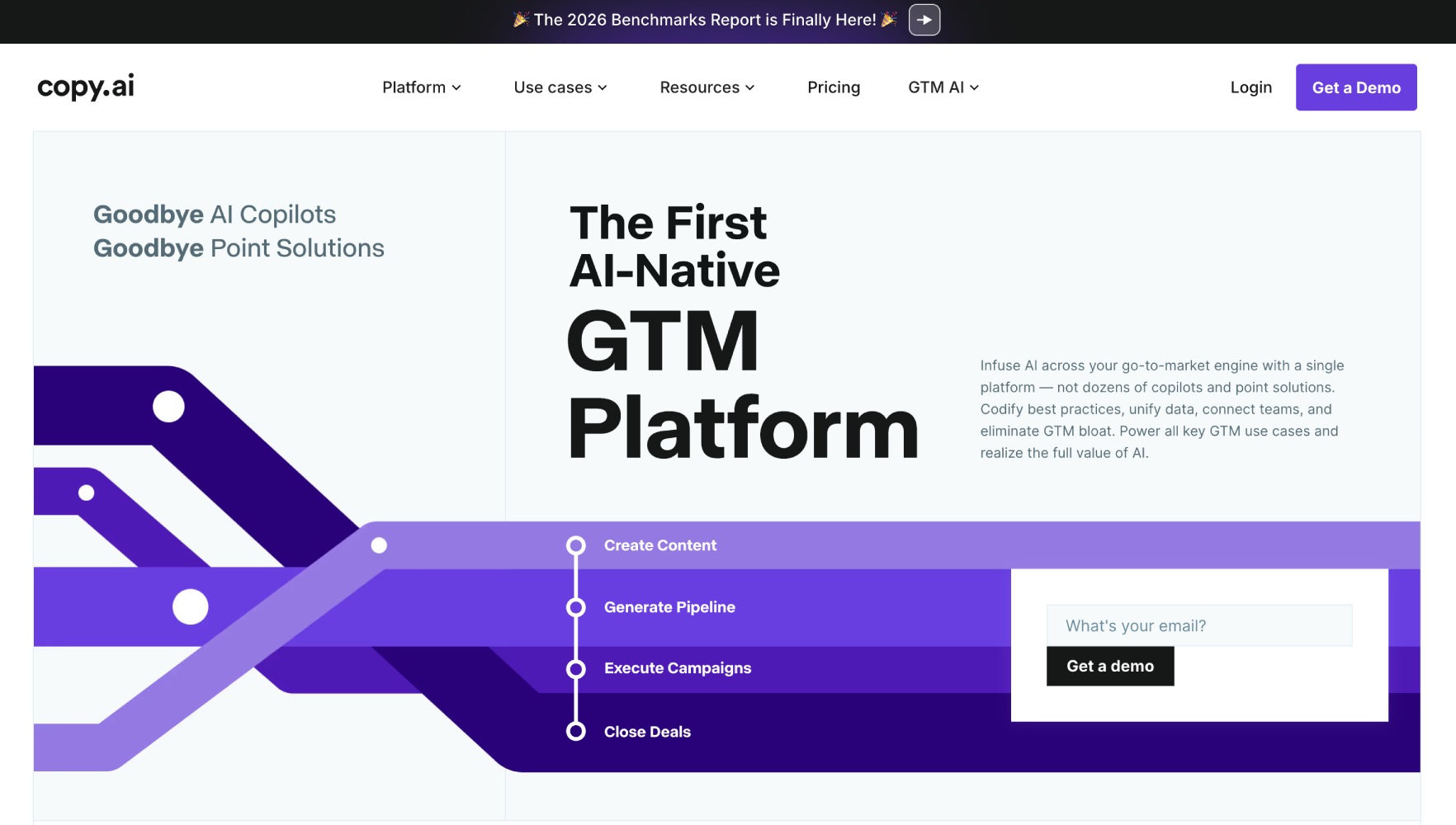
Copy.ai moved from a single-output writing tool to a workflow platform it calls GTM AI. The Workflows feature lets teams build multi-step content production flows with conditional logic, so a blog brief can automatically trigger a social caption sequence and a nurture email variant. For multi-product teams, the key feature is the ability to parameterize workflows by product line, passing in product-specific context variables at run time.
Copy.ai’s free plan covers basic use. Paid plans start at $49 per month for the Starter tier, with Team pricing available on request (Copy.ai pricing page). The tool is best for teams that want AI generation tightly integrated into a repeatable workflow rather than a standalone writing experience. It does not have a native CMS publish integration, so the last mile still requires a handoff step.
3. StoryChief
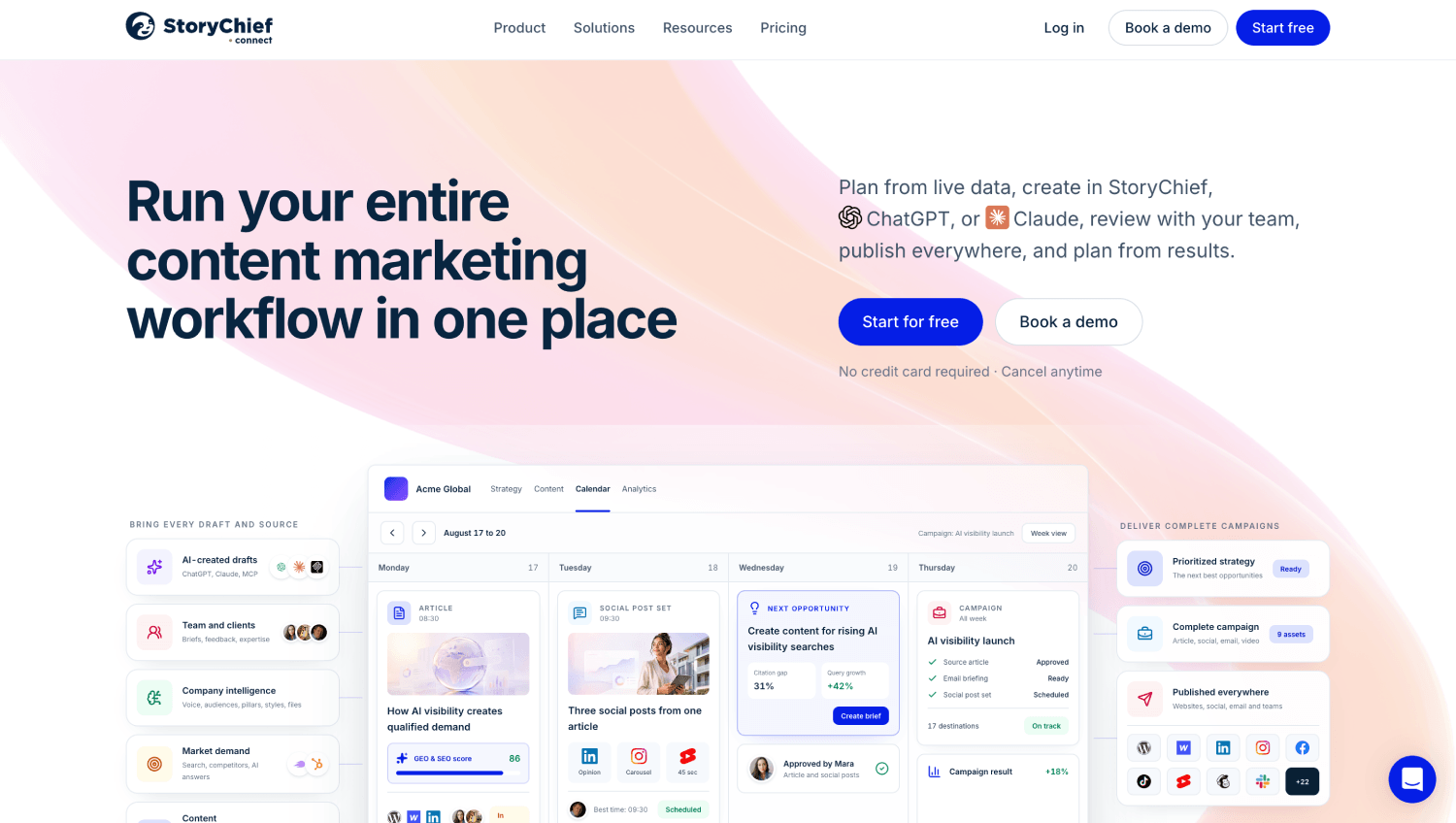
StoryChief is a content marketing platform built explicitly for multi-channel distribution. Its content calendar supports campaign grouping, and its approval workflow includes named stages with role assignments. A piece can move from Writer to Editor to Client Approval before publishing directly to WordPress, Medium, LinkedIn, and dozens of other channels from a single interface.
For teams managing content across product lines, StoryChief’s Power Mode lets you publish one piece to multiple channels simultaneously with format adjustments per channel. Pricing starts at $40 per month for individuals and scales to $220 per month for agency plans, with enterprise pricing on request (StoryChief pricing page). The content scoring feature, which grades content against SEO and readability benchmarks before publish, is genuinely useful as a quality gate.
4. GatherContent (Bynder Content Workflow)
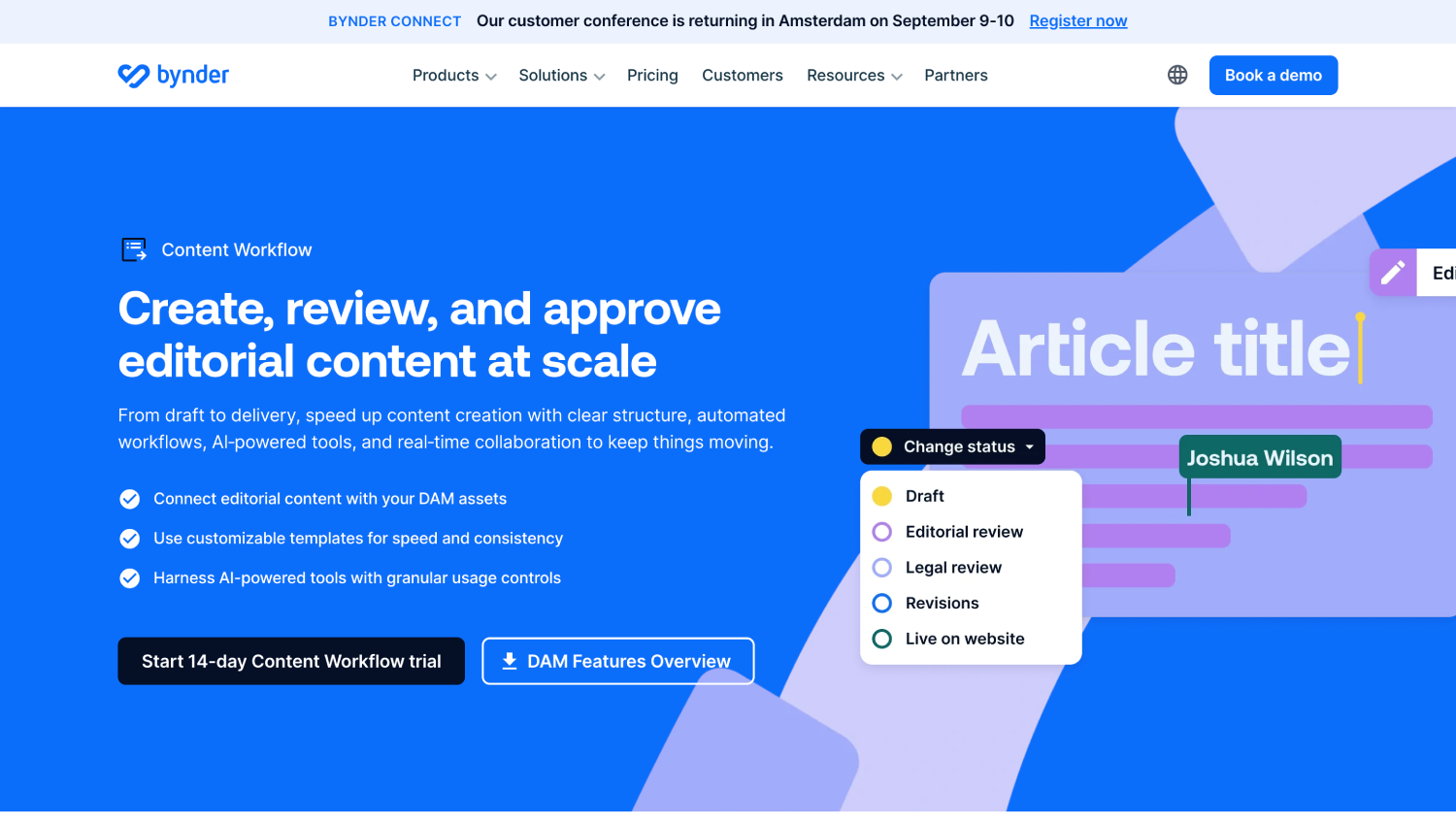
Bynder Content Workflow, formerly GatherContent, is the closest thing to a pure-play content operations platform on this list. Its template system is designed for structured content at scale: brief templates, content structure templates, and status workflows are all configurable per content type and can be locked to prevent drift. Teams at organizations with strict governance requirements (financial services, healthcare, enterprise SaaS) tend to land here.
The platform does not generate AI content natively, but it integrates with external AI tools and holds AI-generated drafts in the same structured record as the brief and review history. Bynder Content Workflow is quote-based for enterprise; the vendor does not publish public pricing. If your primary need is workflow governance and brief traceability rather than AI generation, this is the strongest structural fit on the list.
5. Percolate by Seismic

Percolate was acquired by Seismic and now serves primarily as a marketing content orchestration layer for enterprise teams. It handles campaign planning, content briefs, creative requests, and cross-channel publishing in a unified interface. For organizations with dedicated marketing operations functions, Percolate’s structured request forms and budget tracking per campaign are features that purpose-built writing tools do not offer.
Pricing is enterprise and quote-based. Percolate is not the right tool for a team of five. It is built for marketing organizations where multiple stakeholders need visibility into content production status across dozens of simultaneous campaigns and product lines. If your team runs campaign governance through spreadsheets today and you have a marketing ops lead, Percolate is worth evaluating. The Seismic integration also connects content performance to sales enablement, which is relevant for teams thinking about how content fits into a broader revenue operations infrastructure.
6. Kapost

Kapost (now part of Upland Software) is a B2B content operations platform that introduced the concept of content taxonomies to the marketing operations world before most competitors. Its Ideas module captures content requests and maps them to buyer journey stages and product lines before a brief is written. That intake-to-taxonomy step is where most teams lose alignment, and Kapost builds the discipline in structurally.
Kapost is enterprise pricing, available on request from Upland. The platform has matured into a content audit and governance tool as much as a production platform. Teams evaluating Kapost are usually coming from a situation where they have thousands of existing content assets spread across multiple product lines and need to rationalize the inventory before scaling production. For greenfield operations, the setup overhead is higher than lighter alternatives.
7. ContentStudio
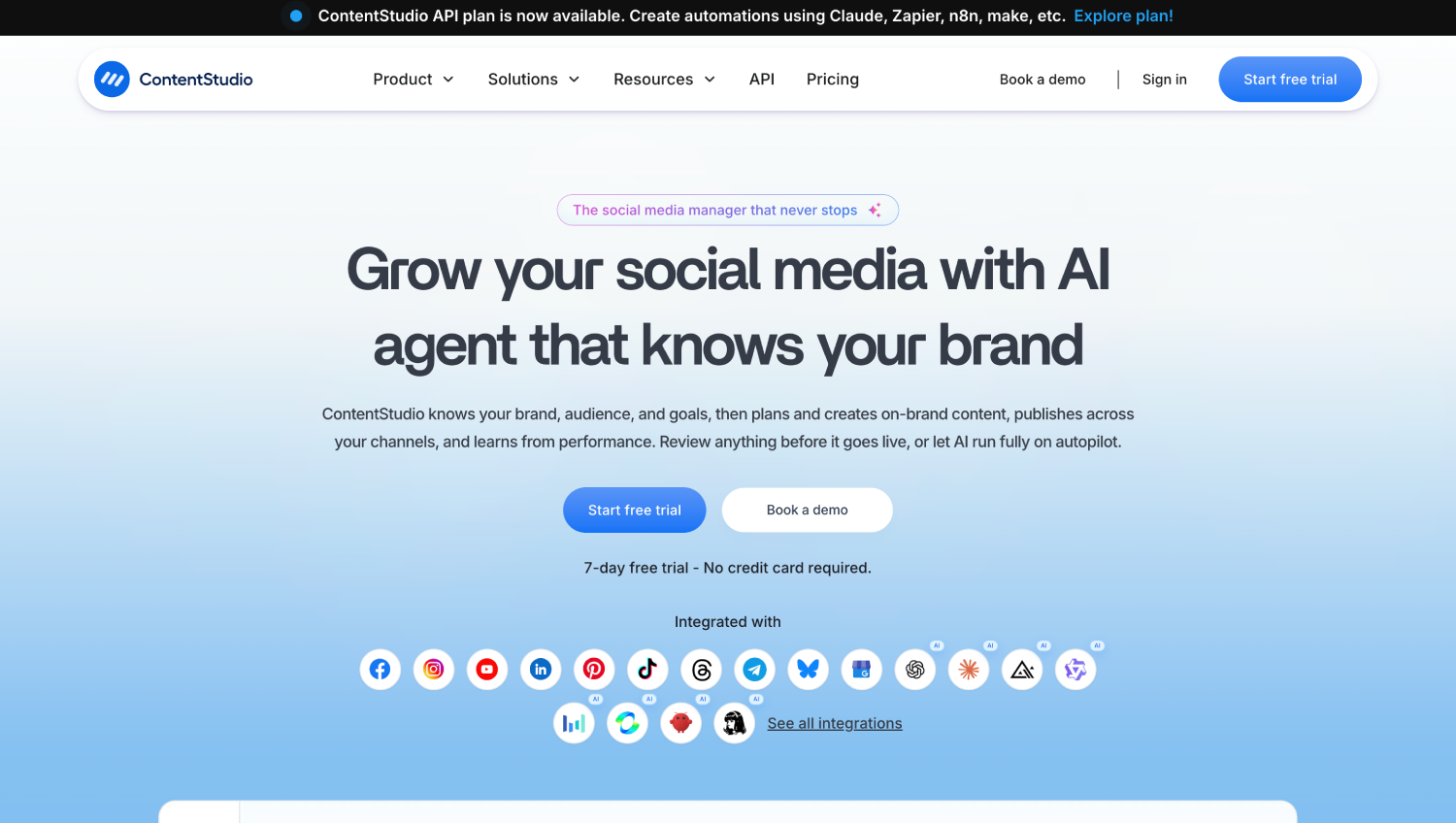
ContentStudio targets small to mid-market teams that need social media scheduling, content discovery, and a basic approval workflow in one tool. It is not as deep on structured content taxonomy as GatherContent or Kapost, but for teams managing five to fifteen social accounts across multiple product brands, its workspace separation is a practical solution. Each brand workspace has its own content calendar, approval flow, and analytics dashboard.
Pricing starts at $25 per month for the Starter plan and scales to $99 per month for the Agency plan (ContentStudio pricing page). The AI caption and article generation features are functional but not the primary reason to choose this tool. ContentStudio earns its place for multi-brand social operations teams that want calendar-level organization without enterprise complexity.
8. Mintent
Mintent is a content marketing platform with a strong emphasis on content planning aligned to buyer personas and funnel stages. Its planning module maps content ideas to customer segments before assignment, which is a workflow step most tools skip entirely. For product marketers who need to confirm that each product line has coverage across every funnel stage, Mintent’s gap analysis view shows where the content program has holes.
Mintent is mid-market in positioning and pricing; the vendor offers paid plans with pricing available on request from their site. It is not the most AI-forward tool on this list, but its planning rigor makes it a strong fit for teams where content strategy and content production are owned by different people who need to stay synchronized.
9. Wordable
Wordable solves a specific and painful problem: publishing Google Docs content to WordPress, HubSpot, or Medium without breaking formatting or requiring manual cleanup. For teams that draft in Google Docs (common in distributed content operations) and publish to a CMS, Wordable is the last-mile integration that makes the pipeline complete. It preserves headings, images, links, and meta fields on export.
Pricing starts at $50 per month for 10 exports and scales based on export volume (Wordable pricing page). Wordable is not a full pipeline tool. It is a handoff tool. Include it in an evaluation if your team uses Google Docs as the primary drafting environment and loses an hour per piece to CMS formatting on publish.
10. DivvyHQ
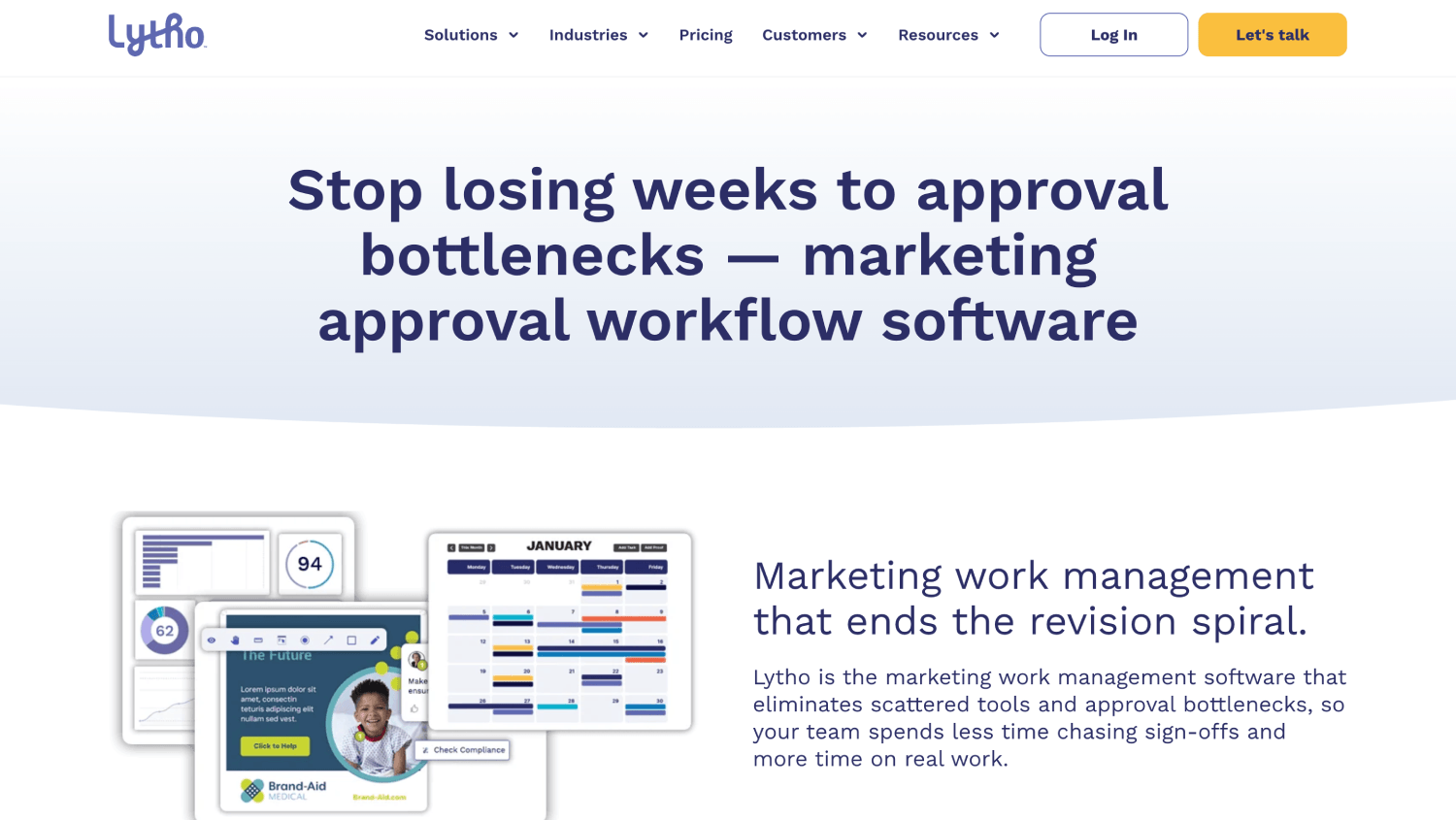
DivvyHQ is a content planning and workflow platform designed specifically for content-heavy marketing organizations. Its content calendar supports tagging by topic, campaign, business unit, and content type simultaneously, which maps directly to the multi-dimensional taxonomy requirement. Workflow templates can be configured per content type, so a white paper has a longer review chain than a social post without requiring manual workarounds.
DivvyHQ integrates with major CMS platforms and marketing tools. Pricing is quote-based for teams. For teams running content production across three or more business units or product lines, DivvyHQ’s calendar view is the best-organized planning surface on this list. The reporting module tracks production velocity by content type and team, which is useful data for a marketing ops lead justifying headcount or agency spend.
11. Contently
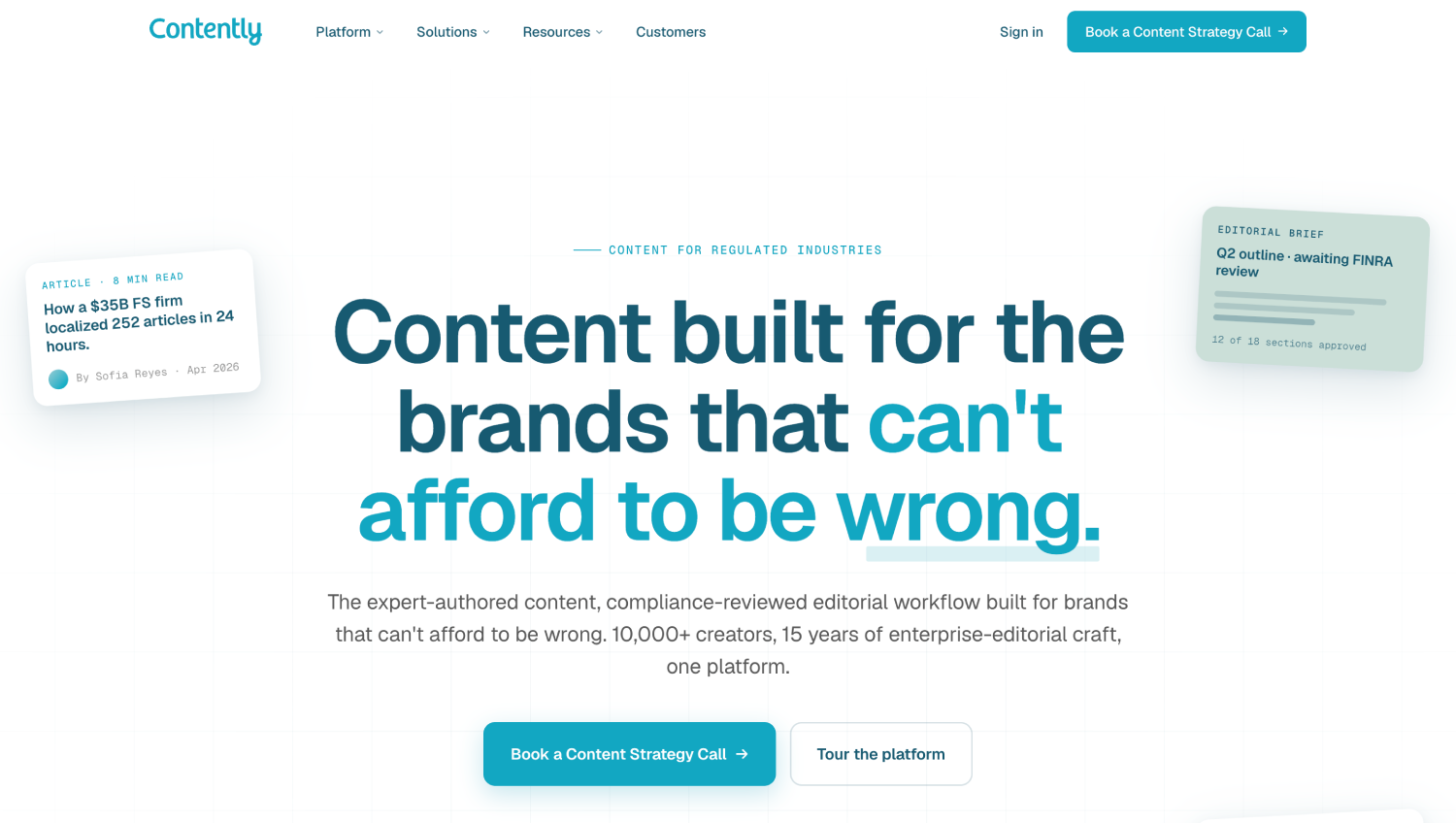
Contently combines a freelance talent network with a content workflow platform and performance analytics. For teams that supplement in-house writers with external contributors across multiple product lines, Contently’s talent matching and brief-to-assignment workflow addresses a coordination problem that generic project tools cannot. The platform routes briefs to credentialed freelancers with relevant subject matter expertise and tracks assignments through review and publication.
Pricing is enterprise and quote-based. Contently’s analytics layer tracks content performance post-publication and ties it back to individual content pieces, which gives content operations leaders a feedback loop most pipeline tools lack. For a CMO asking “what content is actually driving pipeline?”, Contently is the only tool on this list that comes close to answering that question natively, though teams that want deeper attribution modeling should pair it with a dedicated marketing attribution platform.
How Do These Tools Compare on Workflow Capability?
| Tool | AI Generation | Structured Brief Template | Multi-Product Taxonomy | Approval Workflow | CMS Publish Integration | Best For |
|---|---|---|---|---|---|---|
| Jasper | Native (strong) | Yes | Campaign grouping | Basic | Via API/integrations | AI-first content teams |
| Copy.ai | Native (workflow-based) | Via workflow parameters | Parameterized workflows | Basic | Limited | GTM teams automating content sequences |
| StoryChief | Assisted | Yes | Campaign grouping | Named stages | Strong (30+ channels) | Multi-channel distribution teams |
| Bynder Content Workflow | External AI only | Strong (structured) | Full taxonomy control | Strong (governance) | Yes | Governed enterprise content ops |
| Percolate by Seismic | Limited | Yes | Campaign + product | Enterprise-grade | Yes | Large marketing orgs with MOps |
| Kapost (Upland) | No | Yes (intake + brief) | Strong (buyer journey) | Strong | Yes | B2B content audit + governance |
| ContentStudio | Assisted | Basic | Brand workspace | Basic | Social-focused | Multi-brand social teams |
| Mintent | No | Yes | Persona + journey mapping | Yes | Limited | Strategy-led content planning |
| Wordable | No | No | No | No | Google Docs to CMS | Teams publishing from Google Docs |
| DivvyHQ | No | Yes | Strong (multi-tag) | Yes (per type) | Yes | Multi-BU content calendar ops |
| Contently | Assisted | Yes (talent-matched) | Strong | Full review chain | Yes | Enterprise content + freelance ops |
How Do You Build an AI Content Pipeline for a Marketing Team?
The structural error most teams make is deploying an AI writing tool and calling it a pipeline. A pipeline has defined stages, defined owners per stage, and defined outputs at each handoff. The AI sits inside one or two of those stages, not across all of them.
Consider a B2B SaaS company with three product lines (security, analytics, and a developer platform) running a content program targeting 60 pieces per month across blog, email, and landing pages. Without taxonomy, the team defaults to managing by deadline. With taxonomy, every piece is tagged at intake: product line, content type, funnel stage, and target persona. The pipeline tool enforces that tagging before a brief is written, which means reporting, repurposing, and gap analysis become queries on structured data rather than manual audits.
A functional brief-to-publish workflow for this team looks like this. At stage one, a content request is submitted via a structured intake form in the pipeline tool, tagged by product line and content type. At stage two, a brief template specific to that content type is auto-populated and routed to the content strategist for completion. At stage three, the approved brief goes to the writer or triggers an AI draft. At stage four, the draft enters a review queue with named approvers per product line. At stage five, the approved piece publishes to the designated channel via a direct integration or a handoff tool like Wordable. Throughout, every stage transition is timestamped and visible to the content ops lead.
Teams evaluating how content production fits into a broader AI marketing infrastructure should read the AI marketing stack breakdown, which covers where content ops sits relative to AI SEO, AI visibility, and AI-assisted analytics tooling.
Which Tool Is Best for a Lean Team Managing Multiple Product Lines?
For a team of two to five people managing content across three or more product lines, DivvyHQ and StoryChief are the strongest fits. DivvyHQ wins on taxonomy depth and calendar-level visibility. StoryChief wins on publish integrations and channel breadth.
If the team relies heavily on AI generation and wants it native to the workflow, Jasper or Copy.ai should anchor the stack, with a lighter project layer (not Notion or Airtable, which lack content-specific workflow enforcement) managing stage tracking. The key constraint for lean teams is not feature depth but setup time. Bynder Content Workflow and Kapost are the most powerful tools on this list and require the most configuration to deliver that power. A two-person team will not get a return on that setup investment in the first quarter.
For teams that already produce significant content volume and want to understand what is actually performing versus what is simply shipping, connecting the content pipeline to a performance layer matters. Teams using AI-generated content at scale are also increasingly thinking about whether that content surfaces in AI search results, which is a distinct problem covered in the best AEO and GEO tools for AI citation.
What Makes Content Taxonomy the Real Differentiator in Pipeline Tools?
Taxonomy is how a pipeline tool knows that a piece about enterprise security pricing is different from a piece about developer API documentation, even if both are blog posts. Without taxonomy, all content is the same shape and the pipeline cannot enforce different workflows, different review chains, or different distribution paths.
The minimum viable taxonomy for a multi-product marketing team has four dimensions: product line (which product or product category this content serves), content type (blog, email, landing page, case study, etc.), funnel stage (awareness, consideration, decision), and primary persona. Tools that support tagging or classification across all four dimensions can generate meaningful production reports. Tools that support fewer dimensions require manual workarounds that degrade over time.
Teams running structured content at scale are often also managing structured data across their stack. The intersection of content taxonomy and data infrastructure is tighter than most marketing leaders realize. A content pipeline tagged by product line and persona can feed segmentation logic in a CDP, which is one reason why content ops and customer data platform selection increasingly happen in the same planning cycle.
Frequently Asked Questions
What is the difference between a content pipeline and a content management system?
A CMS stores and serves published content on a website or digital channel. A content pipeline tool manages the production process before publication: intake, briefing, assignment, drafting, review, and approval. The two are complementary, not interchangeable. Most pipeline tools integrate with a CMS to push finalized content on approval, but they do not replace it. Teams that try to use a CMS as a production management tool typically end up with unstructured draft folders and no visible workflow state.
How do AI content pipeline tools handle multi-product content organization?
The better tools support multi-dimensional content taxonomy, meaning a piece can be simultaneously tagged by product line, content type, funnel stage, and persona. That tagging happens at intake, before a brief is written, and persists through every stage of the workflow. Tools that only support flat folder structures or single-tag systems break down when a team has more than two product lines running concurrent campaigns. DivvyHQ, Bynder Content Workflow, and Kapost have the deepest taxonomy support on this list.
Which AI content pipeline tool is best for a small team?
For teams of two to five people, StoryChief and DivvyHQ offer the best balance of taxonomy depth, workflow structure, and manageable setup overhead. StoryChief is better if multi-channel publishing is the primary bottleneck. DivvyHQ is better if calendar planning and production visibility across multiple product lines is the priority. Enterprise tools like Bynder Content Workflow and Percolate by Seismic have more configuration depth but require more setup investment than a lean team can typically absorb in the first 90 days.
Can I use Jasper or Copy.ai as a complete content pipeline?
Not quite. Both tools handle AI generation and basic campaign or workflow grouping well, but their review and approval stages are shallow compared to purpose-built pipeline platforms. Jasper’s Campaign feature groups related assets and applies brand voice per product, but escalation workflows and multi-stakeholder approvals require a separate tool or manual process. Copy.ai’s GTM Workflows automate generation sequences but do not enforce role-based stage gates. Both tools work best as the generation node inside a broader pipeline, not as the full system.
Do content pipeline tools integrate with popular CMS platforms like WordPress and HubSpot?
Most tools on this list offer at least one CMS integration. StoryChief publishes directly to WordPress, HubSpot, Medium, and more than 30 other channels. Wordable is a specialized tool specifically for pushing Google Docs content to WordPress, HubSpot, or Medium with formatting preserved. Bynder Content Workflow, DivvyHQ, and Contently all offer CMS integrations for enterprise setups. Copy.ai and Jasper rely more heavily on API connections or manual handoff for the publish step.
What is brief drift, and how do content pipeline tools prevent it?
Brief drift occurs when a finished content piece no longer reflects the original approved brief, typically because the brief lived in a separate document that writers referenced inconsistently. The best pipeline tools attach the approved brief directly to the content record so writers and reviewers see it in the same view as the draft. Bynder Content Workflow is the strongest on this dimension because it uses locked structured templates that cannot be overwritten after approval. Jasper, StoryChief, and DivvyHQ all support brief attachment or embedded brief fields with less strict locking.
How does content pipeline software differ from project management tools?
Generic project management tools like Asana or Monday.com can track content tasks but do not understand content structure. They have no concept of a content type, a funnel stage, a brand voice, or a publish integration. A content pipeline tool is a project management tool with a content-specific data model built in. That specificity is what enables taxonomy-based reporting, type-specific workflow templates, and direct CMS publishing. Teams that have tried to build content pipelines in generic project tools usually end up rebuilding the same custom fields and automations repeatedly as the content program scales.
The Org Structure Problem No Tool Solves Alone
Every tool on this list assumes someone owns the taxonomy decisions before the software is configured. That person is usually a content operations manager or a marketing ops lead who decides: which product lines need separate workflows, which content types require legal review, which channels need separate approval chains. Software enforces those decisions. It does not make them.
Teams that skip the taxonomy design step and go straight to tool configuration end up with a sophisticated-looking system that reflects no coherent strategy. The result is the same chaos as a Google Drive with dated folders, just with better software underneath it. The framework, not the platform, is what turns AI drafts into shippable volume.
For teams building out a full content operations function, the practical sequence is taxonomy design first, workflow mapping second, tool selection third. That sequence is counterintuitive when sales cycles are running and there is pressure to ship. But a pipeline tool bought before the taxonomy is defined will be reconfigured within six months, which costs more time than the initial design work would have.