- Most agencies run client onboarding through email threads and a shared Google Drive. That creates a data collection bottleneck, a poor first impression, and a churn risk that shows up 90 days later when the client feels underserved.
- Dedicated client onboarding software replaces ad hoc kickoff calls with structured intake forms, automated task sequences, branded client portals, and document collection workflows that run without an account manager chasing anyone.
- The right tool depends on your agency’s size and stack: project-management-first tools like Monday.com work if you already live in that platform, while purpose-built portals like HoneyBook or Copilot serve smaller firms that need a client-facing experience out of the box.
- Portal capability is the clearest differentiator in this category. Half the tools below give clients a branded URL with file uploads, e-signatures, and status visibility. The other half are internal workflow tools that happen to accept external input.
- Price ranges from free (limited) to enterprise-quote. The tools that charge per client portal seat tend to get expensive fast at 50-plus active clients.
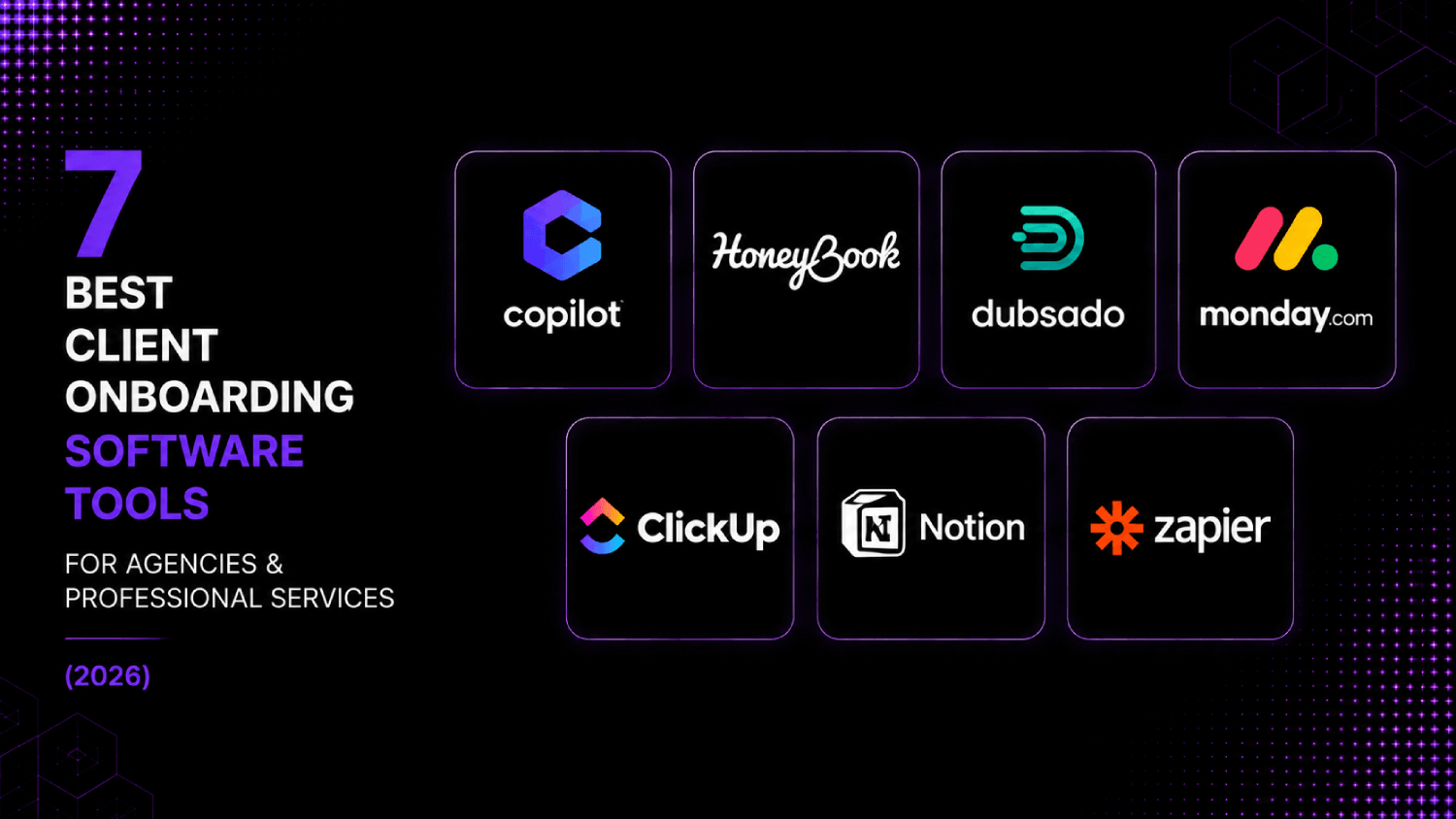
The best client onboarding software for agencies and professional services firms includes Copilot, HoneyBook, Dubsado, Monday.com, ClickUp, Notion (with templates), and Zapier-connected intake stacks. Each serves a distinct agency profile: Copilot leads on branded portals, HoneyBook wins for solo and small firms, Dubsado handles contract-to-invoice workflow, Monday.com suits ops-heavy teams already running projects there, and ClickUp fits agencies that want onboarding inside their existing PM environment.
Why Does Client Onboarding Software Matter for Agencies Specifically?
Client onboarding for an agency is structurally different from product onboarding in SaaS. There is no in-app activation event to track. Success is defined by whether the client feels informed, whether your team has what it needs to start work, and whether both parties agree on scope before a single deliverable ships. All three of those things depend on information exchange, not feature discovery.
The gap shows up in churn data. Agencies that lose clients in the first 90 days almost always trace it to a broken onboarding experience: the client never felt confident handing over access credentials, the intake questionnaire arrived via a five-email chain, or the signed contract lived in one system while the project brief lived in another. If you manage client retention through a customer success lens, you already know that the onboarding phase is when expectations get set or misset.
The tools in this list are evaluated on four criteria: client-facing portal quality, intake form and document collection depth, internal workflow automation, and pricing relative to agency use cases. Tools built primarily for SaaS product onboarding are excluded here. For that buyer, the product-focused onboarding tool comparison is the more relevant reference.
The AboutMartech Agency Onboarding Stack-Fit Test
Before evaluating any specific tool, run this four-question filter. It narrows a crowded market to two or three real options in under ten minutes.
- Portal or no portal? Does your client need a branded URL they can return to, or is a one-time intake form sufficient? If clients are ongoing retainer accounts, you almost certainly need a portal.
- Contract and payment in the same flow? Agencies that send proposals, get signatures, and collect deposits before work starts need a tool that handles all three steps without switching apps. Most PM tools cannot do this natively.
- Where does the project land after kickoff? If your team runs projects in Asana, ClickUp, or Monday.com, the onboarding tool needs to either live there or integrate cleanly. A parallel system creates duplicate data entry.
- How many active clients run simultaneously? Per-seat and per-portal pricing models break down differently at scale. Calculate your cost at 10, 50, and 100 active clients before committing.
If you answer “portal,” “yes to contracts,” “separate PM tool,” and “50-plus,” Copilot or a custom Zapier stack is likely the answer. If you answer “no portal,” “no to contracts,” and “already in ClickUp,” you probably do not need to buy anything new at all.
Which Client Onboarding Tools Have the Best Client-Facing Portals?
| Tool | Branded Client Portal | E-Signatures | Document Collection | Intake Forms | Starting Price (public) | Best For |
|---|---|---|---|---|---|---|
| Copilot | Yes (custom domain) | Yes | Yes | Yes | $29/mo (Starter) | Agencies wanting a full client-facing hub |
| HoneyBook | Partial (project view) | Yes | Yes | Yes | $19/mo (Starter) | Freelancers and small agencies (under 10 staff) |
| Dubsado | Partial (client view) | Yes | Yes | Yes | $20/mo | Boutique agencies needing proposal-to-invoice automation |
| Monday.com | No (internal PM) | Via integration | Limited | Via WorkForms | $9/seat/mo (Basic) | Ops-heavy agencies already on Monday |
| ClickUp | No (internal PM) | Via integration | Limited | Yes (Forms) | Free; $7/seat/mo (Unlimited) | Agencies that want onboarding inside their PM tool |
| Notion | Partial (public pages) | No (native) | No (native) | Via integrations | Free; $10/seat/mo (Plus) | Ops-light teams that run on docs and templates |
| Zapier | No (connector only) | Via connected apps | Via connected apps | Via Typeform/Jotform | Free; $19.99/mo (Starter) | Agencies stitching a custom intake stack |
7 Best Client Onboarding Software Tools, Ranked by Agency Use Case
1. Copilot: Best Branded Client Portal for Growing Agencies
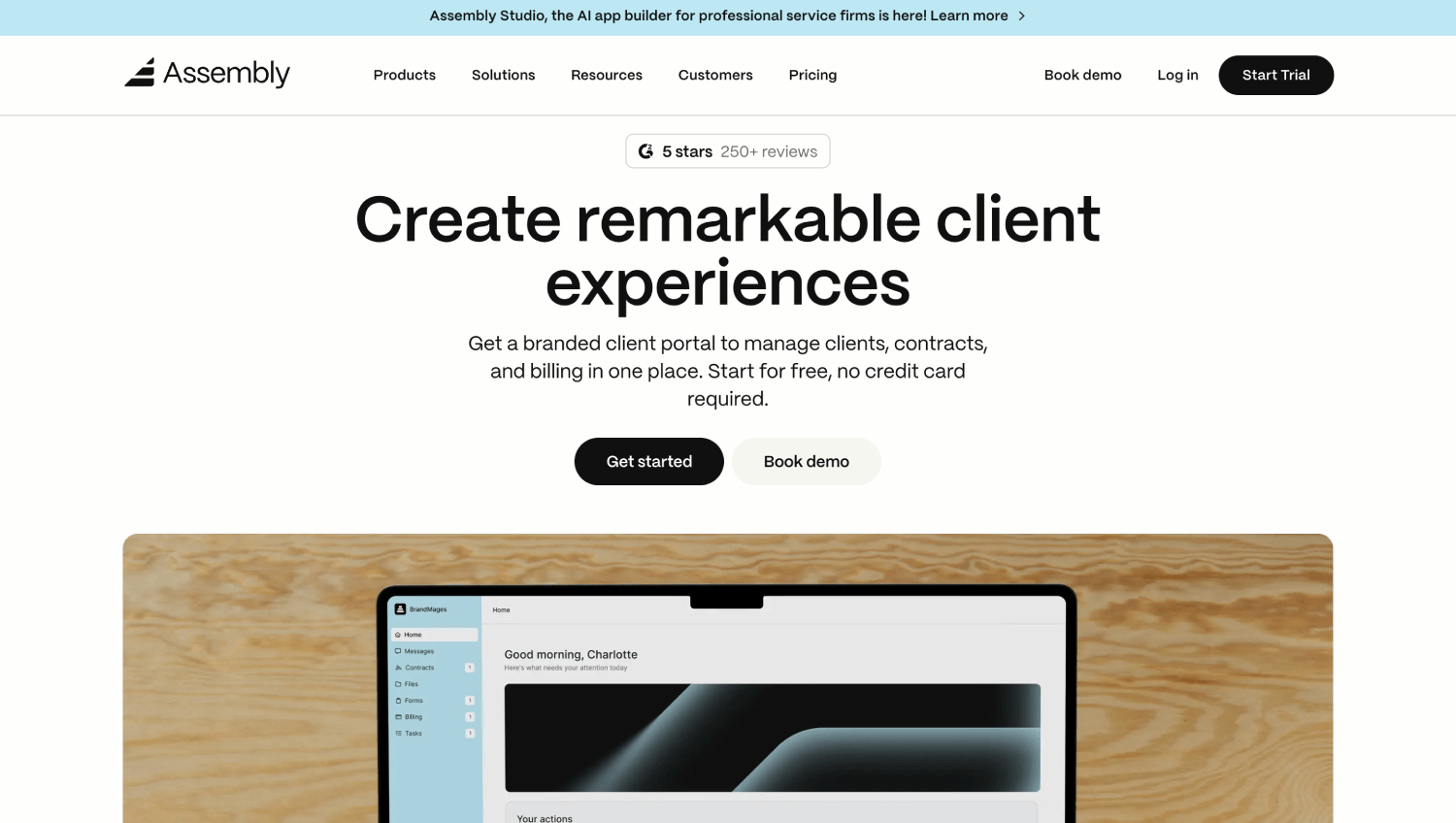
Copilot (alsois purpose-built for service businesses that want clients to have a single, branded hub rather than a pile of email attachments. The platform gives each client a white-labeled portal with a custom domain, which is something almost no other tool in this price range handles natively.
Inside the portal, clients can complete intake forms, upload files, sign contracts, pay invoices, and message your team without leaving the URL. For agencies selling ongoing retainers, that persistent client experience is what separates Copilot from a project management tool with a guest view bolted on. The onboarding checklist feature lets you build a sequential task list that the client works through at their own pace, with your team notified at each completion step.
Pricing on Copilot’s public pricing page starts at $29 per month for the Starter plan. The Professional plan at $69 per month adds custom branding, automations, and API access. Per-client pricing is not charged separately, which is a meaningful advantage for agencies running more than 20 active client portals simultaneously.
The gap: Copilot is not a project management tool. Internal task tracking is limited, and most agencies will need to connect it to Asana or ClickUp for delivery-side work. The Zapier integration handles this reasonably well, but it is still a two-system setup.
2. HoneyBook: Best All-in-One for Small Agencies and Freelancers
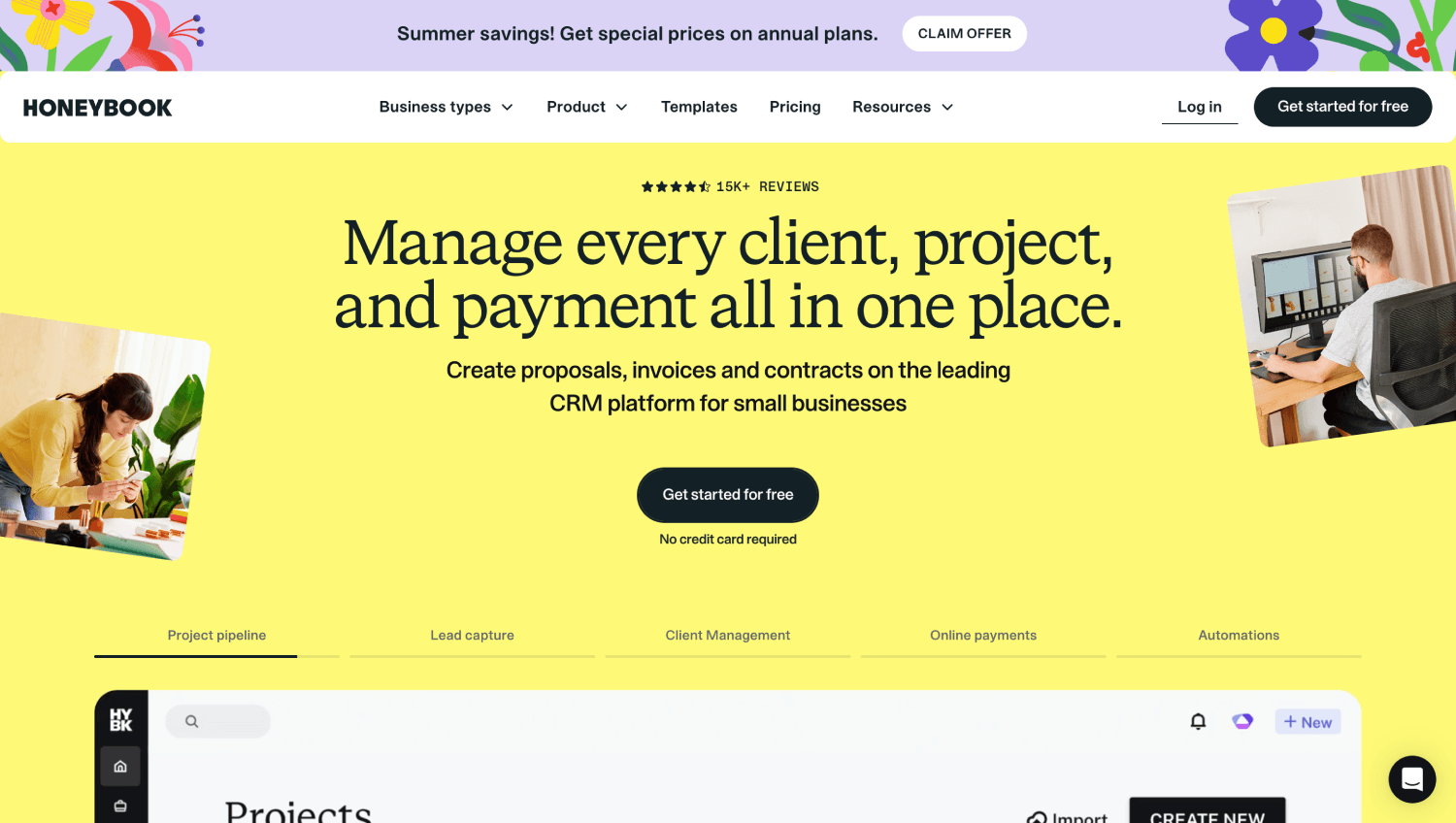
HoneyBook packages lead capture, proposals, contracts, payments, and onboarding questionnaires into a single workflow aimed squarely at small creative agencies and independent consultants. The Smart Files feature is the core differentiator: a single shareable document that combines a proposal, contract, and payment request, so clients complete the whole intake flow in one sitting instead of across four separate emails.
HoneyBook’s automations are trigger-based and usable without technical setup. When a client signs a contract, the platform can automatically send a welcome email, deliver a kickoff call link, and send the onboarding questionnaire. For a solo operator or a three-person agency, this replaces a genuinely painful manual workflow.
The Starter plan is listed at $19 per month on HoneyBook’s public pricing page (billed monthly). The Essentials plan at $39 per month adds automations, which is where most of the onboarding value lives. The client-facing experience is clean but not as customizable as Copilot. There is no custom domain option on the Starter tier, and the portal view is more “project status page” than a full-featured hub.
HoneyBook is the right pick if you are under ten staff, bill by project rather than retainer, and want a tool that handles revenue collection alongside onboarding without connecting a separate payment processor.
3. Dubsado: Best for Boutique Agencies Needing Proposal-to-Invoice Automation
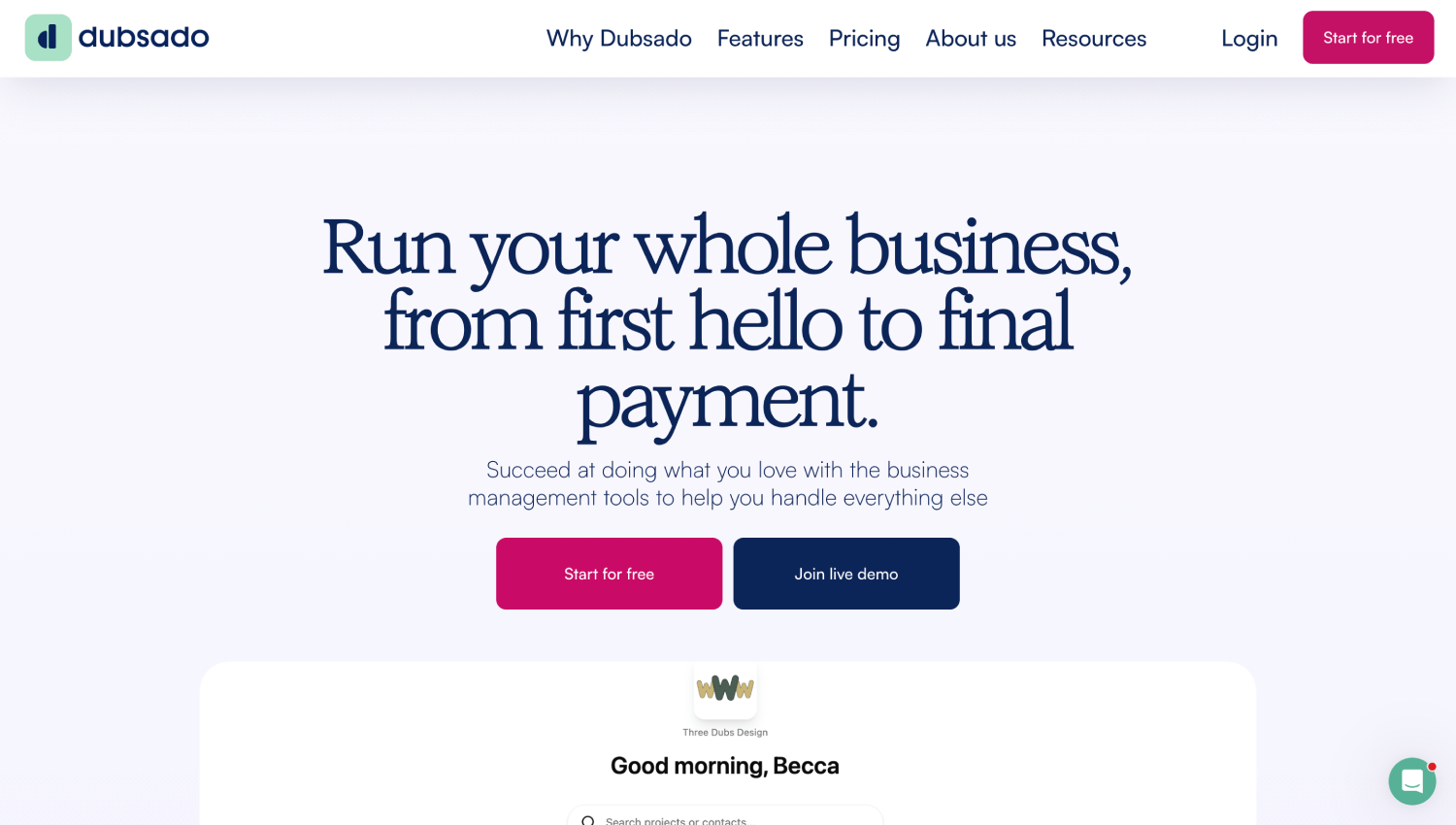
Dubsado is closer to HoneyBook than Copilot in its positioning, but it goes deeper on workflow automation and form customization, at the cost of a steeper initial configuration curve. The platform’s “Workflows” engine lets agencies define multi-step sequences triggered by client actions: form submitted, invoice paid, project stage changed.
The form builder is one of the most flexible in this category. Agencies can build conditional logic into intake questionnaires, so a client who selects “SEO” as a service type sees different follow-up questions than a client who selects “paid media.” That conditional branching matters for agencies that onboard clients across multiple service lines.
Dubsado’s public pricing starts at $20 per month (or $200 per year). The platform does not charge per client or per project, which makes it cost-stable as an agency scales. The client-facing view is functional but plainly designed compared to Copilot, and Dubsado’s native project management is minimal. Consider it a strong front-end onboarding and CRM layer that hands off to a separate delivery tool once the contract is signed.
4. Monday.com: Best for Ops-Heavy Agencies Already Running Projects There
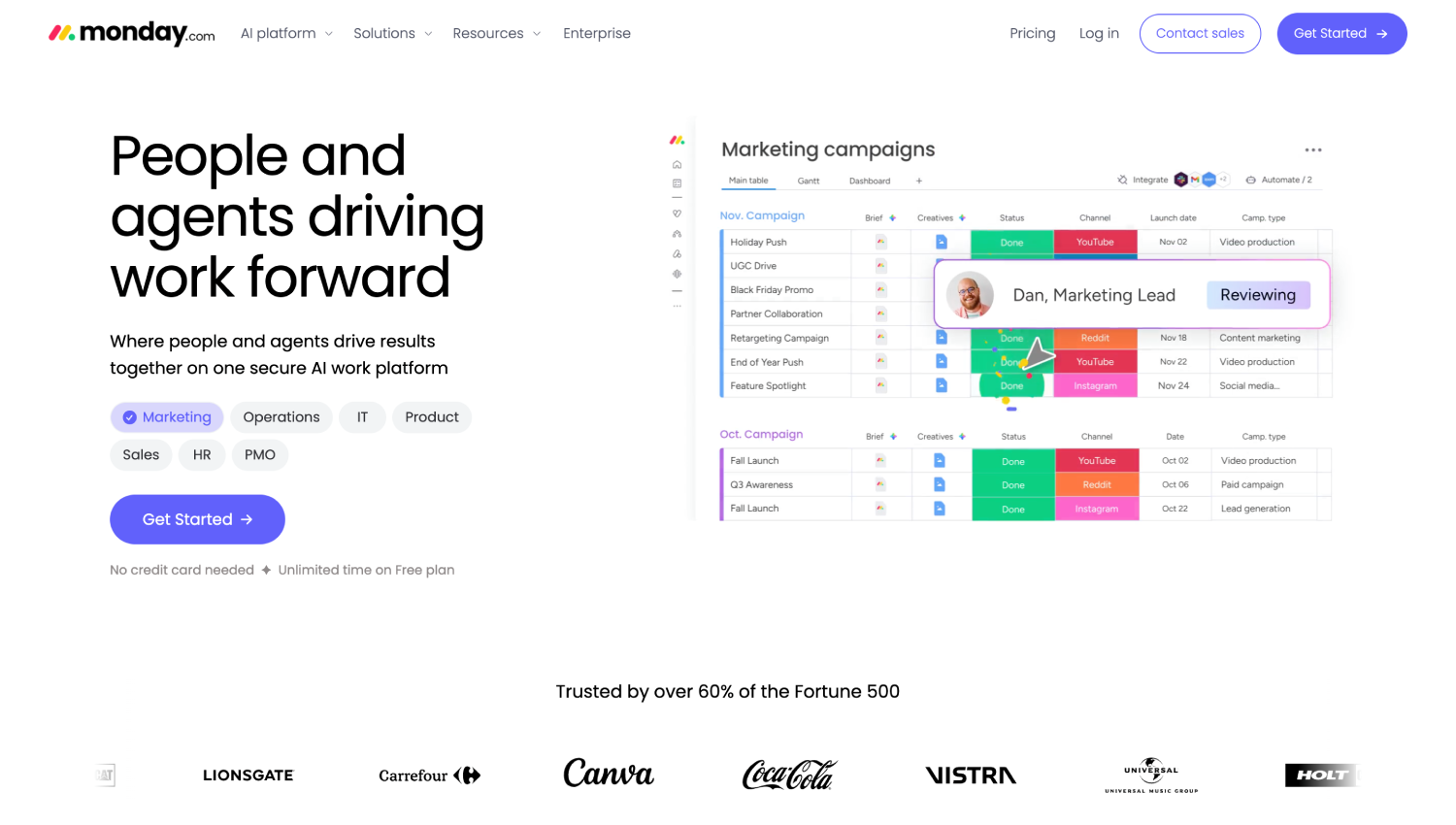
Monday.com is not a client onboarding tool in the traditional sense. It is a work operating system that agencies increasingly use to run onboarding as a board workflow, rather than buying a separate product. The advantage is consolidation: onboarding tasks, internal assignments, and delivery milestones live in the same place, with no integration overhead.
Monday’s WorkForms feature handles client intake natively. An agency can embed a WorkForms form on a client-facing URL, have responses populate a Monday board automatically, and trigger a task template for each new client. That flow handles the mechanics of structured onboarding without a separate portal product.
The limitation is visible: there is no white-labeled client portal. The guest view clients can access is functional but shows Monday’s branding, and clients can see more internal context than most agencies want to share. Monday’s Basic plan starts at $9 per seat per month (billed annually) according to its public pricing page, but “per seat” costs compound quickly when you factor in internal team members across multiple accounts.
The right buyer is an agency already deeply invested in Monday that wants onboarding to live inside the same operational layer rather than managing a second system.
5. ClickUp: Best for Agencies That Want Onboarding Inside Their PM Tool Without Paying More
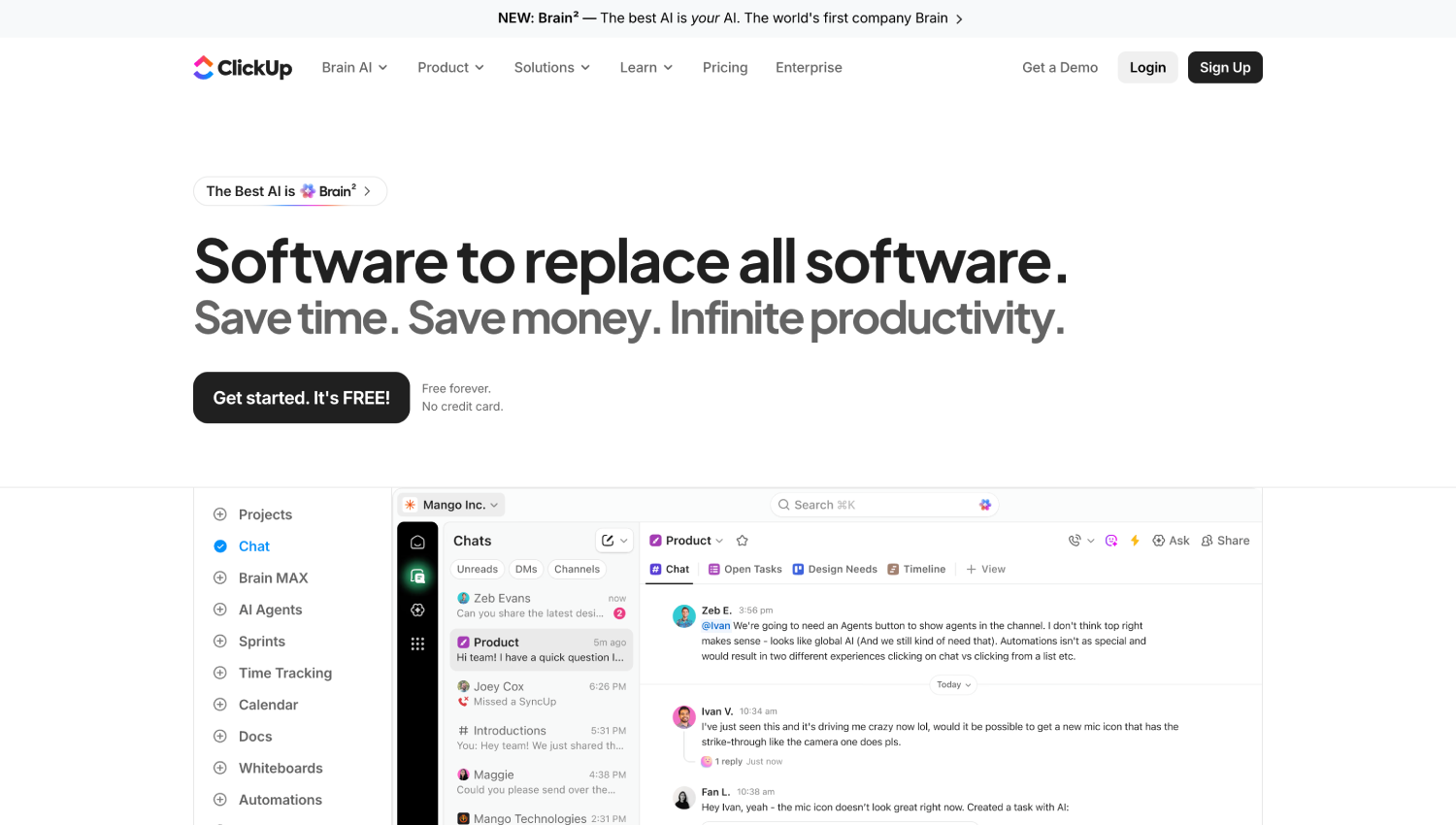
ClickUp handles client onboarding through a combination of its native Forms feature, task templates, and Docs. An agency can build a client intake form that auto-creates a project folder with a pre-populated task list when submitted. The workflow requires some initial template setup but is fully functional on the free tier.
The Forms feature supports conditional logic, file uploads, and custom branding, which puts it ahead of many purpose-built intake tools on raw form capability. ClickUp’s Automations let you trigger internal actions based on form submissions, new folder creation, or status changes, all without touching Zapier.
ClickUp does not offer a client-facing portal with persistent client login. It is an internal tool that can accept external input. If your onboarding requires clients to return repeatedly, check project status, or communicate asynchronously through a branded interface, ClickUp does not fill that role without a custom build. The Unlimited plan at $7 per seat per month (billed annually) is well-priced for the internal workflow capability, and the free tier covers most small agency needs.
6. Notion: Best for Documentation-First Agencies With Light Onboarding Needs
Notion earns a place on this list not as a purpose-built onboarding tool, but because a significant number of professional services firms already run their knowledge base and project documentation in Notion and want onboarding to live there too. A shared Notion page, shared with a client’s email, can serve as a rudimentary client portal: welcome materials, project brief template, a checklist of assets needed, and embedded links to intake forms hosted elsewhere.
The workflow typically looks like this: an agency builds a client onboarding template in Notion, duplicates it for each new client, shares it with the client via Notion’s page-sharing feature, and then collects intake data via a linked Typeform or Jotform that populates a Notion database via Zapier. It is not a polished solution, but for agencies with fewer than ten active clients and a team that already thinks in Notion, it avoids buying a dedicated tool entirely.
Native signatures, payment collection, and automated task sequencing are absent in Notion without integrations. The Plus plan is $10 per seat per month according to Notion’s public pricing page. Treat Notion as a serious option only if your onboarding is primarily about documentation handoff rather than structured data collection and workflow automation.
7. Zapier-Connected Intake Stacks: Best for Agencies That Want Full Control Without a Dedicated Platform
Some agencies reach a point where no single tool fits their onboarding process well enough to justify the compromises, particularly firms with highly customized intake workflows, multiple service lines with different data requirements, or specific CRM integration needs. A Zapier-connected stack addresses this by composing onboarding from best-of-breed components.
A typical build looks like this: Typeform or Jotform handles intake forms with conditional logic and file upload. DocuSign or PandaDoc handles e-signatures. Stripe handles payment. A CRM like HubSpot or Pipedrive holds the client record. Zapier connects form submission to contract send to CRM record creation to project folder setup in ClickUp or Asana. The whole sequence runs without human intervention once a new client is confirmed.
The real cost of this approach is build time and maintenance overhead. Each integration point is a failure mode. When Typeform changes its API schema or Zapier introduces a new authentication requirement, someone on your team has to fix it. Zapier’s public pricing starts at $19.99 per month for the Starter plan, but the full stack cost including form, signature, and CRM tools typically exceeds any single-platform solution. This architecture suits agencies with a dedicated operations or RevOps function. For everyone else, the maintenance burden typically outweighs the flexibility gain. If the data and workflow complexity of your RevOps stack is already a concern, the RevOps tool comparison has relevant context on how integration-heavy stacks are evaluated at scale.
What Is the Difference Between Client Onboarding and Customer Onboarding?
The terms are used interchangeably in most marketing copy, but they describe meaningfully different processes for different buyers. Customer onboarding, in the SaaS and product sense, is about getting a user to experience the core value of a software product as quickly as possible. It is measured by time-to-activation, feature adoption, and in-app behavior. The tools built for it, things like Appcues, Pendo, or Intercom, focus on in-product tours, triggered emails, and usage analytics.
Client onboarding, in the agency and professional services sense, is about information exchange and expectation alignment between two organizations. There is no app to activate. The “aha moment” is when both parties agree on deliverables, timelines, and access credentials, and when your team has everything it needs to start work. The tools built for this focus on intake forms, document collection, contract signing, and client-facing communication rather than product analytics.
Buying the wrong category tool is a common mistake. An agency that purchases an in-app onboarding tool because it ranks well for “client onboarding software” ends up with a product that has no use case for their business model. If you are curious how the two buyer types diverge further across customer success platforms, the customer success platform comparison covers the SaaS-side tooling in depth.
How Do Agencies Automate Client Kickoff Without Losing the Personal Touch?
The concern most agency principals raise about onboarding automation is that it makes the client experience feel transactional. That concern is valid for poorly designed automation. The fix is sequencing: automate data collection and document logistics, not relationship signals.
Consider an agency that onboards a new content marketing retainer client. The intake questionnaire, NDA, contract, and brand asset upload request can all run automatically via Copilot or Dubsado from the moment the deal is marked won in the CRM. By the time the account manager sends a personal welcome video or makes the kickoff call, they already have the brand brief, the signed contract, the logo files, and the analytics access credentials. The call is substantive instead of administrative.
That separation is where onboarding automation delivers its real value: not replacing human interaction, but eliminating the ten emails that precede the first meaningful one. Agencies that get this right typically cut kickoff-to-deliverable time by weeks, simply because they are not waiting on a PDF that someone forgot to attach.
What Is the Cheapest Client Onboarding Tool for a Small Agency?
For a solo operator or agency under five people, ClickUp’s free tier handles intake forms, project templates, and internal task tracking without any cost. It lacks a client portal, but for project-based work where the client relationship is managed via email, that may be sufficient.
HoneyBook’s Starter plan at $19 per month (billed monthly) is the cheapest full-featured option if you need contracts and payments alongside intake. Dubsado’s $20 per month plan matches that and adds deeper workflow automation, though the setup time is higher.
Notion’s free tier supports basic client workspaces via shared pages, but requires pairing with free-tier Jotform or Google Forms for intake and a separate e-signature tool for contracts. The total cost is low but the assembly time is not.
Frequently Asked Questions: Client Onboarding Software
What features should agency client onboarding software include?
At minimum: intake forms with file upload support, e-signature capability for contracts, automated task sequencing triggered by client actions, and some form of client-facing communication or status view. A branded client portal with a persistent login is the feature that most directly affects client perception of your agency’s professionalism. Tools that also handle invoicing and payment collection reduce the number of systems a new client has to interact with during their first 30 days.
Can project management tools like Monday.com or ClickUp replace dedicated onboarding software?
They can handle the internal workflow side of onboarding: task templates, progress tracking, team assignments, and internal notifications. What they do not replace is a client-facing portal with white-label branding, native e-signatures, and payment collection. If your clients are comfortable logging into Monday or ClickUp as guests, the PM tool alone may suffice. If you want clients to experience a branded hub rather than your project management backend, a dedicated tool like Copilot is the cleaner answer.
Is client onboarding software worth the cost for a small agency?
For any agency with more than three active clients at once, yes. The cost of a missed intake item, a delayed contract, or a client who starts a project without fully understanding scope typically exceeds a month of software cost in revision work and goodwill damage. The more important calculation is time: if your account managers spend more than two hours per client on onboarding logistics, a $20 to $70 per month tool that cuts that to 30 minutes is a straightforward return.
Which client onboarding tools support e-signatures without a separate DocuSign account?
Copilot, HoneyBook, and Dubsado all include native e-signature functionality as part of their base plans. Monday.com and ClickUp do not include native e-signatures and require integration with a third-party tool like DocuSign or PandaDoc. Notion has no native e-signature capability. For agencies that want to avoid paying for a separate e-signature service, Copilot, HoneyBook, or Dubsado are the practical options.
How does client onboarding software integrate with CRMs like HubSpot or Salesforce?
Most tools in this category integrate with HubSpot via native connector or Zapier. Copilot and HoneyBook both publish HubSpot integrations. Dubsado’s integration with major CRMs is primarily Zapier-based. Monday.com has a native HubSpot integration. Salesforce integration is less common natively at this price tier and typically requires a Zapier or Make.com workflow for tools like Copilot or Dubsado. If tight CRM sync is a requirement, confirm the specific integration depth before committing, since “integrates with HubSpot” can mean anything from full bidirectional contact sync to a one-way webhook on form submission.
What is a client portal, and which tools actually provide one?
A client portal is a persistent, branded web interface where a client logs in to complete tasks, view project status, upload files, sign documents, pay invoices, and communicate with your team. Of the seven tools reviewed here, Copilot provides the most complete client portal experience, including custom domain support and white-label branding. HoneyBook and Dubsado provide a partial portal, more a project view than a full hub. Monday.com, ClickUp, Notion, and Zapier-connected stacks do not provide a true client portal natively.
How do agencies typically structure the client onboarding checklist?
Most agency onboarding checklists follow a four-stage pattern: pre-kickoff (contract signed, deposit paid, intake form completed), kickoff (credentials and asset access collected, kickoff call held, scope confirmed), week-one setup (internal project structure created, tools provisioned, roles assigned), and first-deliverable review (initial work reviewed against brief, feedback loop established). Tools like Copilot and Dubsado let you encode this as an automated sequence with client-facing tasks and internal team tasks running in parallel. The handoff from onboarding to delivery is cleanest when the same tool tracks both sides of the checklist.
Which Tool Should You Actually Buy?
The choice between Copilot, HoneyBook, and Dubsado comes down to one decision: do you need a client portal that clients return to repeatedly, or do you need a one-time intake-and-contract flow? Copilot is clearly the right answer for the first scenario, particularly for retainer-based agencies with 20 or more active clients. HoneyBook and Dubsado serve the second scenario better, and HoneyBook edges out Dubsado on ease of setup while Dubsado wins on form customization depth.
Monday.com and ClickUp belong in the conversation only for agencies that have already committed to those platforms and want onboarding to live inside the same operational layer. Buying either tool specifically for client onboarding, when you do not already use them for project delivery, would be a poor allocation of the setup time required. Notion occupies a similar position: valuable if you already live there, not worth adopting for onboarding alone.
The Zapier-connected stack is a power-user option, not a default recommendation. It offers the most flexibility and becomes the right answer when a specific CRM or delivery tool integration requirement cannot be met by a packaged product. Most agencies that end up there do so because they outgrew a packaged tool, not because they started there. Build the simple system first, then add complexity when the simple system actually breaks. That sequencing avoids the trap of over-engineering an onboarding workflow for a problem that a $29-per-month portal would have solved entirely.